 Implementation & managed service
We configure Zoho One around how your business actually operates, connect every app so data crosses between them, and keep the whole system running afterward. You get one operating system your team uses, not fifty apps they each work around.

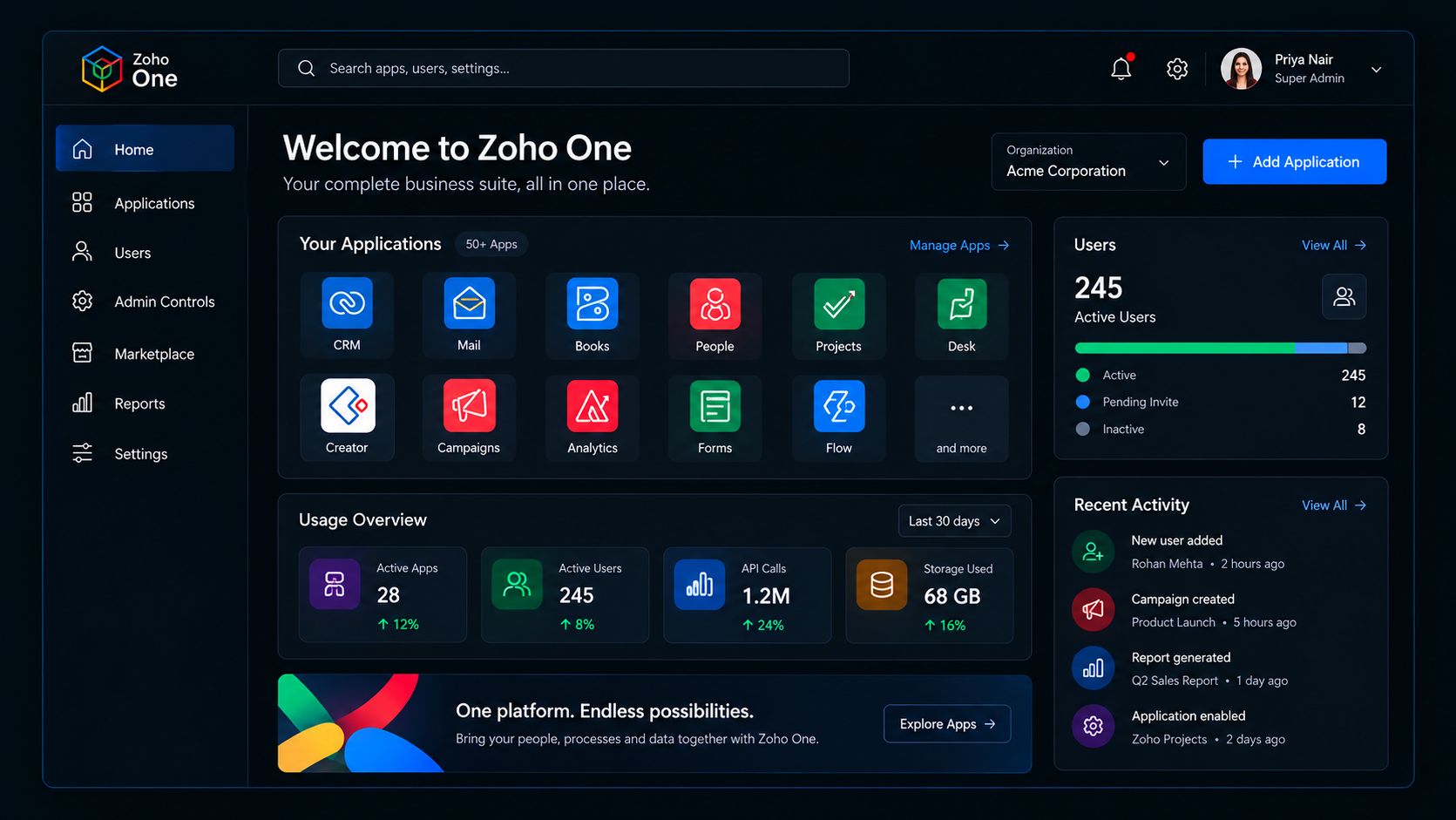
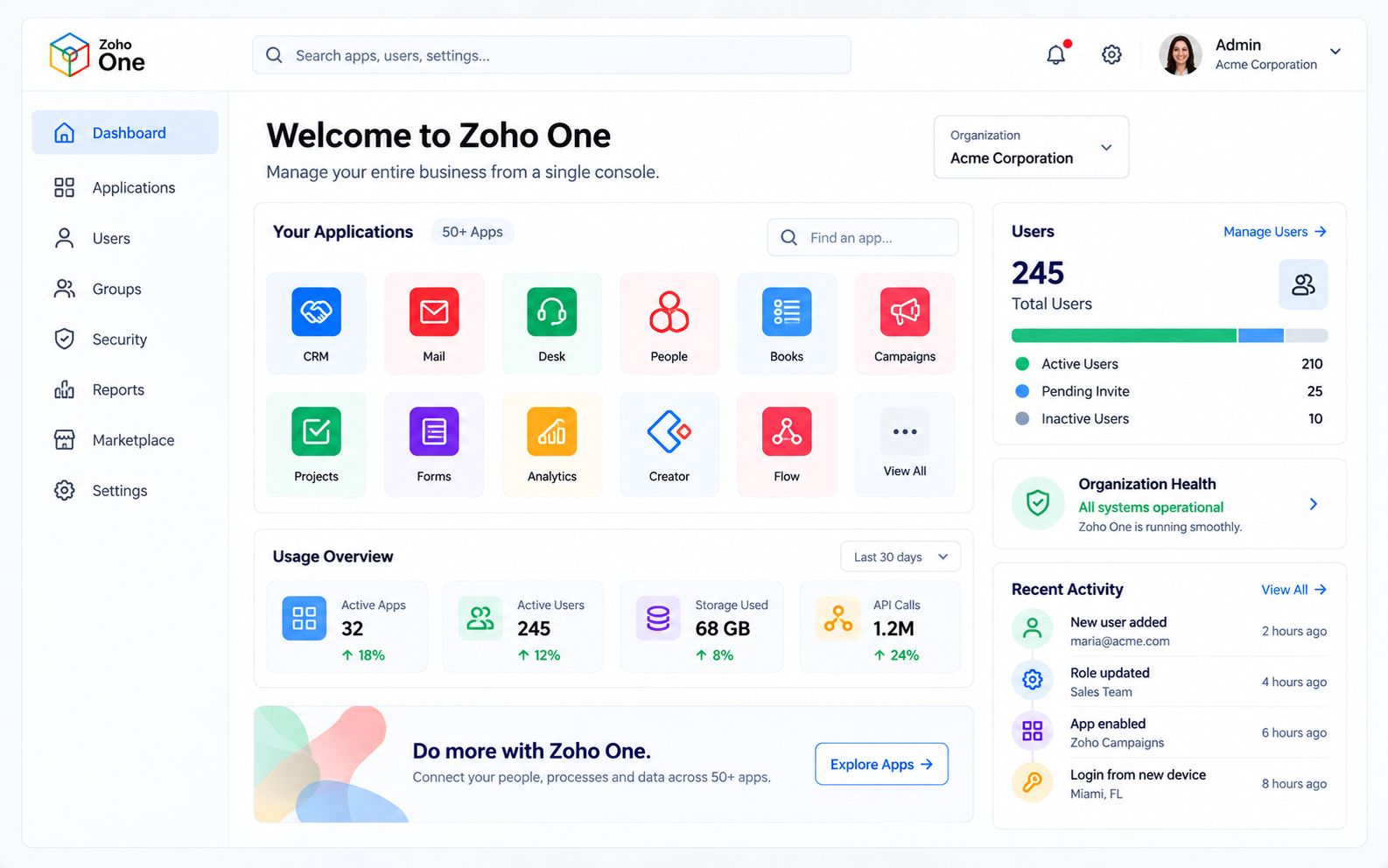
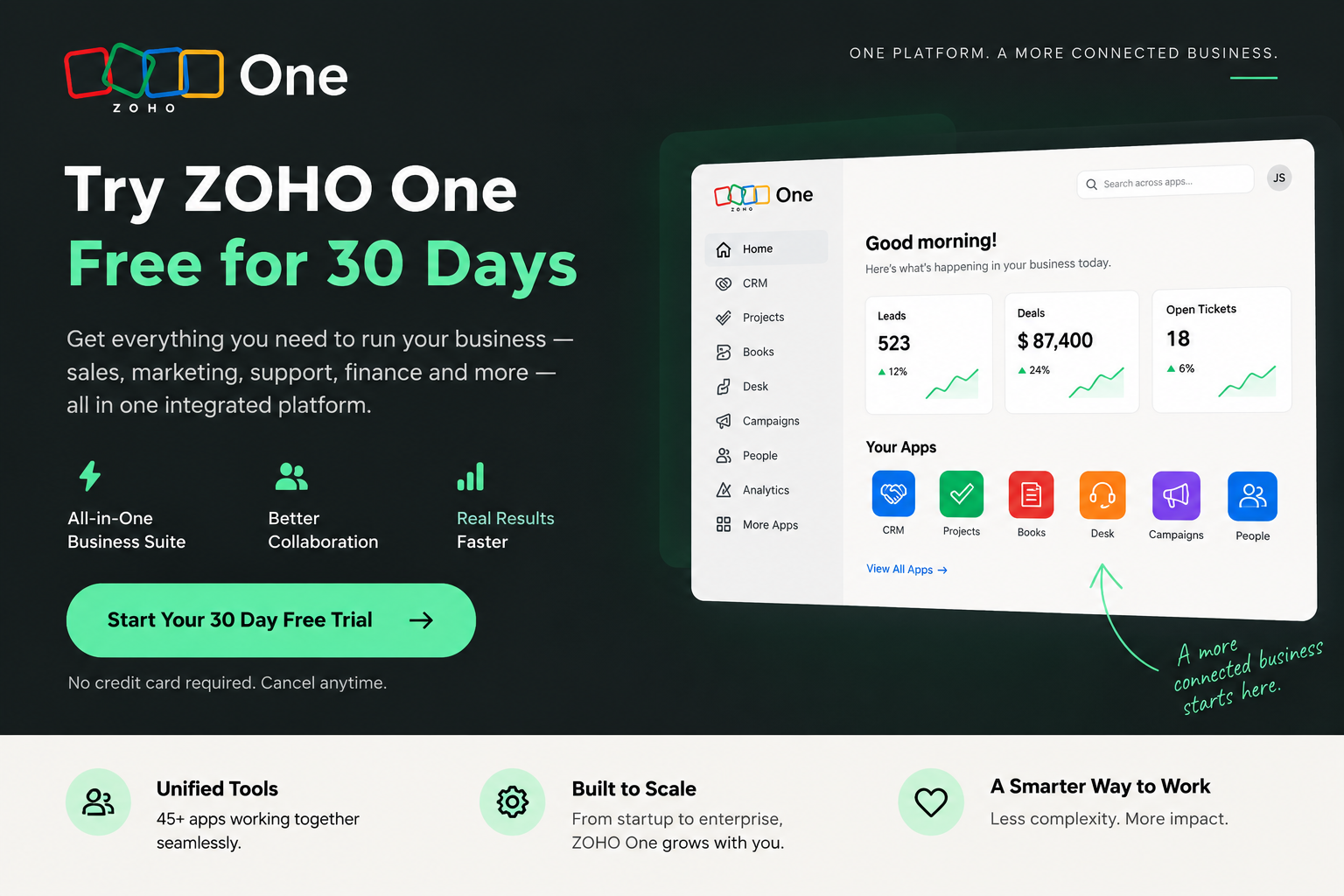
Provision, license and secure every Zoho app your team uses from a single admin console, instead of a dozen separate logins.
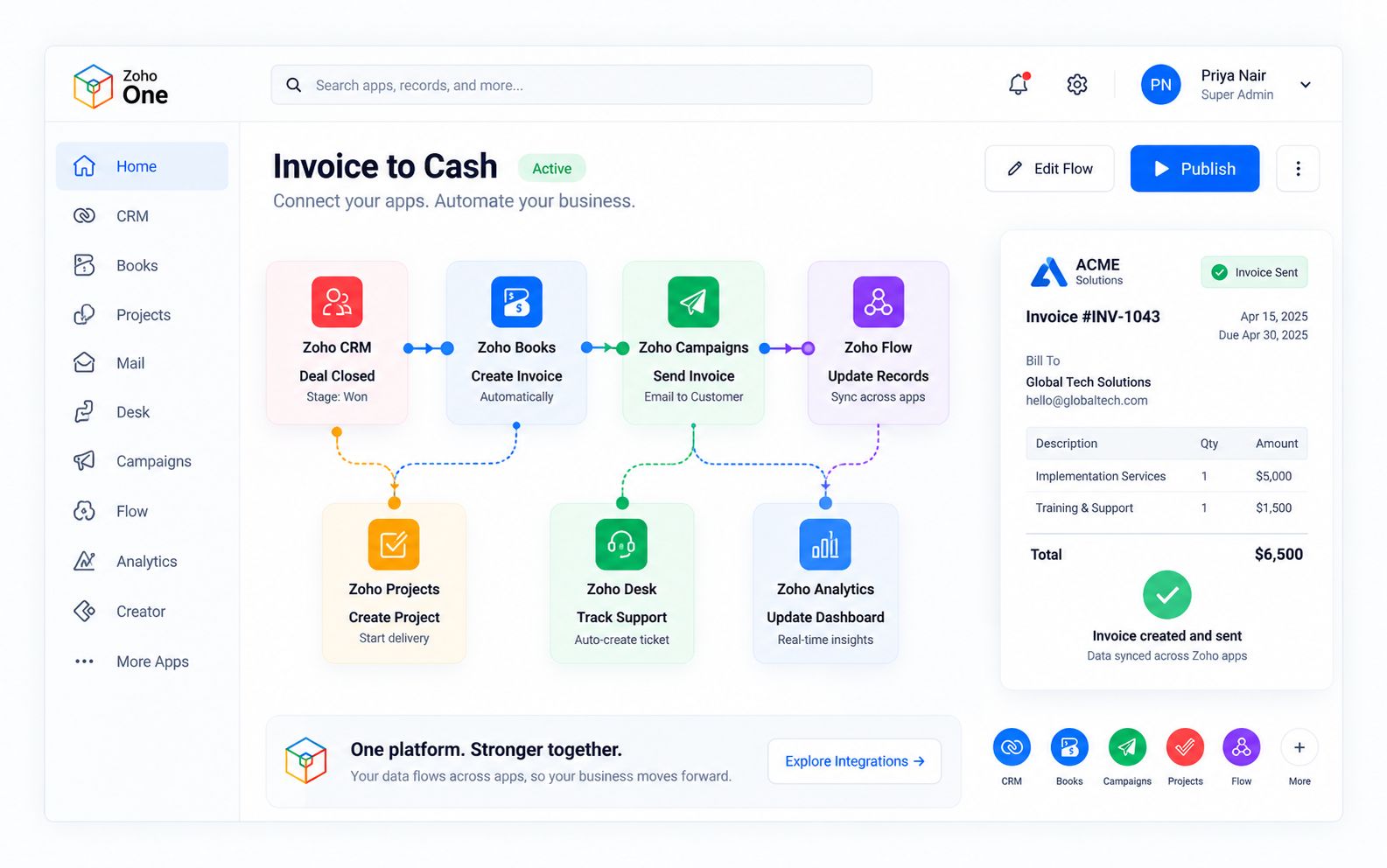
A deal closing in CRM can create the invoice in Books, the project in Projects and the ticket queue in Desk, automatically.
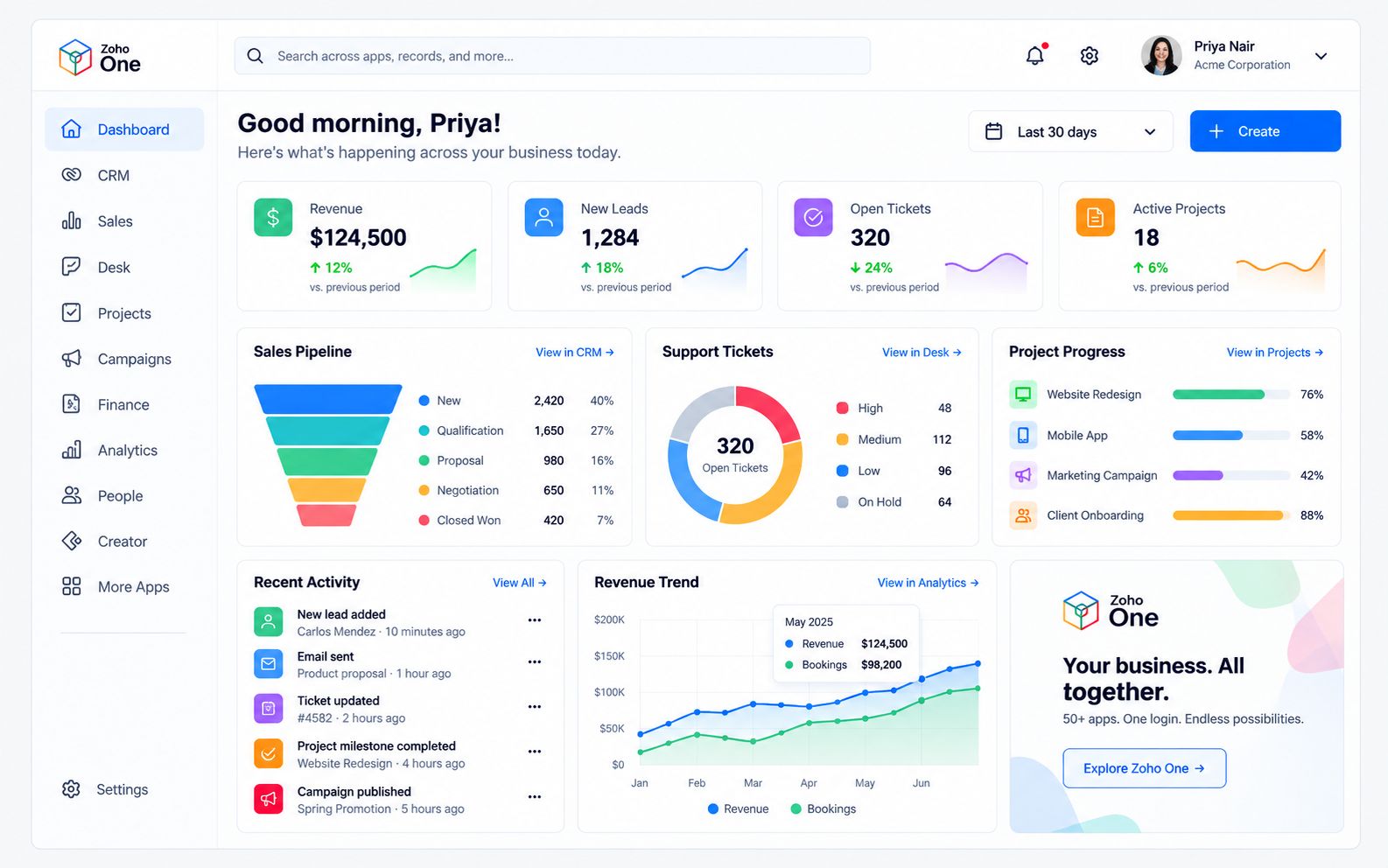
Sales, support, finance and marketing numbers in one dashboard, instead of five exports stitched together by hand.
We pick the apps that match how you actually work, and sequence the rollout so teams aren't retrained twice.
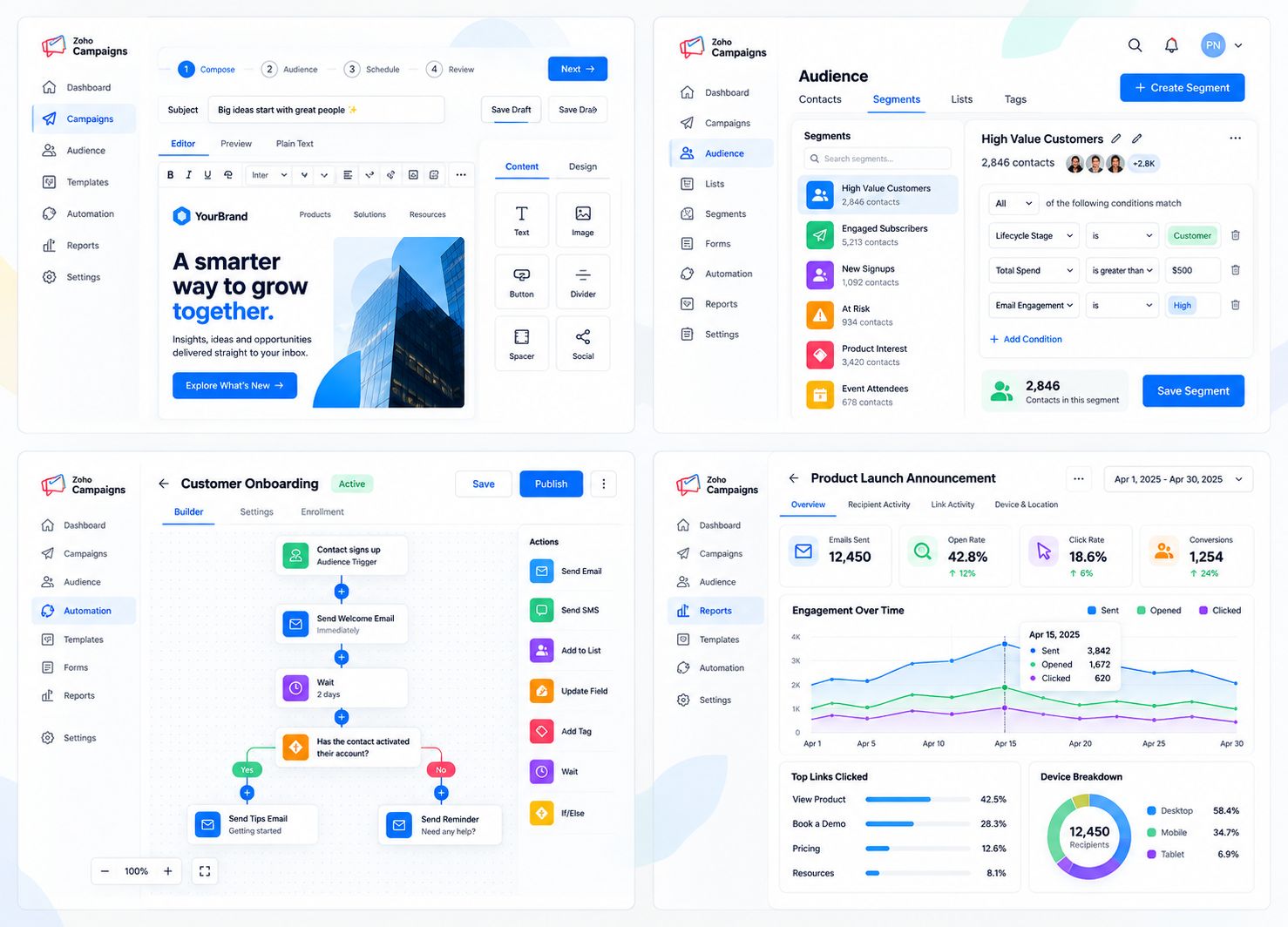
Short loops, no narration — the interactions that decide whether a team adopts an operating system or abandons it.
Every application a person needs, one click away.
A closed deal in CRM triggering an invoice, a project and a support record automatically.
Every app, every user and every permission managed from a single console.
Revenue, tickets and project progress on one screen, pulled from three different apps.
Two to three weeks. We map how your teams actually work today and which of Zoho's 50+ apps match, before we touch a configuration screen.
Admin console, user roles, permissions and the cross-app automations that move data between apps built to your process — not a default template with your logo on it.
Data from your existing tools extracted, cleaned and loaded app by app, with a full audit trail. Nothing goes live until the counts reconcile.
Role-based sessions across every app your team touches, recorded and handed over with written runbooks.
Ongoing administration, reporting and iteration across the whole stack. Your team runs the business; we keep the operating system working.
Scope is set after discovery. We quote the work, not a seat count.
A defined build with a start and an end. Discovery, configuration, migration, training and handover.
Best for teams moving onto Zoho One for the first time.
Schedule a Demo →Implementation plus ongoing administration, reporting and change requests across every app, handled by our team.
Best for teams without an internal Zoho admin.
Schedule a Demo →An audit of an existing Zoho One account, then a prioritized plan to fix what is broken, consolidate overlapping apps and retire what is unused.
Best for teams already on Zoho that are not getting value from it.
Schedule a Demo →Zoho One bundles 50+ apps under one login and one admin console — these are the ones we implement and connect most often.
Zoho One
 CRM
CRM
 Campaigns
 Desk
Desk
 Books
Books
 Analytics
 Marketing Automation
 People
 Creator
 Billing
 Contracts
 Zia
Zia
Zia layered across every app in the stack, not bolted onto just one.
Explore moreSend the form and we will come back with a scoped first phase, or book directly and skip the back and forth.
Most rollouts run eight to twelve weeks depending on how many apps you are deploying at once. We usually sequence it — core apps first, the rest in phases — rather than switching everything on in one day.
Yes. We have moved teams off combinations of Salesforce, QuickBooks, Zendesk, Mailchimp, Monday and plain spreadsheets, consolidating them into the matching Zoho One apps.
Licenses are purchased directly from Zoho as a Zoho One subscription, which bundles 50+ apps under one price per user. As an authorized partner we can advise on the right plan and in many cases secure partner pricing.
You can take the system in-house with the runbooks we hand over, or keep us on a managed engagement for administration, reporting and ongoing changes across every app.
No. Most teams start with five to ten apps that replace what they are already paying for elsewhere, then add more as the operating system proves itself.
Book a call and we will scope the first phase on that call.

Corporate Communications. Emotional Storytelling. AI. Operating Systems.