Omnichannel ticketing
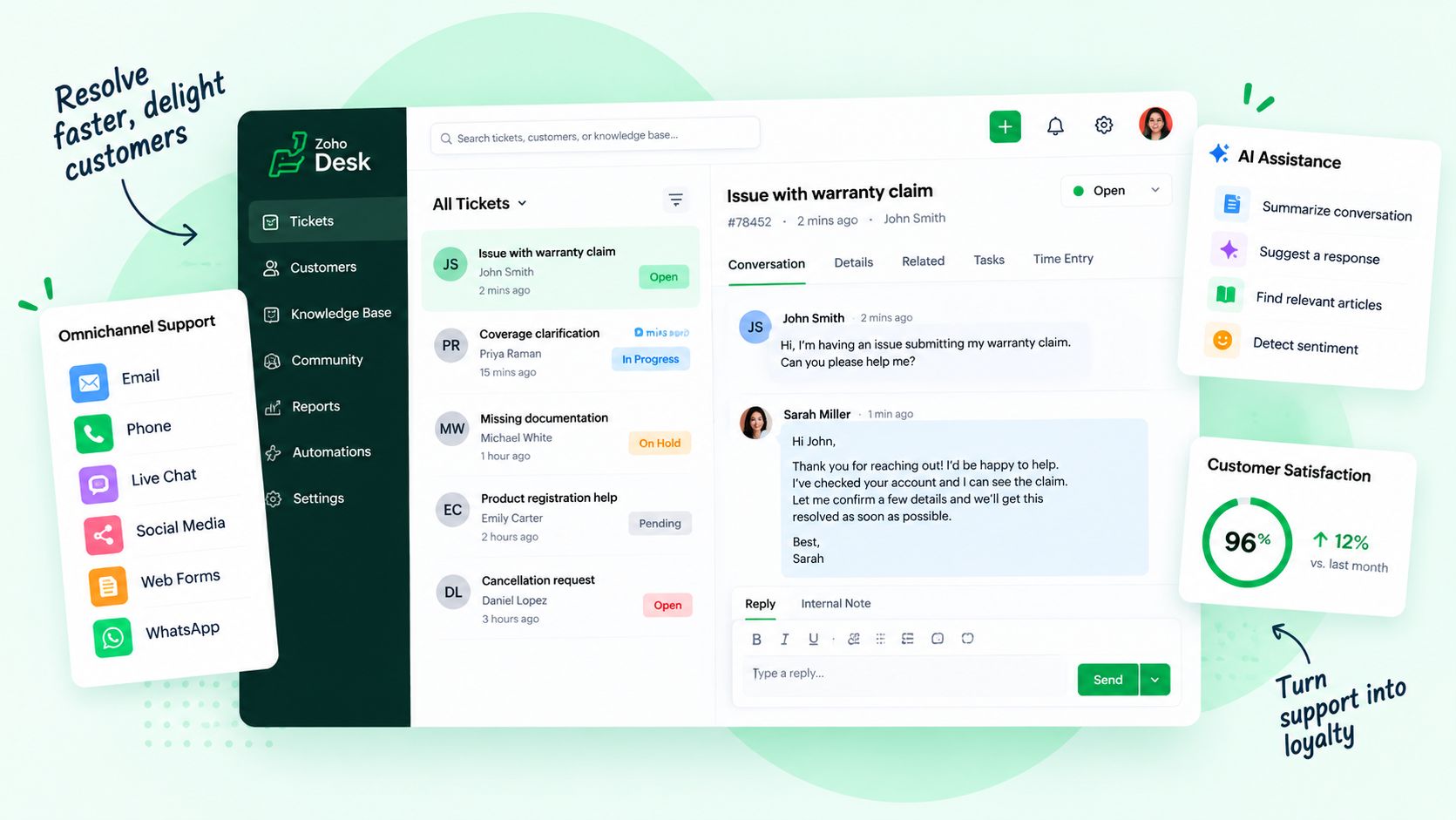
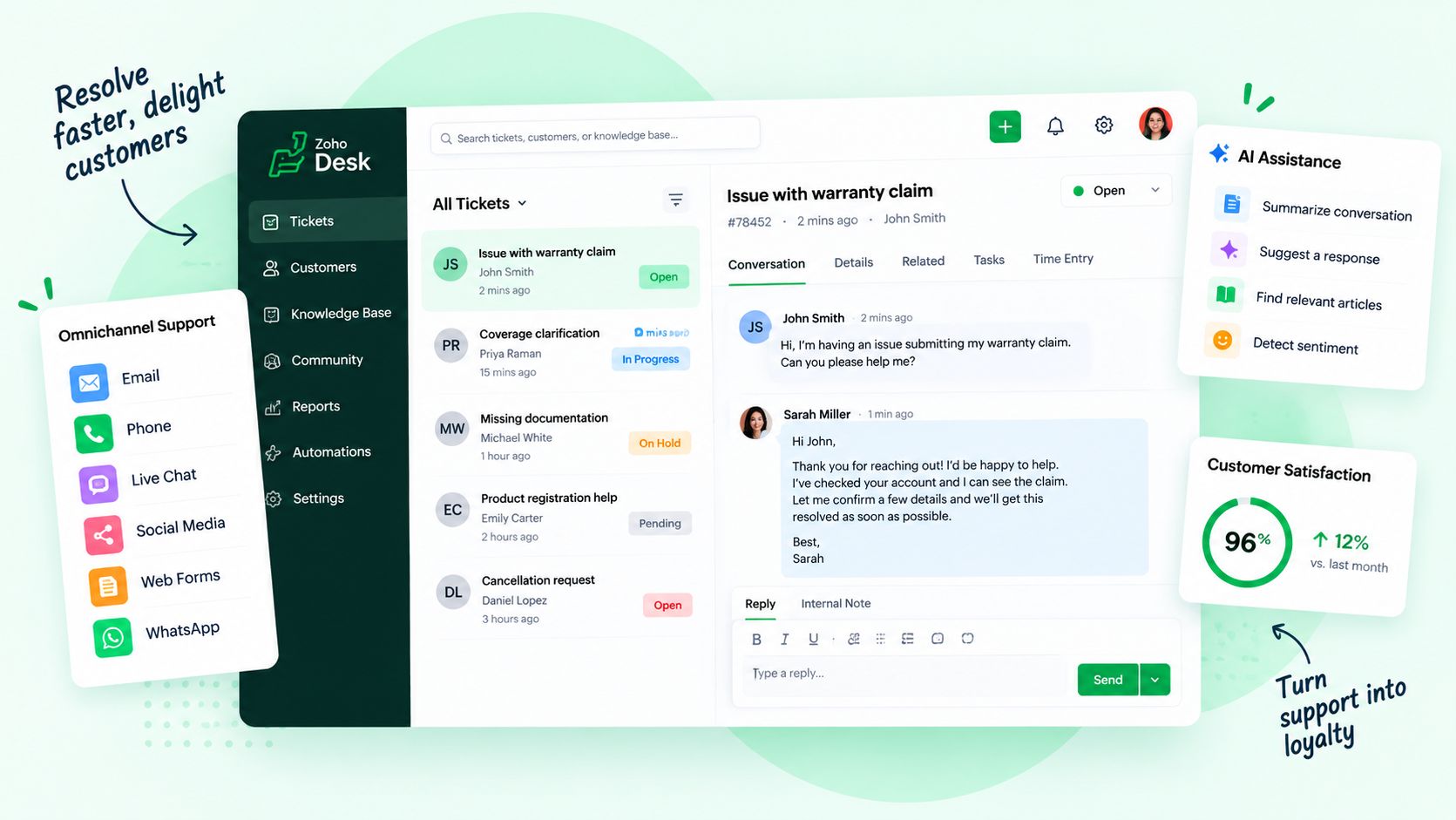
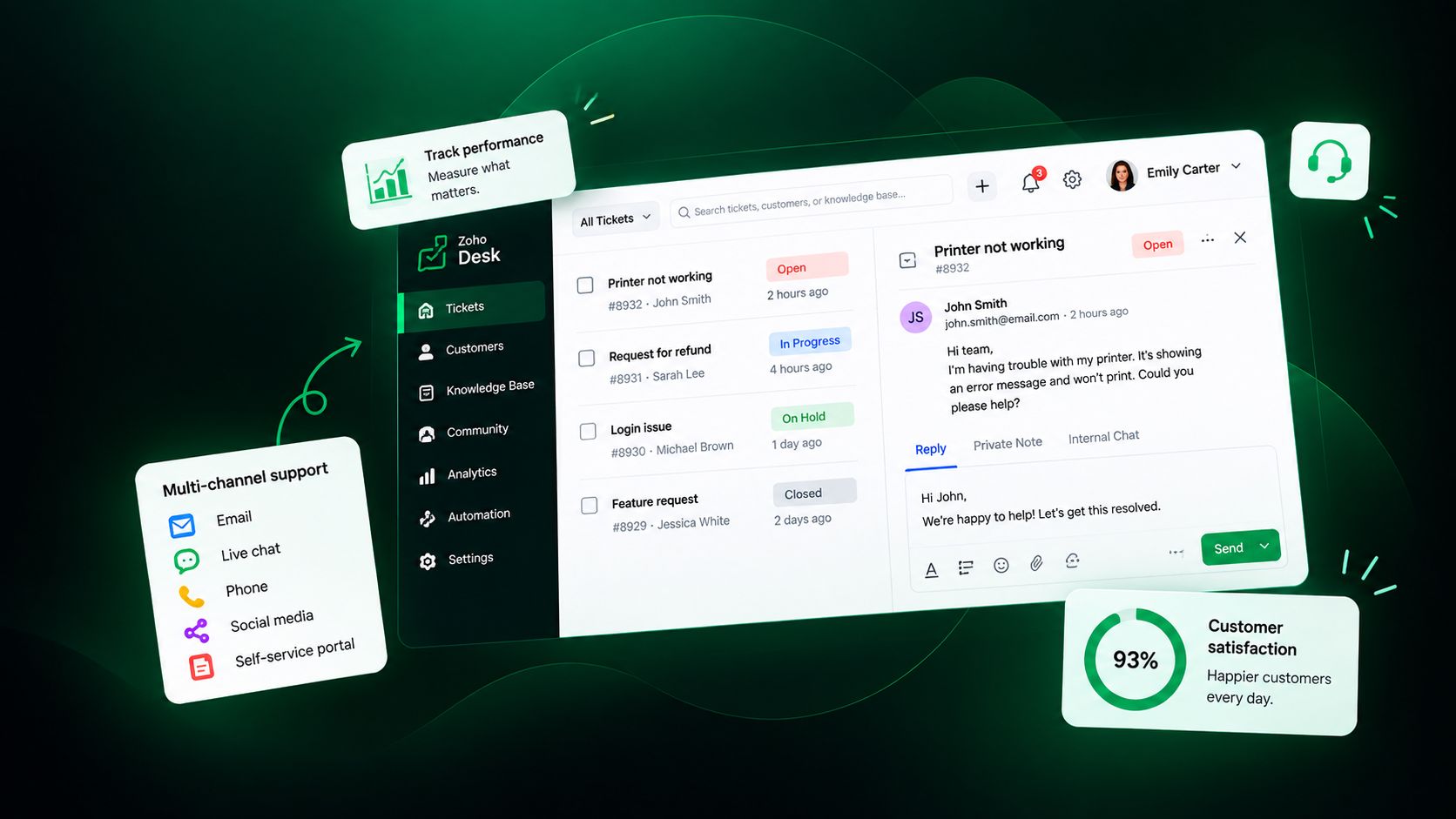
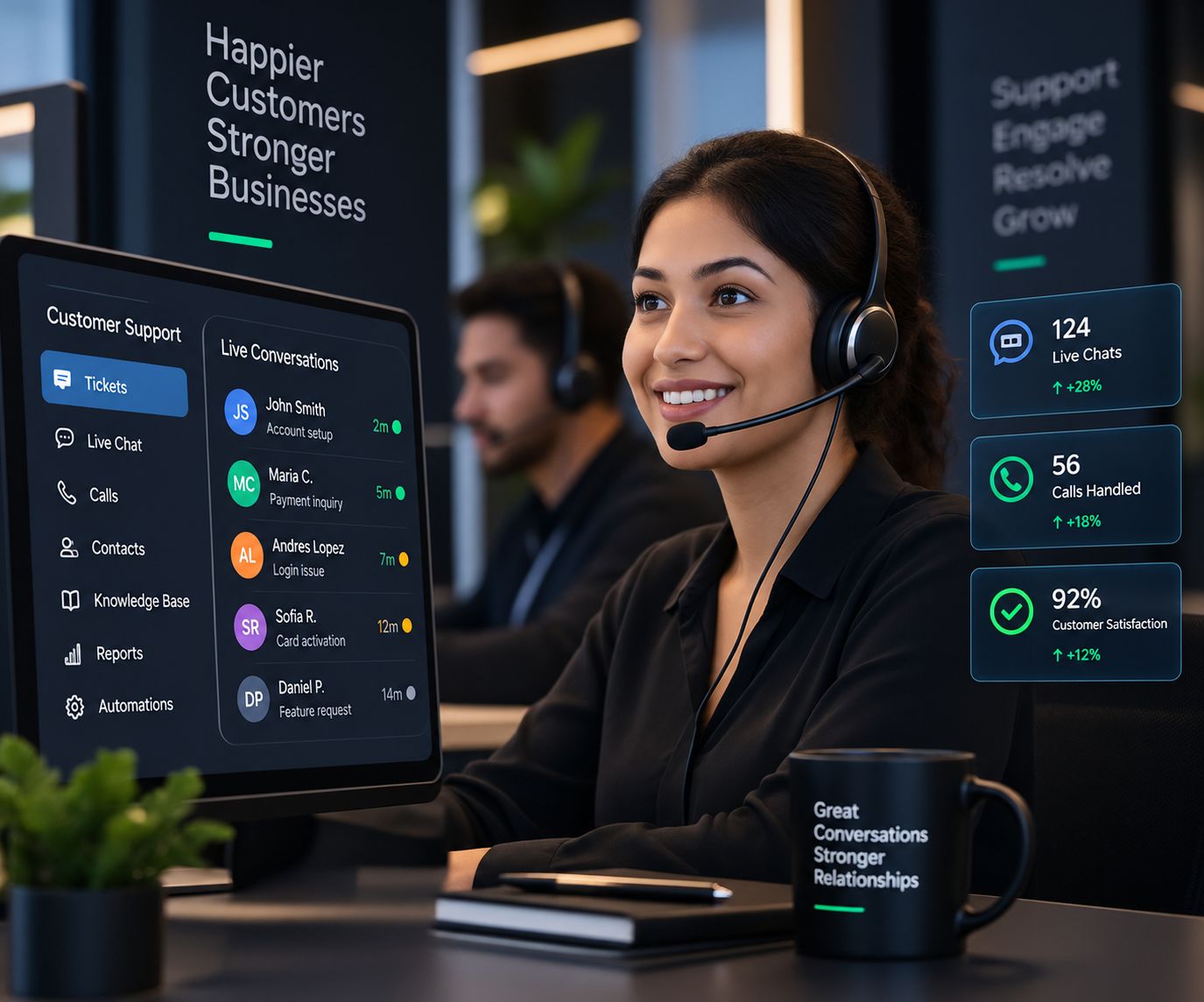
Email, chat, phone, social, web forms and WhatsApp in one queue, each request a tracked ticket.
When requests arrive in shared inboxes, personal phones and social messages, nothing is tracked, customers chase answers and the same question is solved again and again. A support operation done right routes every request, shows the agent the whole customer, and turns each answer into one the next customer can find on their own.
Requests sit in a shared inbox until someone notices them.
Every email, chat, call and message becomes a ticket, routed in minutes.
Customers explain the problem again to every new agent.
Agents see the customer, their purchases and every past conversation.
Nobody knows a ticket is late until the customer complains.
SLA timers and escalations flag tickets before they breach.
The same questions are answered by hand every day.
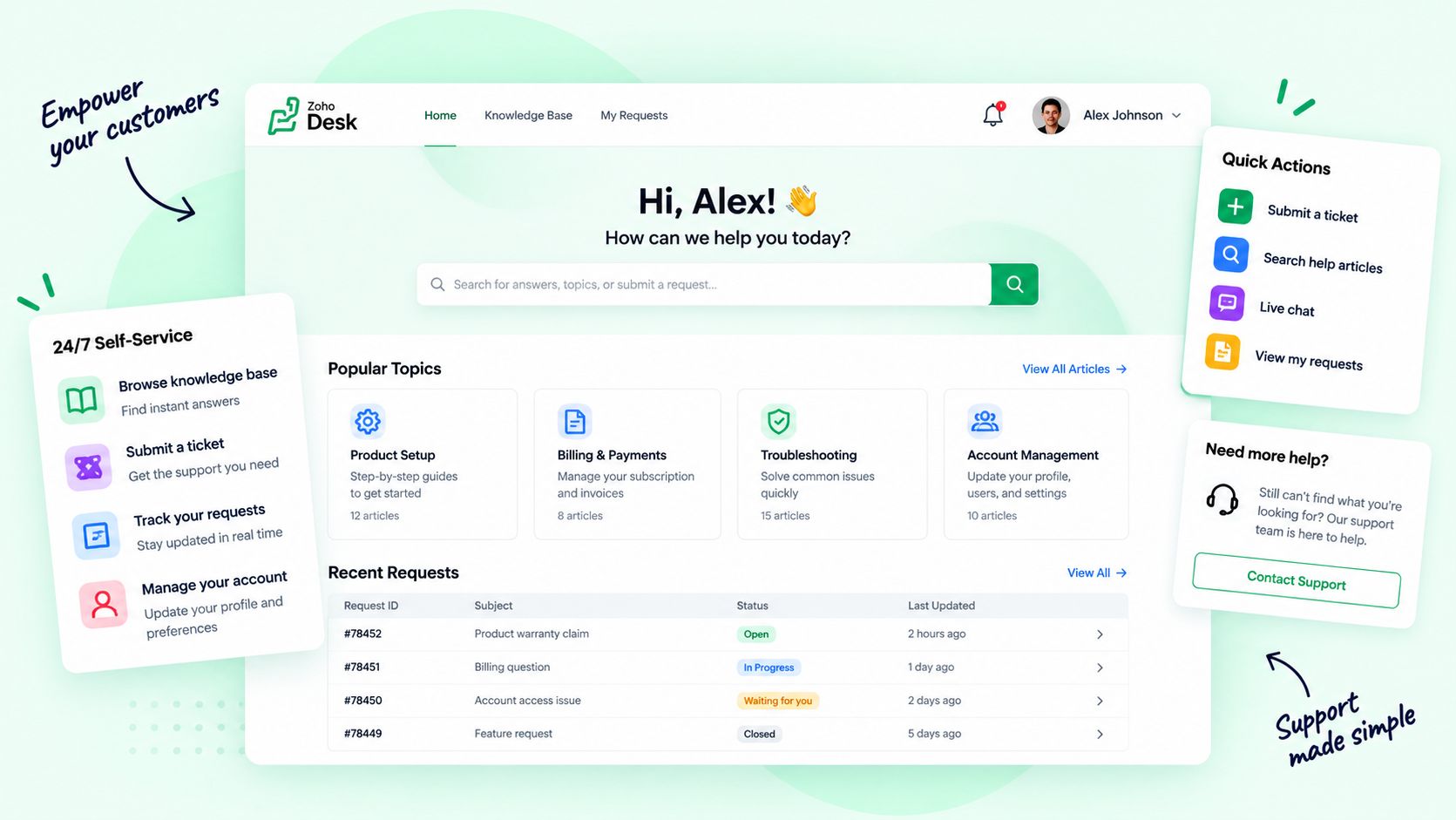
A help center and knowledge base answer them around the clock.
Unhappy customers leave without anyone noticing.
Low satisfaction scores trigger a follow-up from a person.
Leadership cannot see how support is performing.
Dashboards show volume, speed and satisfaction live, by team and agent.
Email, chat, phone, social, web forms and WhatsApp in one queue, each request a tracked ticket.
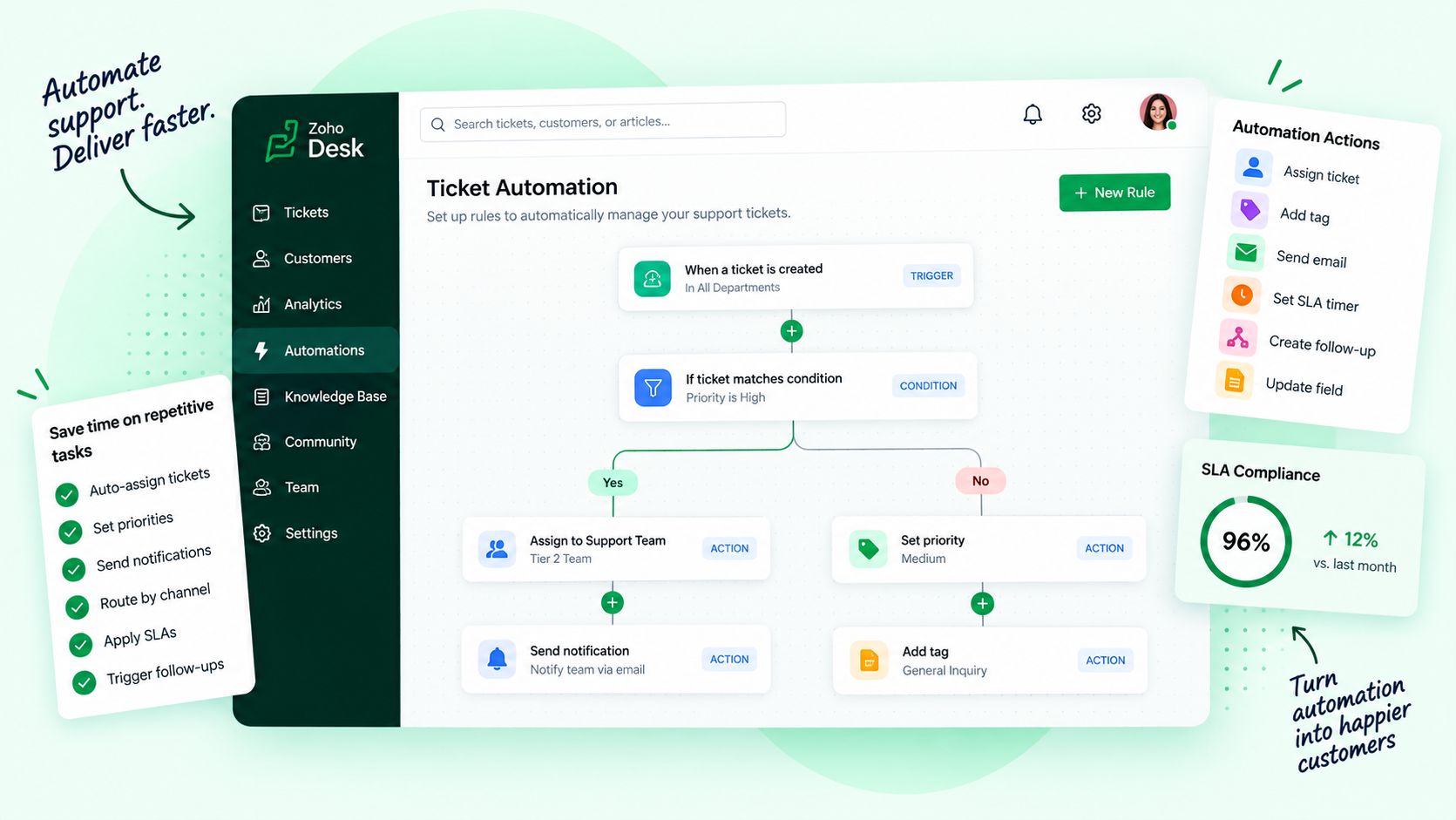
Tickets go to the right team and agent by skill, language, workload and priority.
Response and resolution targets with timers, alerts and clear escalation paths.
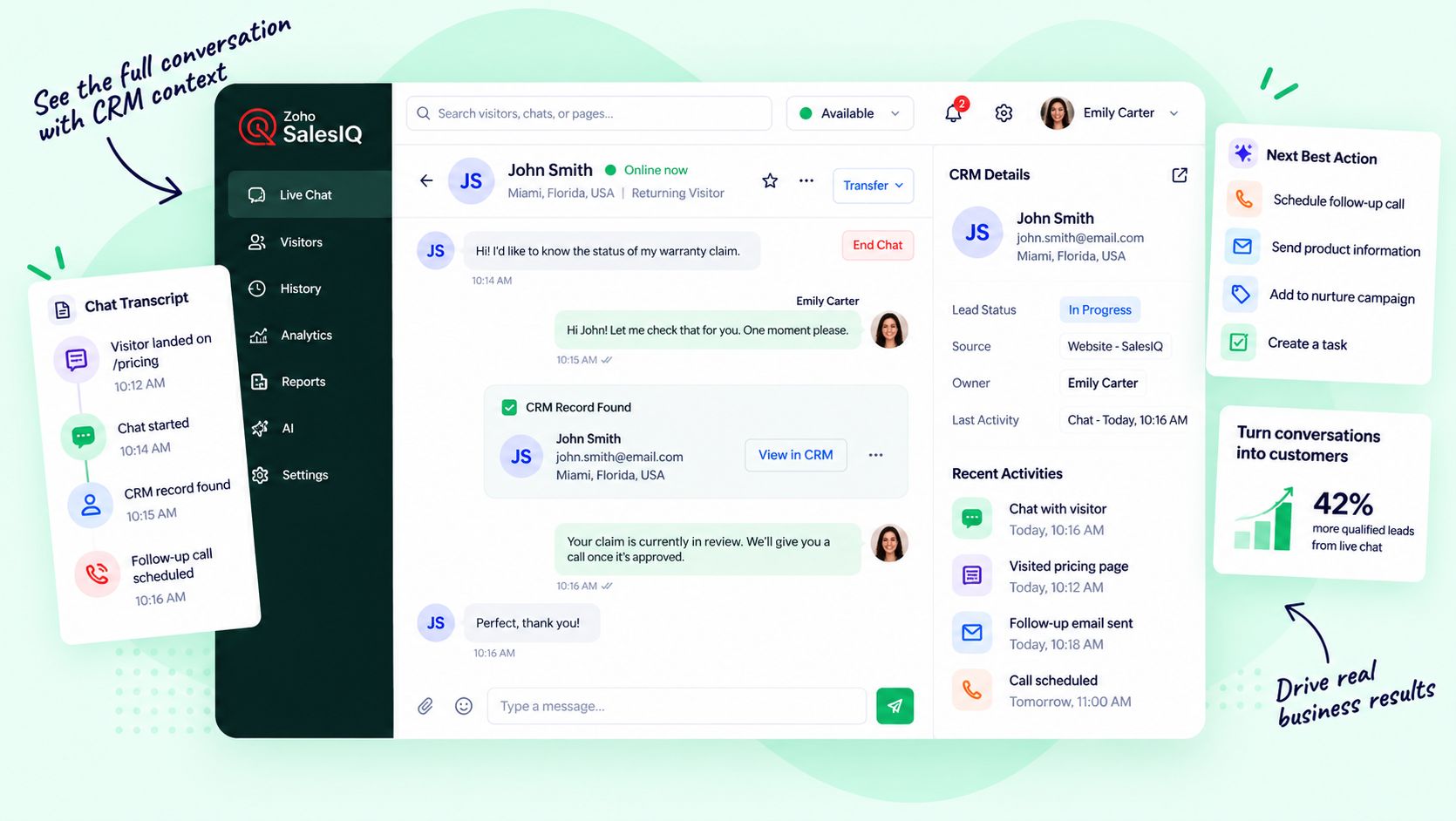
Every ticket linked to the CRM record, orders, contracts and past conversations.
Articles, FAQs and a branded portal so customers can help themselves at any hour.
Chat on your site and app, with bots for simple questions and a clean hand-off to a person.
Canned replies, workflows and blueprints that run the routine steps for your agents.
Surveys, happiness ratings and dashboards by team, agent and channel.
The same support system serves each team differently. Choose a team to see what it gets.
The help desk follows each request through every stage, and each stage hands the next one everything it needs.
Customers reach out by email, chat, phone, social or the help center.
The ticket is categorized, prioritized and assigned to the right agent.
The agent answers with the full customer context, inside the SLA.
The issue is fixed, escalated if needed, and confirmed with the customer.
The answer becomes an article, and the root cause goes to the right team.
Satisfaction is measured, and unhappy customers get a follow-up from a person.
Most help desks fail because they were set up around the software, not around the people answering customers. We design for your agents and your customers first, move your history with care, and keep improving after launch.
to a working help desk
trained on real tickets
SLA and quality reviews
We map your channels, volumes, teams and the service levels your customers expect.
Departments, ticket fields, statuses, SLAs, routing and the help center designed around your process.
Open tickets, history, contacts and knowledge articles cleaned and imported.
Email, chat, phone, social, CRM, ecommerce and billing integrated into one queue.
Every agent and manager learns the help desk on real tickets, with playbooks and SOPs.
Monthly reviews of SLAs, satisfaction and the knowledge base, and the next round of changes.
Zoho Desk runs the support operation and Zoho CRM holds the relationship. They connect natively, so agents see the account and sales sees every ticket, with chat, billing and analytics plugged in without building integrations from scratch.





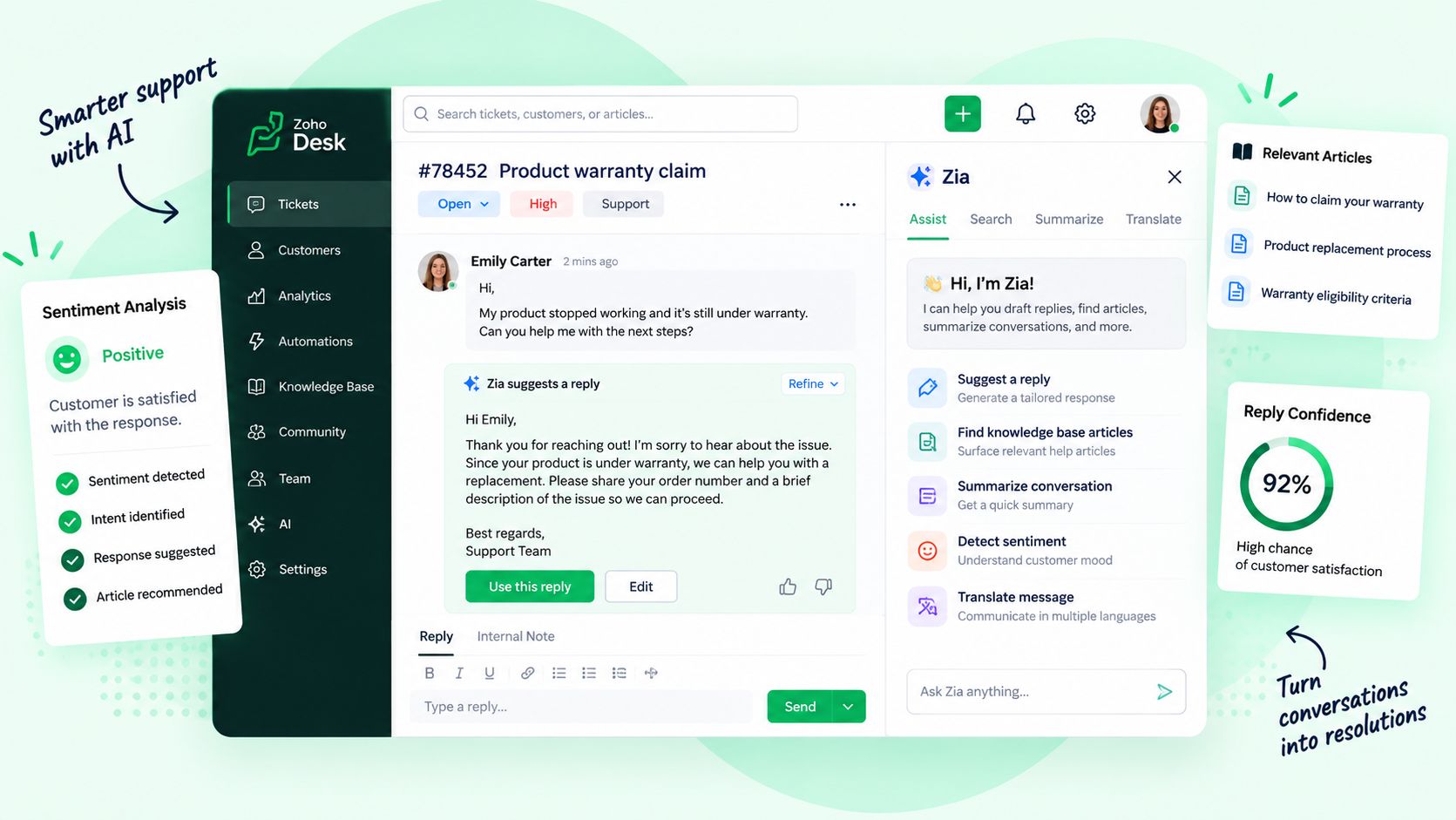
Zia and our AI agents work inside the help desk every day. They sort, draft, summarize and answer the simple questions, so your agents spend their time on the customers who need a person. Every reply, decision and change is reviewed by a person, and every AI action is logged.
Reads, tags and routes every new ticket.
Sets the priorities and handles the exceptions.
Answers simple questions through the help-center bot.
Takes over the moment a customer needs a person.
Drafts replies and summarizes long threads.
Edits the reply and sends it as a person.
Detects frustrated customers from tone and sentiment.
Calls the customer and makes it right.
Finds knowledge gaps from questions that keep repeating.
Writes and approves the article.
Your help desk and CRM, plus marketing, finance, HR, projects and analytics on one connected suite with one login and one set of data. We plan, implement and support it for you.
Usually yes. Small teams feel missed emails and repeated questions the most. We start with one shared queue and a few simple rules, and add channels, SLAs and self-service as you grow.
Zoho Desk is our core platform because it connects natively to Zoho CRM, chat, billing and analytics. If another help desk fits better, our Technology Assessment will say so.
Yes. We clean and import open and closed tickets, contacts, accounts and knowledge articles, and check the results with you before going live.
Email, web forms, live chat, phone, WhatsApp, social media and your help center can all feed one queue, so every request is tracked the same way.
Yes. Through Fractional Roles we can add a support lead or extra agents who work in your help desk, to your service levels, for as long as you need them.
AI routes tickets, drafts replies, powers the help-center bot, detects sentiment and suggests new articles. People review and approve what matters, and every AI action is logged.
A focused help desk on email and chat can be live in a few weeks. Adding phone, social, a customer portal, CRM integration and data migration takes longer, and you get a timeline after the review.
Show us how you handle customer requests today. We will show you what a connected help desk would change.

Corporate Communications. Emotional Storytelling. AI. Operating Systems.