
Vetted people
Team members and leaders from our network of professionals and reputable partners across the US and LATAM.
Remote teams struggle when knowledge lives in one person’s head, conversations scatter across personal apps and nobody can see the work. A remote operation done right gives every person the same procedures, the same tools and the same view of the work, so a colleague in another city feels as close as the next desk.
A remote hire starts and is left to figure things out.
Every role starts with a clear scope, an SOP library and a 30-60-90 day plan.
Work happens in personal chats, inboxes and phones.
Conversations, files and tasks live in shared, company-owned tools.
Procedures live in one person’s memory.
Documented, versioned SOPs that anyone can follow and AI can answer from.
Time zones leave gaps that nobody covers.
Shifts, hand-offs and coverage planned across time zones.
Access means shared passwords and forgotten accounts.
Single sign-on, role-based access and a clean offboarding checklist.
Managers cannot see what the remote team is doing.
Dashboards show workload, quality and service levels live.
Team members and leaders from our network of professionals and reputable partners across the US and LATAM.
Versioned procedures for every recurring task, each with an owner and a review date.
Chat, channels, calls, meetings and business phone lines that follow the team, not the desk.
Files, folders and documents the whole team works from, owned by the company.
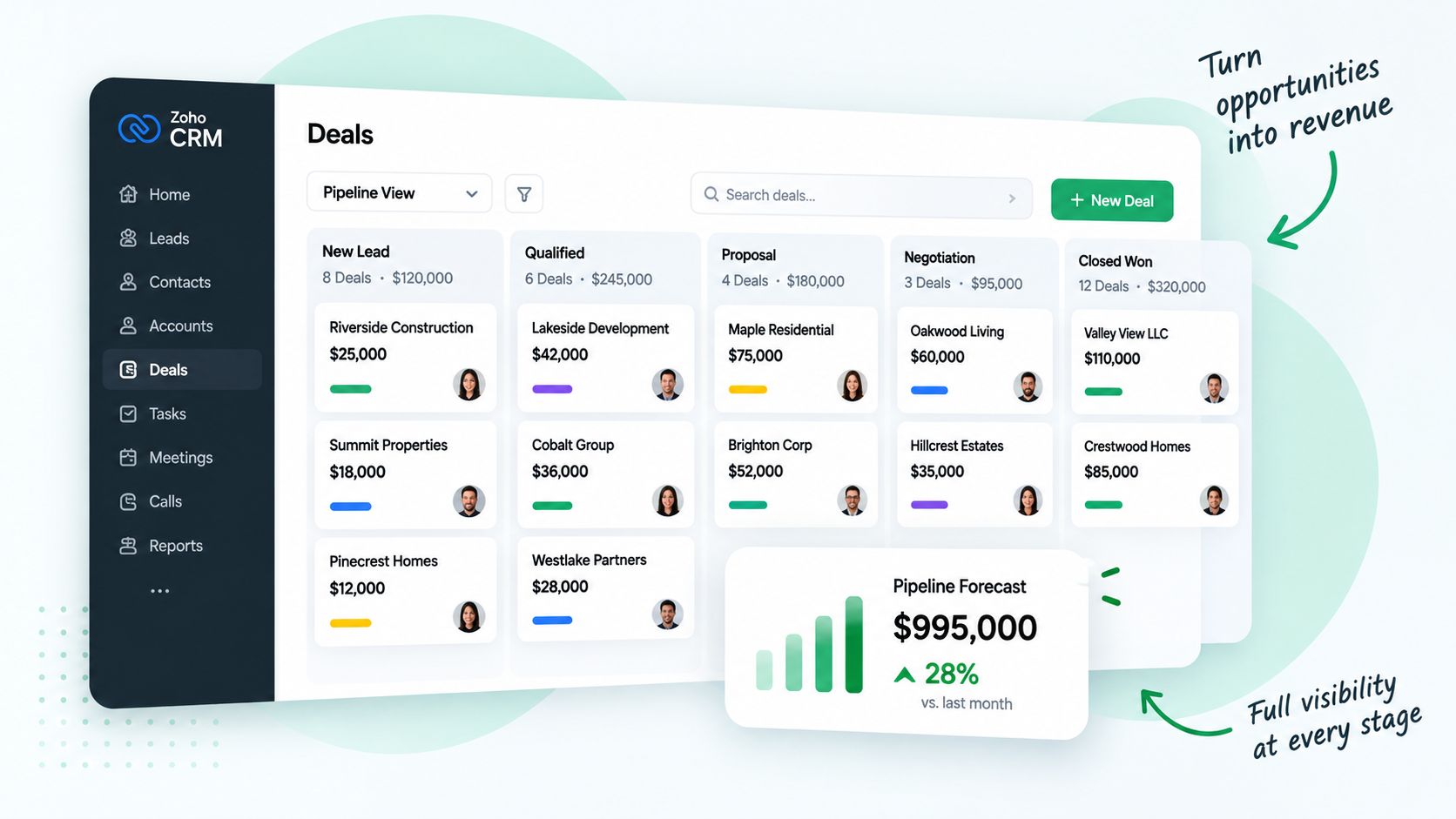
Every request, customer and deal in a tracked record, so nothing depends on memory.
Shifts, schedules and written hand-offs that cover the hours your business needs.
Single sign-on, role-based permissions and clean onboarding and offboarding.
Dashboards for workload, quality and service levels by team and person.
Each remote team gets its own people, SOPs and tools, built on the same foundation. Choose a team to see what it gets.
We configure people, process and technology in order, so the remote team starts with everything it needs.
We define the work, the roles, the hours to cover and the outcomes that matter.
We source from our network and partners, screen with AI and interview in person.
Accounts, phone lines, shared workspace and access are ready before day one.
Every recurring task is written as a versioned SOP the team and AI can follow.
The team starts on real work, side by side with ours, with daily check-ins.
Quality, coverage and SOPs are reviewed, and the next round of changes is made.
Most remote teams struggle because the person was hired before the system was ready. We set up the tools, the procedures and the coverage first, bring in the right people, and keep improving after launch.
to a working remote team
with documented SOPs
quality and SOP reviews
We map the work, the volumes, the hours you need covered and the tools you already use.
Roles, shifts, the SOP library, the tool stack, access rules and reporting designed around your operation.
Communication, shared workspace, ticketing, CRM, telephony and security set up and connected.
Vetted team members from our network and partners join with a 30-60-90 day plan.
Every person learns your tools, your brand and your SOPs on real work, side by side with our team.
Monthly reviews of quality, coverage and SOPs, and the option to pass the baton to your own team.
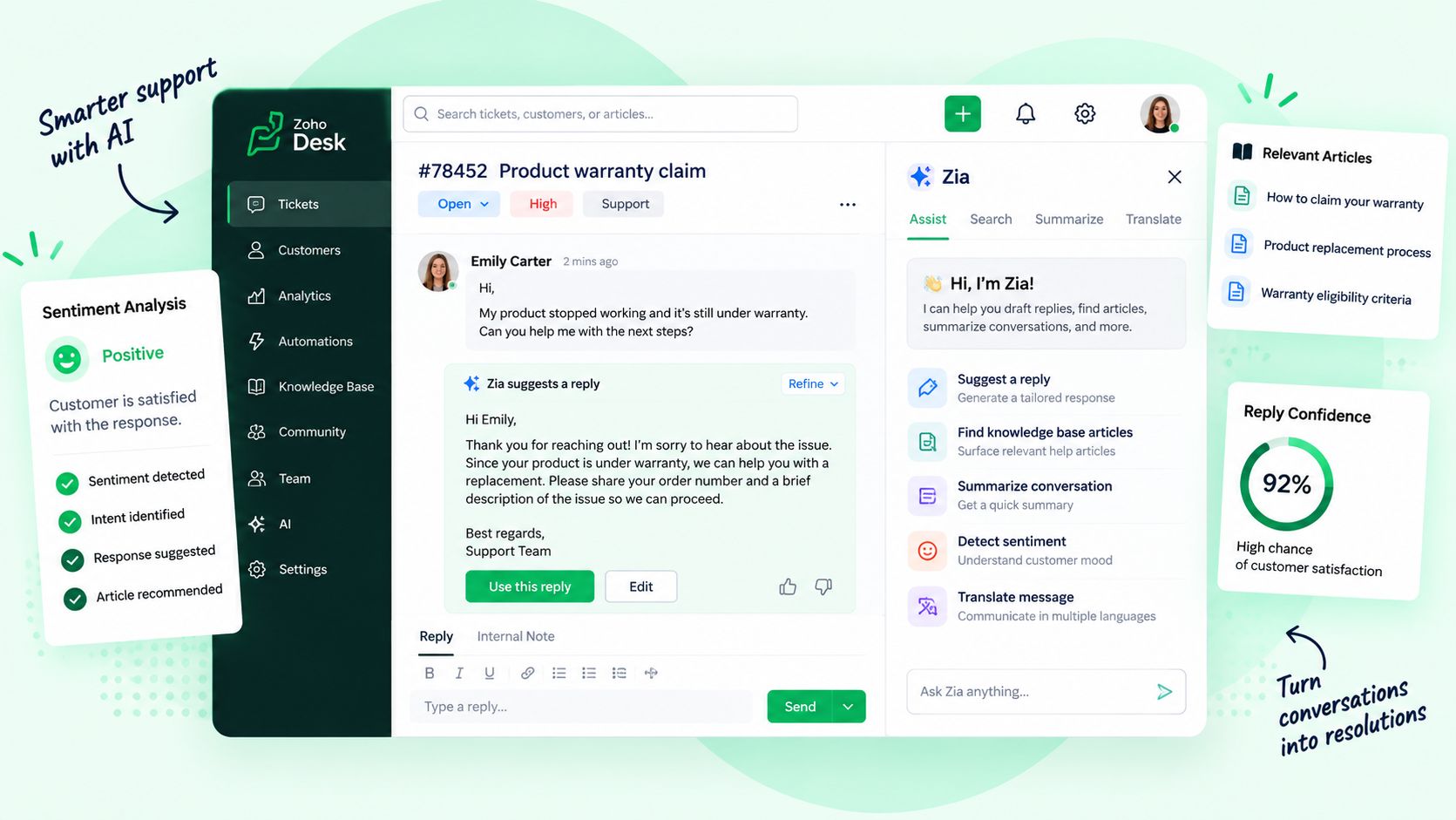
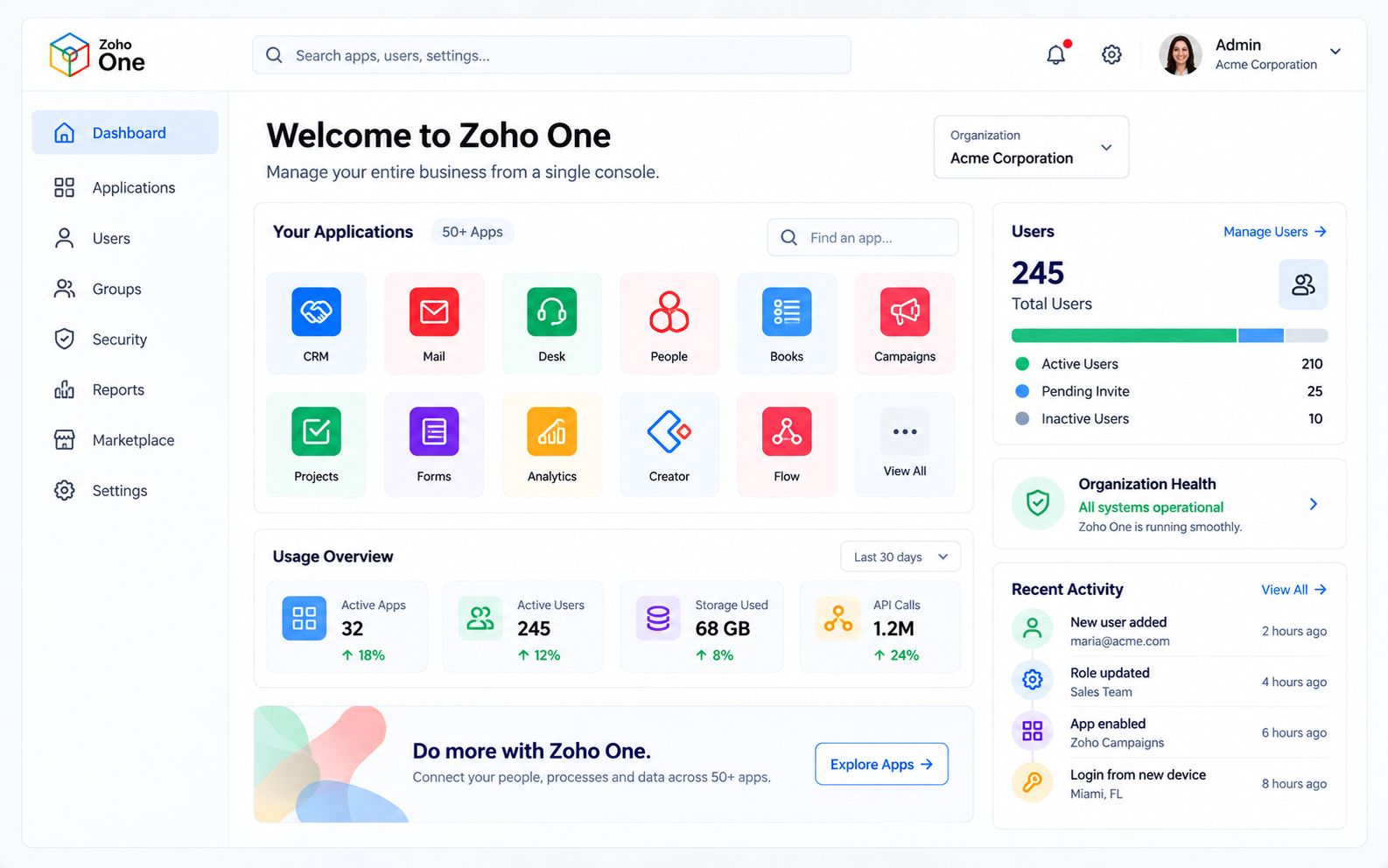
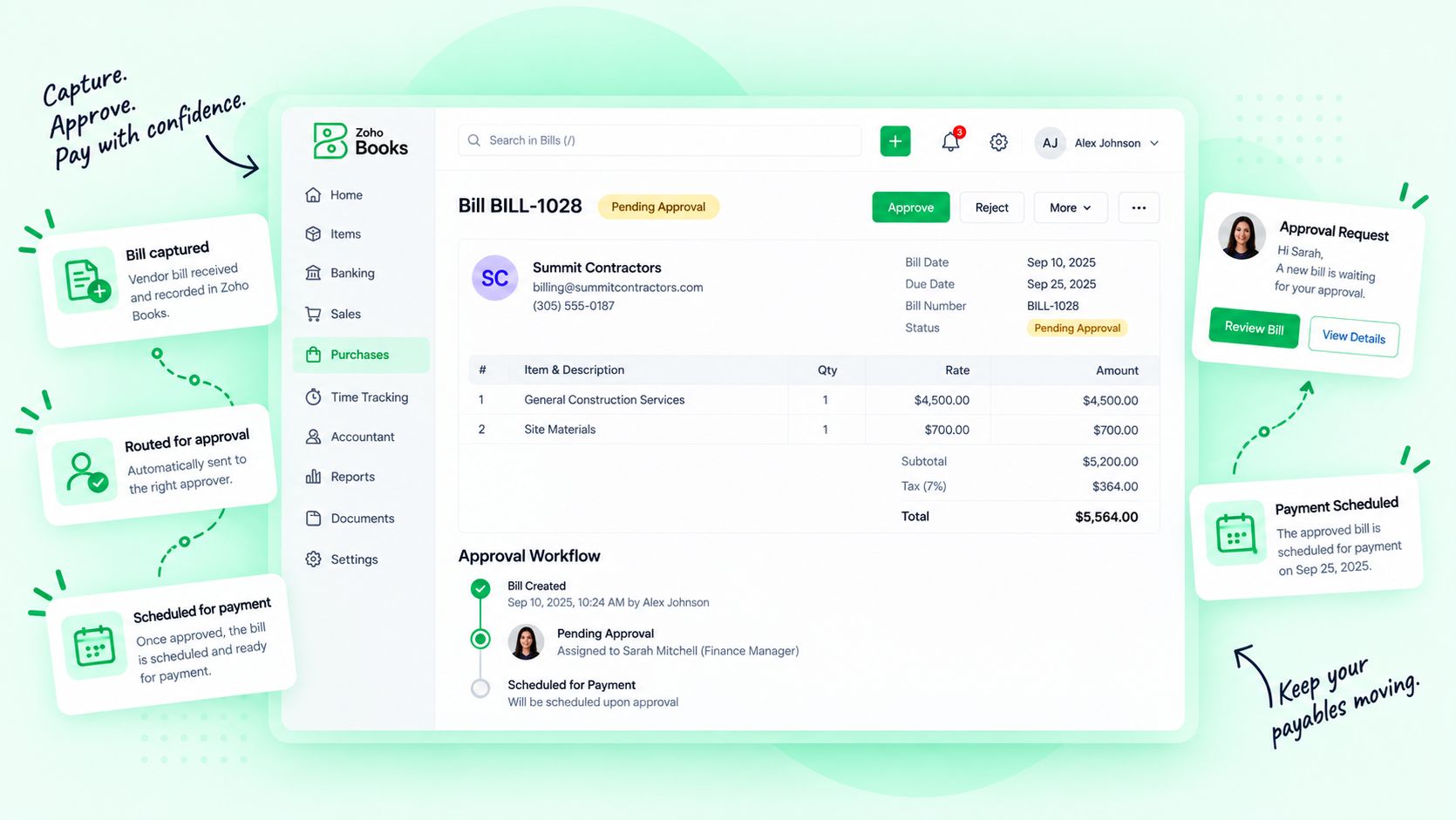
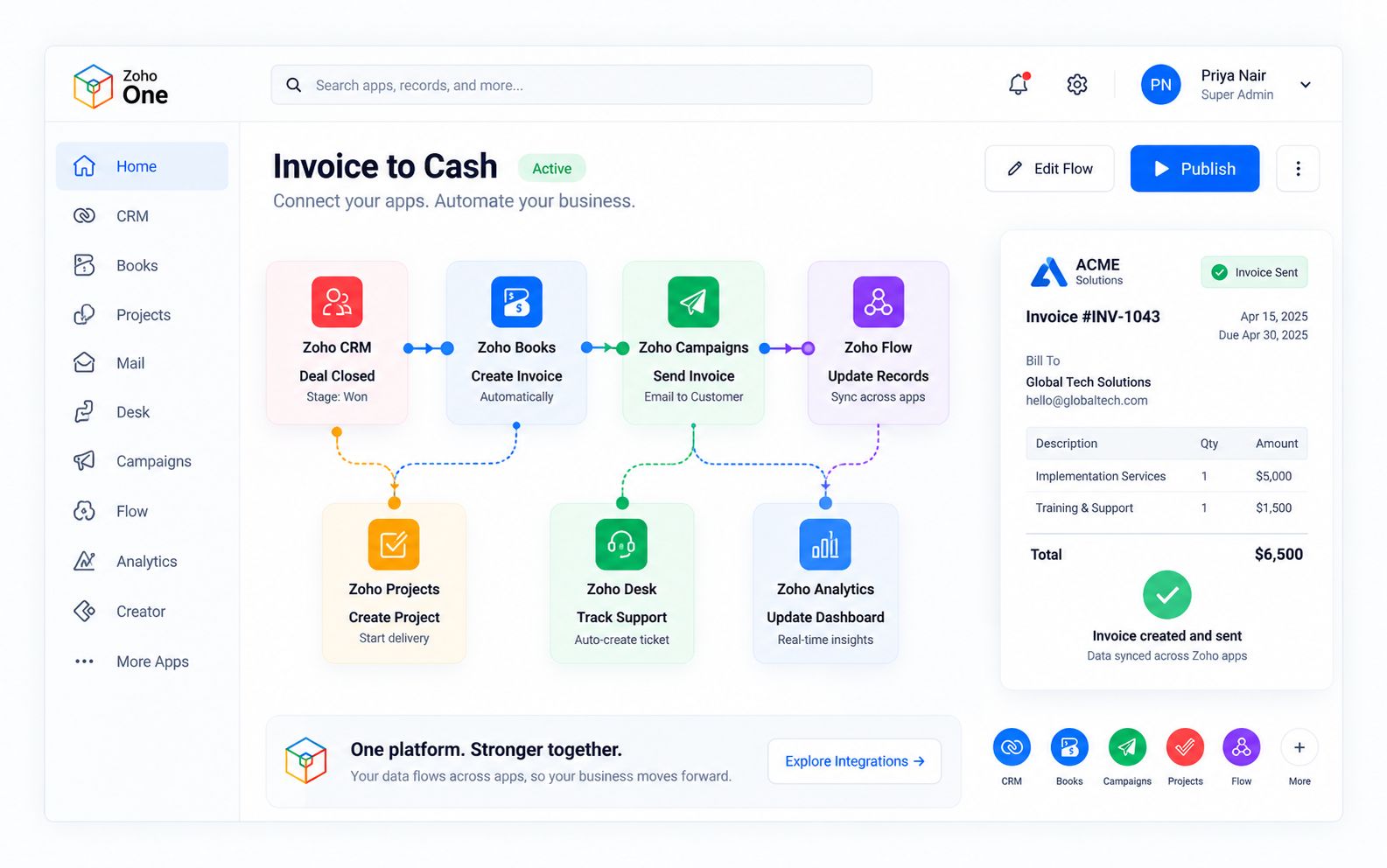
Zoho One gives a remote team one login and one set of data. Zoho Cliq keeps chat, channels and calls in one place, Zoho WorkDrive holds the shared files, Zoho Desk tracks every request, Zoho People handles attendance, shifts and onboarding, and Zoho Analytics shows how the operation is running. We also work with the tools you already use, and connect them where it makes sense.



Zia and our AI agents work alongside your remote team every day. They keep SOPs up to date, answer questions from the SOP library, check quality and summarize every shift, so managers spend their time leading, coaching and deciding. Every update, answer and decision that matters is reviewed by a person, and every AI action is logged.
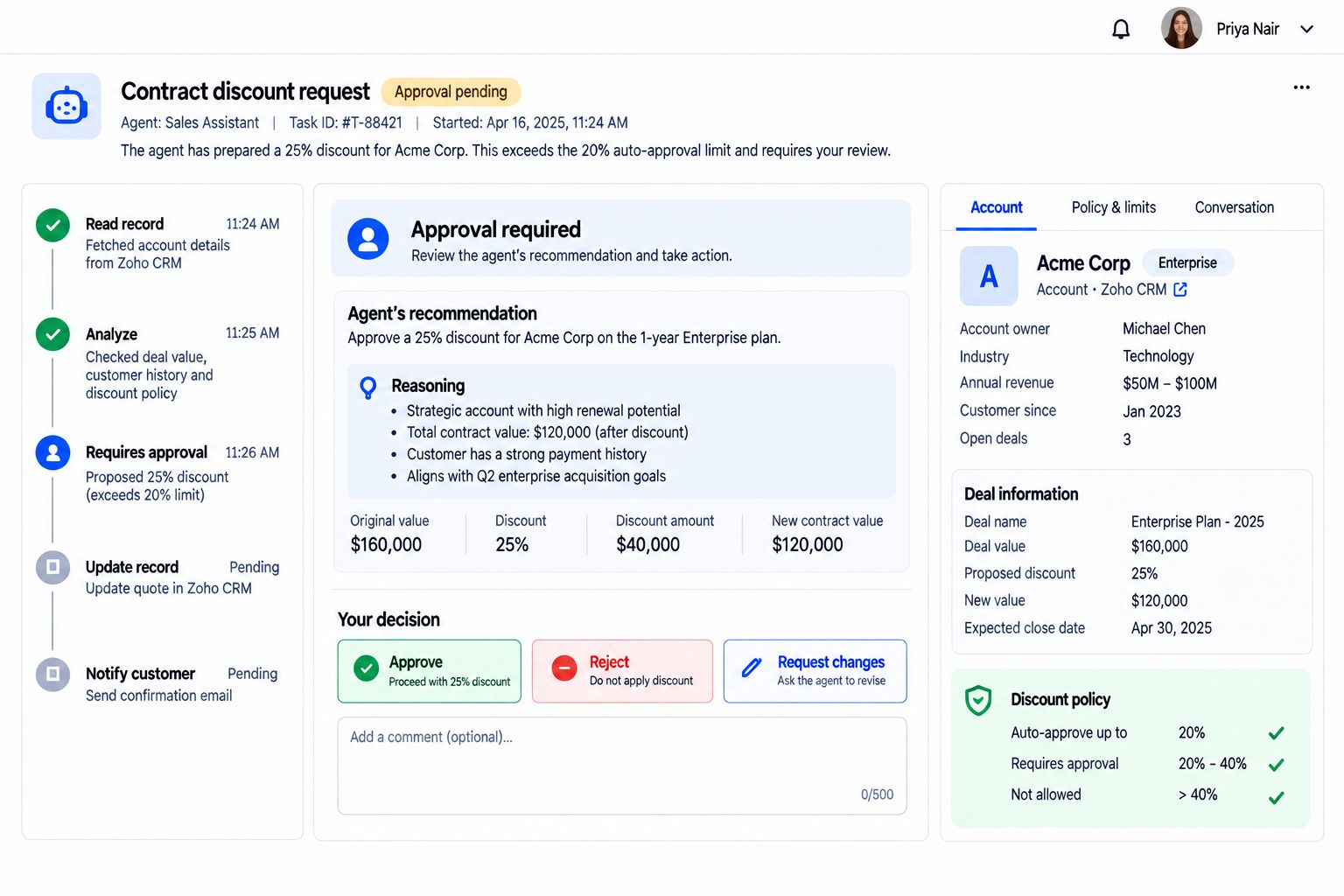
Drafts SOP updates when a process changes.
Reviews, approves and publishes the new version.
Answers team questions from the SOP library.
Coaches the team when the answer is not in the playbook.
Checks completed work and conversations for quality.
Gives the feedback and decides what good looks like.
Summarizes each shift and prepares the hand-off.
Reads the summary and sets the next shift’s priorities.
Flags service levels at risk before they breach.
Moves people, escalates and makes the call.
Your remote team’s chat, files, help desk and HR, plus CRM, marketing, finance, projects and analytics on one connected suite with one login and one set of data. We plan, implement and support it for you.
The people, the SOPs and the technology. We staff the roles with our network and partners, document the procedures, and configure communication, shared files, ticketing, CRM, telephony, access and reporting so the team works as if it were in the same office.
From our own network of professionals and from reputable partner firms, across the US and LATAM. Every person is vetted and works on our processes and tools, supported by our core team.
No. Zoho One is our core platform because it puts chat, files, help desk, HR and analytics behind one login. We also work with the tools you already use, and our Technology Assessment will tell you what to keep and what to change.
We plan shifts around the hours your customers and teams need, with written hand-offs between shifts and dashboards that show who is covering what.
Each person gets their own account with access to only what the role needs. Files stay in company-owned workspaces, and every offboarding follows a checklist. Access is part of the regular operations review.
AI keeps SOPs current, answers team questions from the SOP library, checks quality, summarizes shifts and flags service levels at risk. People review and approve what matters, and every AI action is logged.
Yes. We can recruit, onboard and train your own team, pass the baton when they are ready, and stay on as support through BLOCKS.
Tell us the work you want to run remotely. We will show you the people, SOPs and technology it takes.

Corporate Communications. Emotional Storytelling. AI. Operating Systems.