Online booking pages
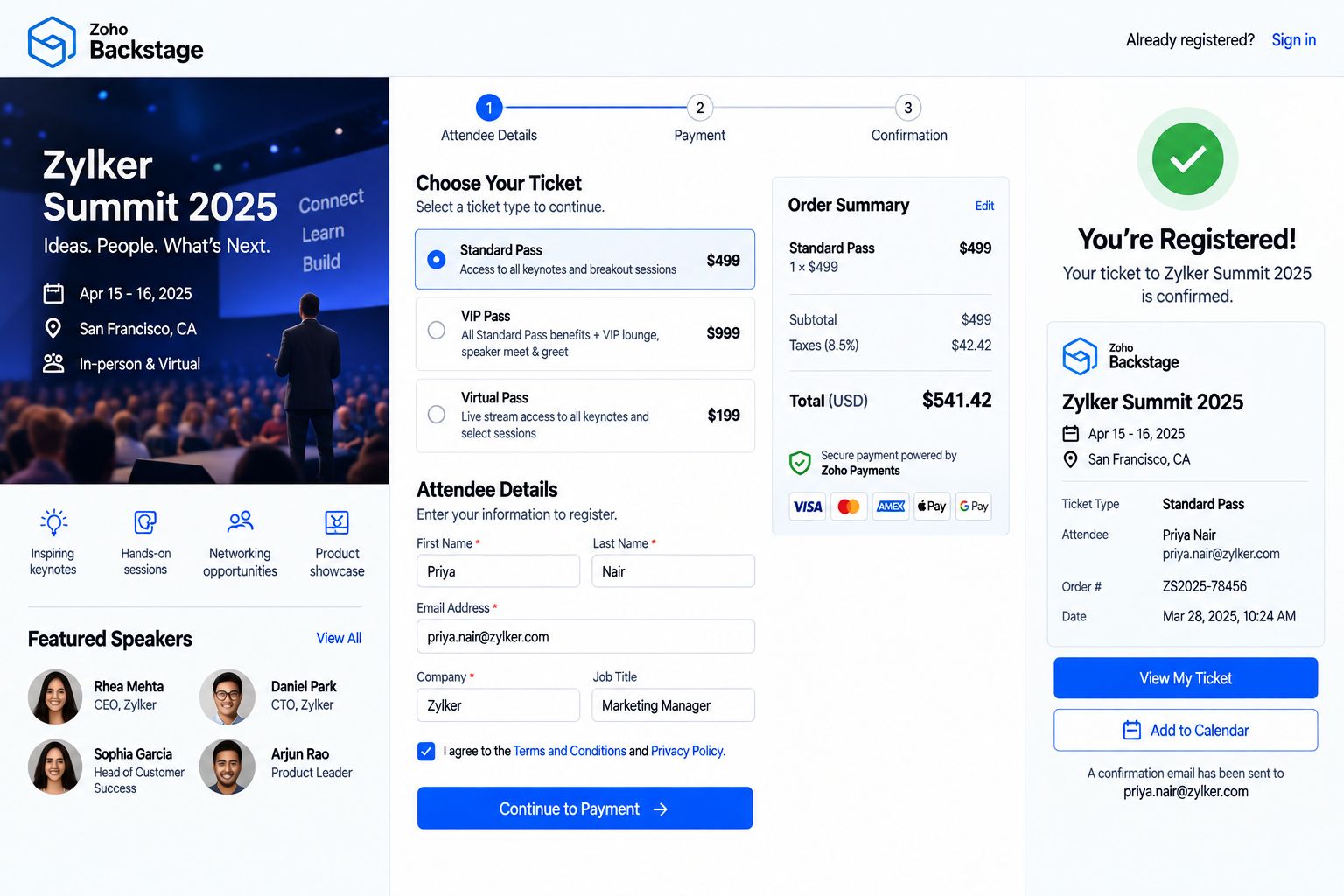
Branded booking pages on your site, in emails and in chat, showing only the times you can really deliver.
When bookings live in phone calls, email threads and a paper diary, customers wait for a reply, staff double-book, and empty slots go unnoticed until the day is over. A booking system done right lets customers pick a time on their own, reminds them to come, and gives your team one calendar they can trust.
Finding a time takes several calls and emails.
Customers see real availability and book in a few clicks, at any hour.
Two people get booked into the same slot or room.
Staff, room and equipment calendars sync, so a slot can only be taken once.
Customers forget, and nobody knows until they do not arrive.
Confirmations and reminders go out on their own, with a link to reschedule.
Cancelled slots stay empty for the rest of the day.
Freed-up times are offered again, and waitlists fill the gaps.
Payment is chased after the visit, if at all.
Deposits or full payment are taken at the moment of booking.
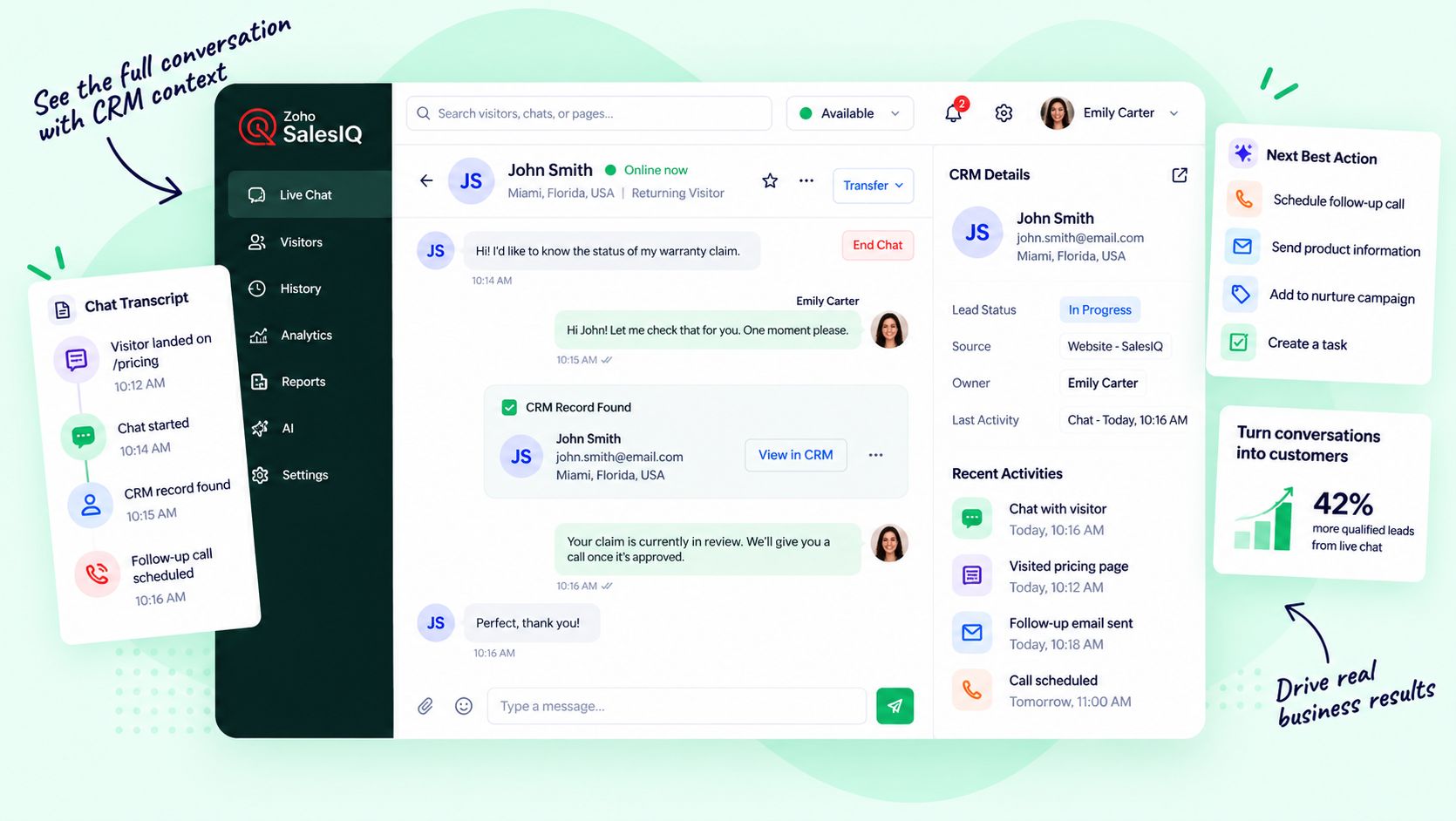
Bookings never reach the CRM, so follow-up depends on memory.
Every booking updates the customer record and starts the right follow-up.
Branded booking pages on your site, in emails and in chat, showing only the times you can really deliver.
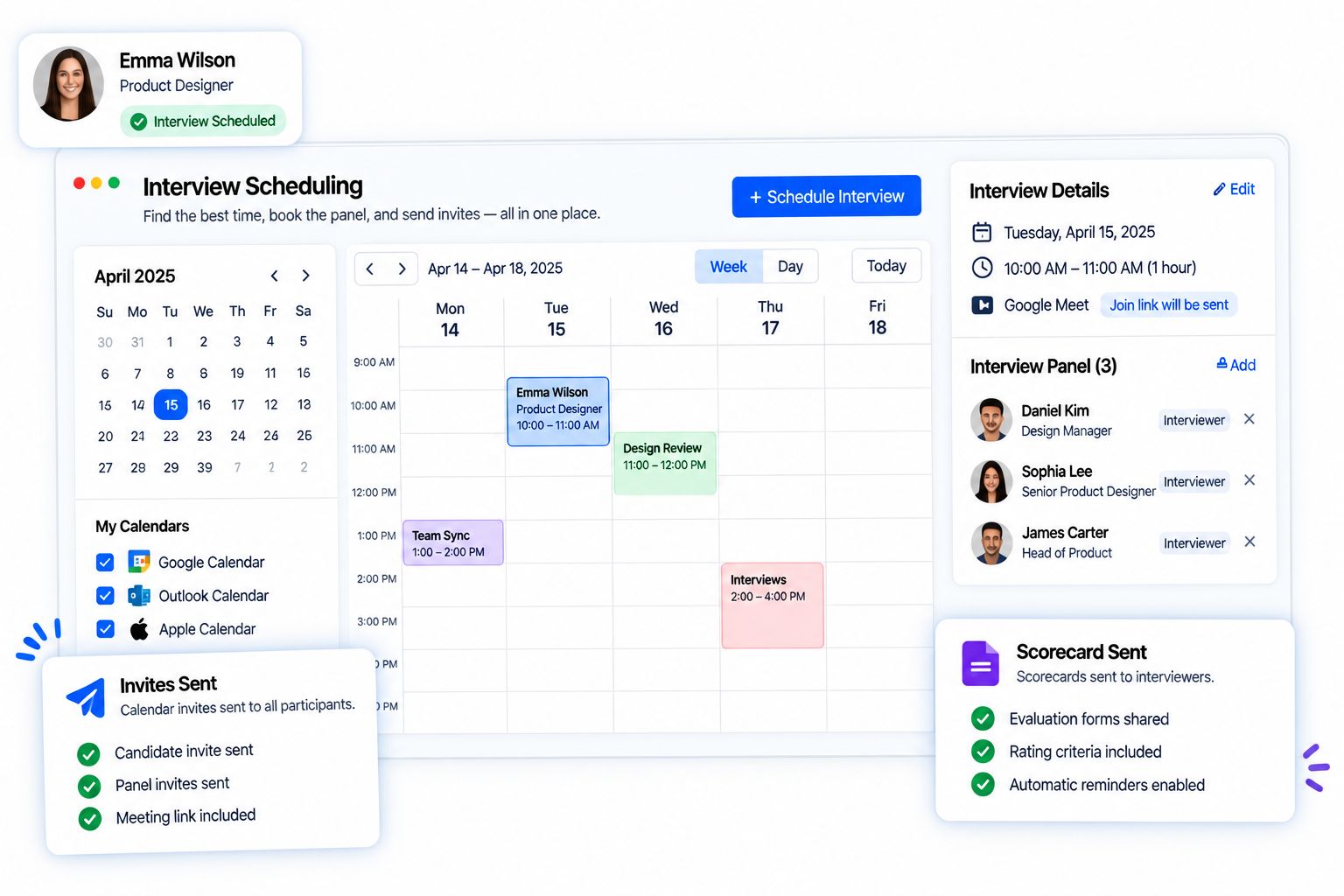
People, rooms, equipment and field routes scheduled together, synced with the calendars your team already uses.
Email and text messages that confirm, remind and share directions or meeting links at the right moment.
Customers change their own booking within the rules you set, without a single phone call.
No-show tracking, buffer times and waitlists that offer freed-up slots to the next person in line.
Deposits, prepayment or full payment collected at booking, linked to the invoice and the customer.
Each booking creates or updates the contact, deal and activity, and starts the right follow-up.
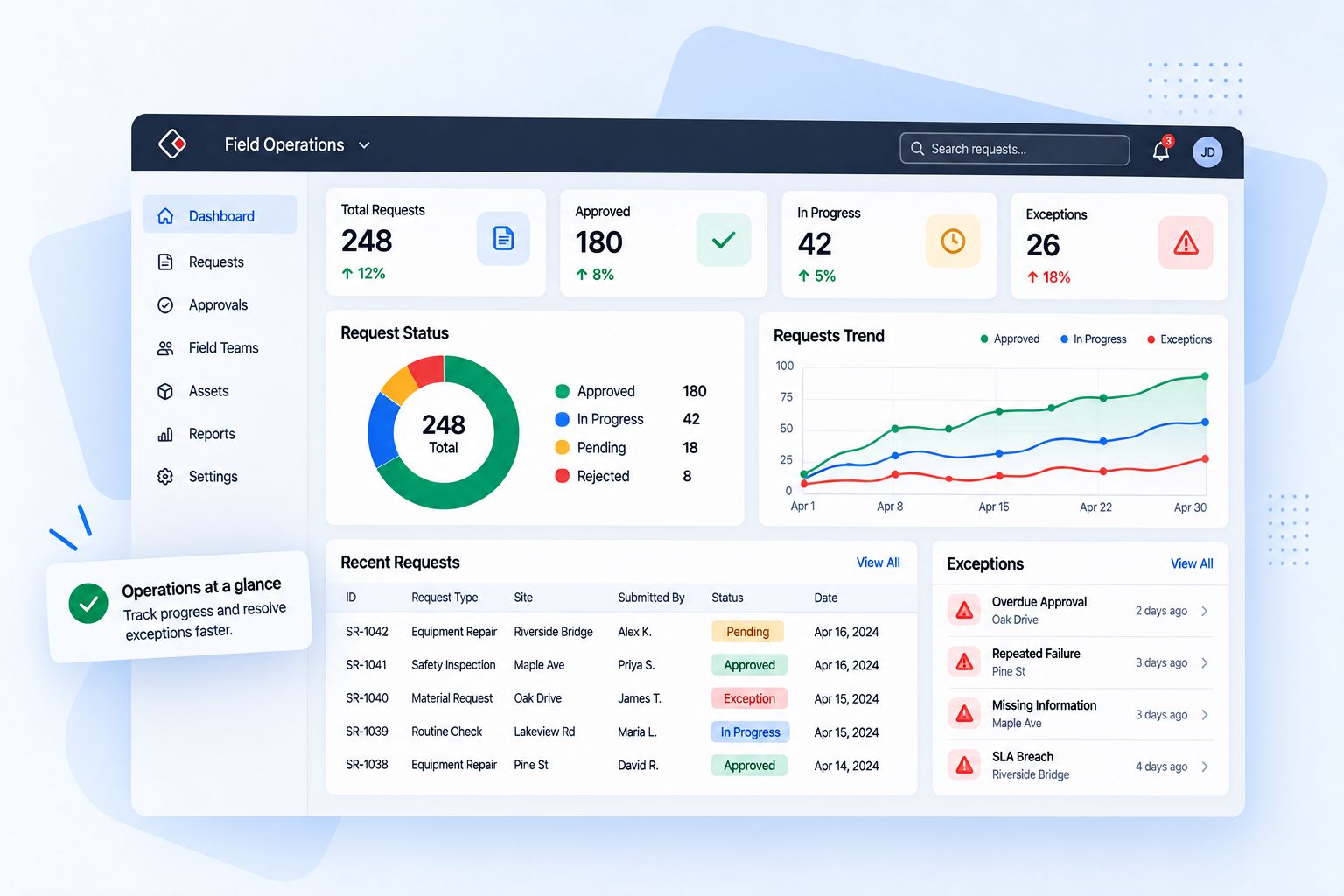
Bookings, no-shows, busy hours and staff utilization on dashboards by location, service and person.
The same booking system serves each group differently. Choose one to see what it gets.
The booking system follows each appointment through every stage, and each stage hands the next one everything it needs.
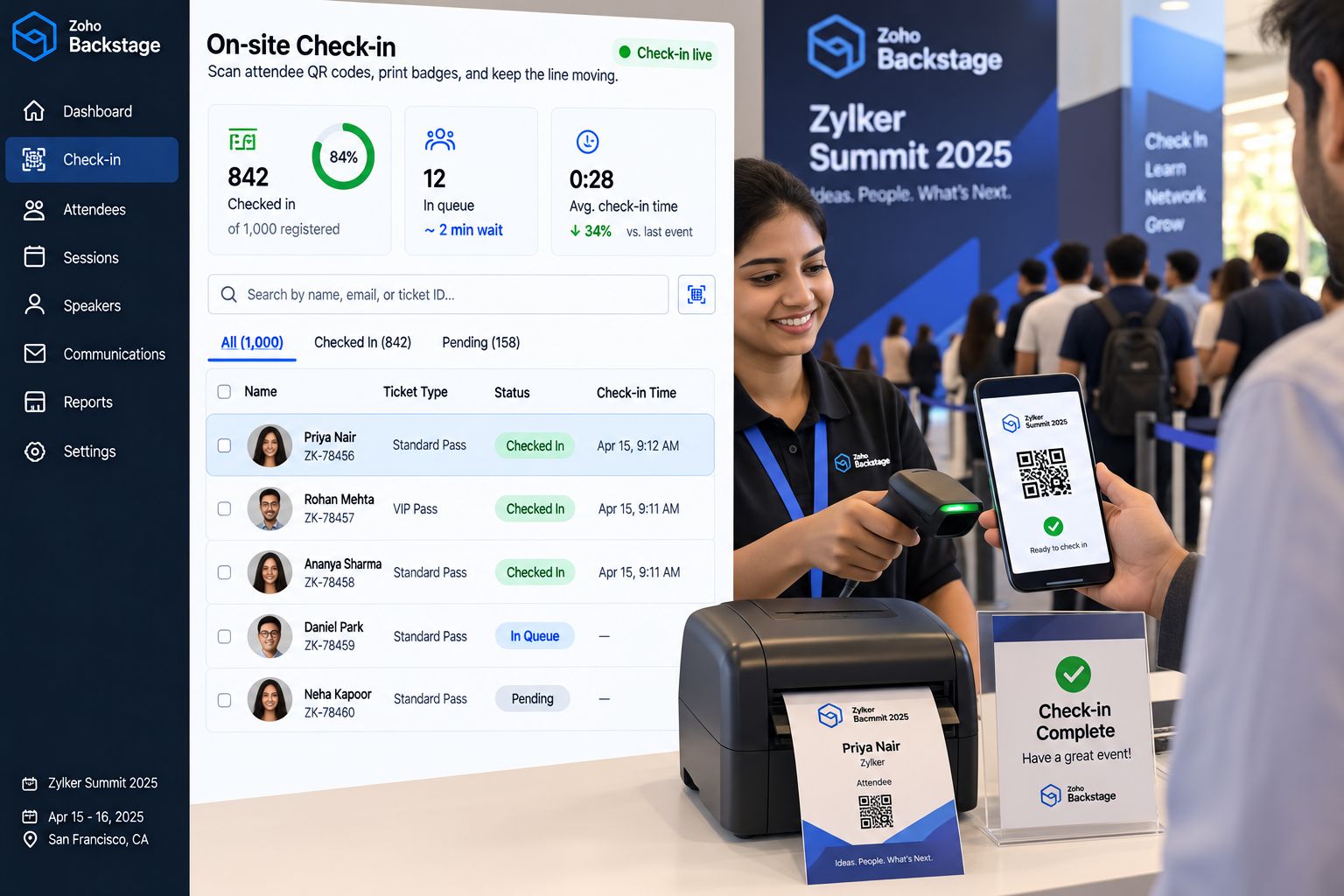
The customer picks a service, person and time online, by chat or through the front desk.
The slot is held, any deposit is taken, and the booking lands in the CRM.
Reminders go out with directions or a meeting link, and an easy way to reschedule.
The customer is checked in and the provider has their history and notes at hand.
Invoice, feedback request and next steps go out, and no-shows get a call from a person.
The next visit is offered at the right time, so customers keep coming back.
Most booking tools fail because they were set up around the software, not around how your services really run. We design around your services, people and rules first, move your existing bookings with care, and keep improving after launch.
to a working booking system
trained on real bookings
utilization and no-show reviews
We map your services, people, locations, resources and how customers book today.
Services, durations, availability, booking rules, deposits and reminders designed around your operation.
Upcoming bookings, customers and staff calendars cleaned and imported.
Website, chat, calendars, video meetings, payments and the CRM connected to every booking.
Front desk, providers and managers learn the system on real bookings, with playbooks and SOPs.
Monthly reviews of utilization, no-shows and booking flow, and the next round of changes.
Zoho Bookings runs the calendars, booking pages, reminders and payments, and Zoho CRM holds the relationship. They connect natively, so every booking updates the customer and every follow-up starts on its own. When a client is better served by a tool like Calendly, we also work with it and connect it to the same record.




Booking bots on your website, chat and WhatsApp answer availability questions, book, reschedule and cancel, send reminders and fill gaps from the waitlist, day and night. Your team handles the exceptions, the special requests and the VIPs. Every booking rule and policy change is reviewed by a person, and every AI action is logged.
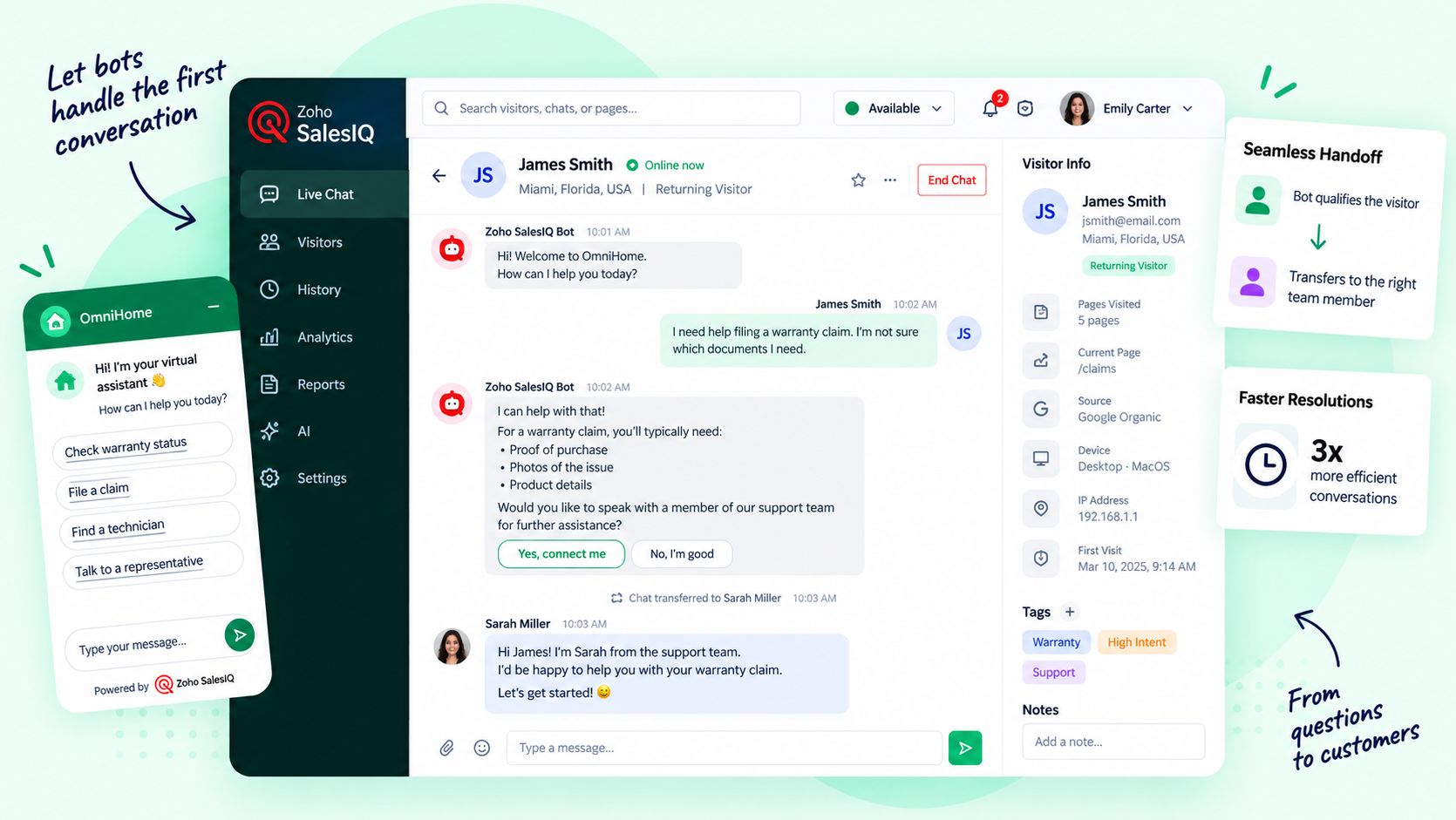
Answers availability questions and books by chat or WhatsApp.
Takes over for special requests and VIP customers.
Reschedules and cancels within the rules you set.
Decides on exceptions, refunds and waived fees.
Sends reminders and asks customers to confirm.
Calls the customers who do not reply.
Offers freed-up slots to people on the waitlist.
Sets who gets priority and approves overbooking.
Spots no-show patterns and busy hours.
Changes staffing, policies and deposits.
Your bookings and CRM, plus marketing, finance, HR, projects and analytics on one connected suite with one login and one set of data. We plan, implement and support it for you.
One-on-one appointments, consultations, sales demos, group classes and workshops, room and equipment bookings, and field visits at the customer’s location. Each type gets its own durations, rules and reminders.
Zoho Bookings is our core platform because it connects natively to Zoho CRM, chat, payments and analytics. We also work with tools like Calendly when they fit the client better, and our Technology Assessment will say so.
Yes. Staff calendars sync both ways, so personal commitments block booking slots and new bookings appear where your team already looks.
With confirmations and reminders by email and text, easy reschedule links, deposits where they make sense, and waitlists that fill freed-up slots. No-shows are tracked so a person can follow up.
Yes. You decide which services need a deposit, prepayment or nothing at all. Payments are linked to the booking and the customer record, and flow into your accounting.
Booking bots answer availability questions, book, reschedule and cancel by chat or WhatsApp, send reminders and offer slots from the waitlist. People handle exceptions and VIPs and approve policy changes, and every AI action is logged.
A focused booking page with reminders and CRM sync can be live in a few weeks. Adding multiple locations, resources, payments, field visits, bots and data migration takes longer, and you get a timeline after the review.
Show us how customers book with you today. We will show you what a connected booking system would change.

Corporate Communications. Emotional Storytelling. AI. Operating Systems.