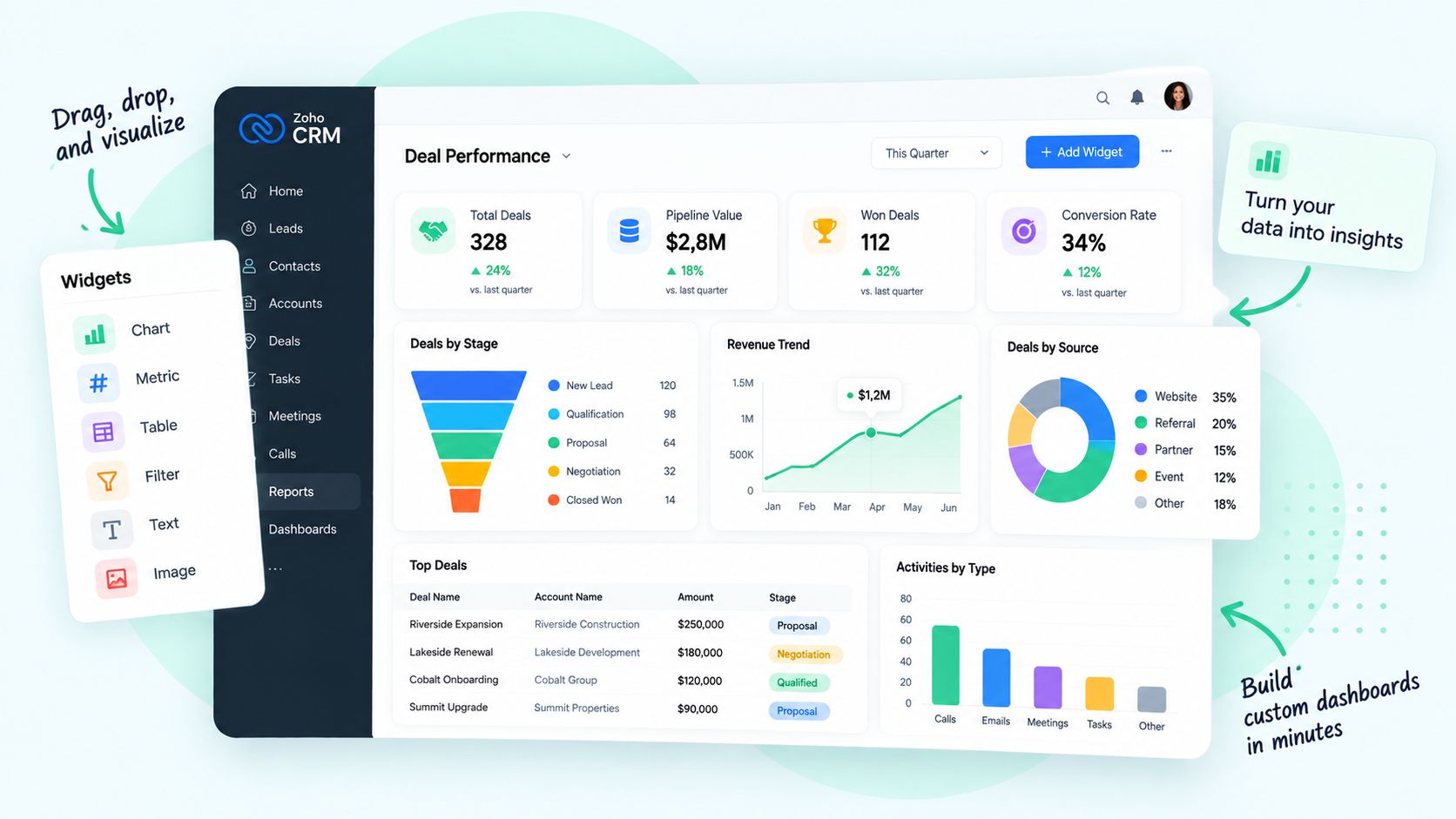
Website and landing pages
Messages, navigation and calls to action that turn more visitors into qualified leads.
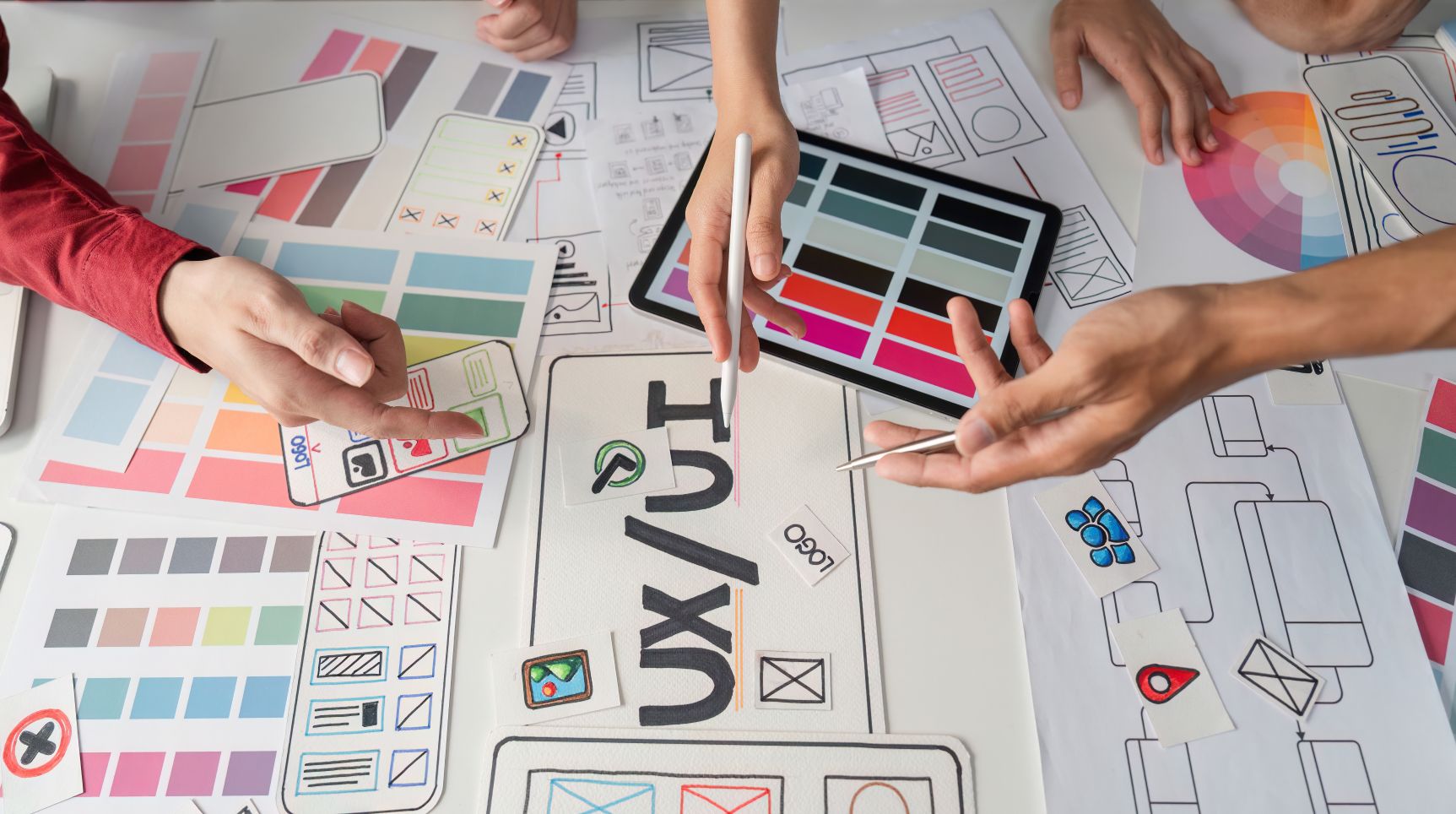
A customer trying to buy. An agent trying to close a ticket. A rep trying to log a call before the next one. When the screens in front of them are confusing, sales are lost and work slows down, and nobody sees it happen. A UX/UI review watches how real people use your channels and tools, finds what gets in their way, and fixes what matters most first.
Redesigns are decided by opinion and the loudest voice in the room.
Changes are decided by evidence: analytics, recordings and real users.
Visitors arrive, look around and leave without a word.
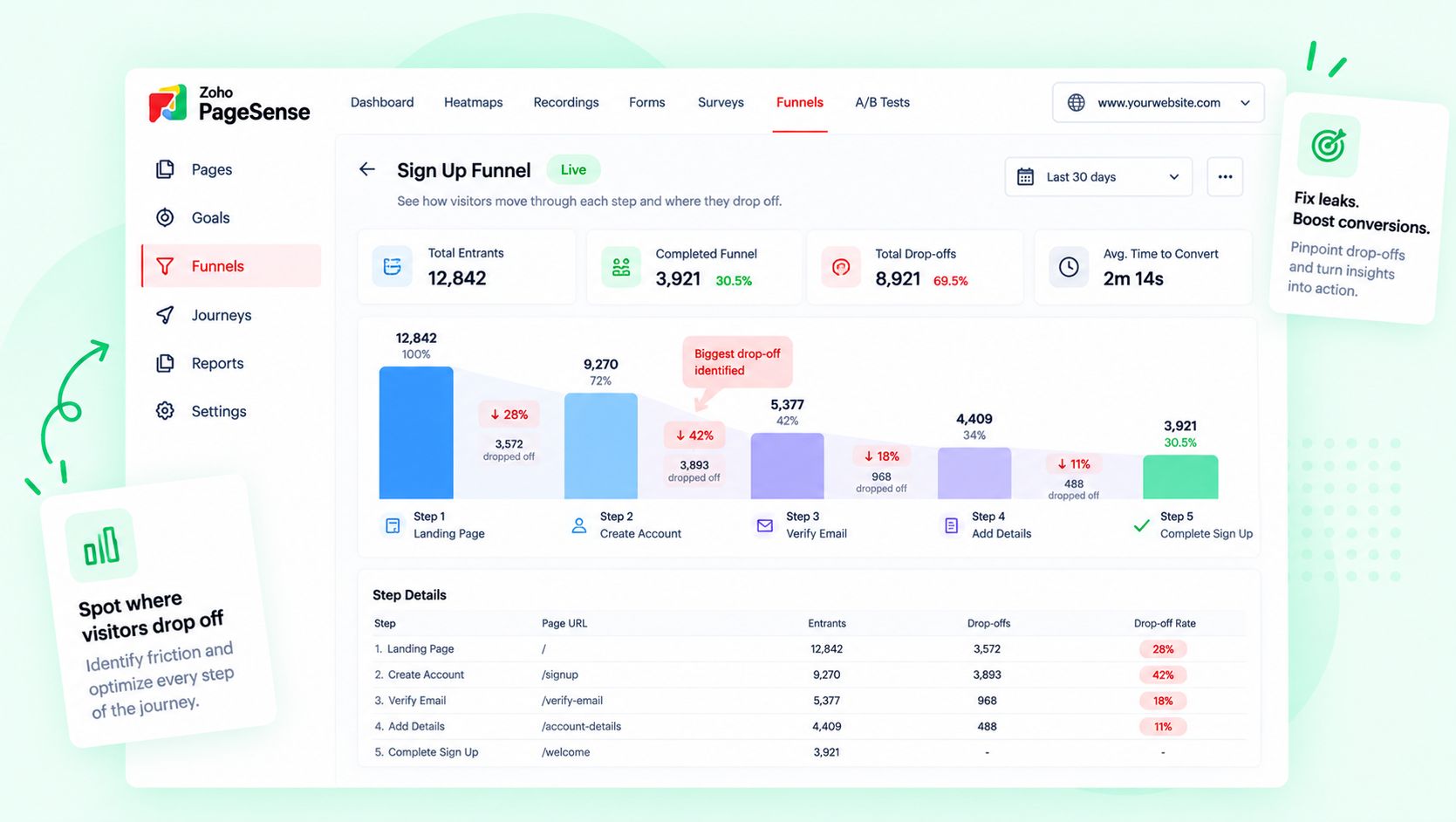
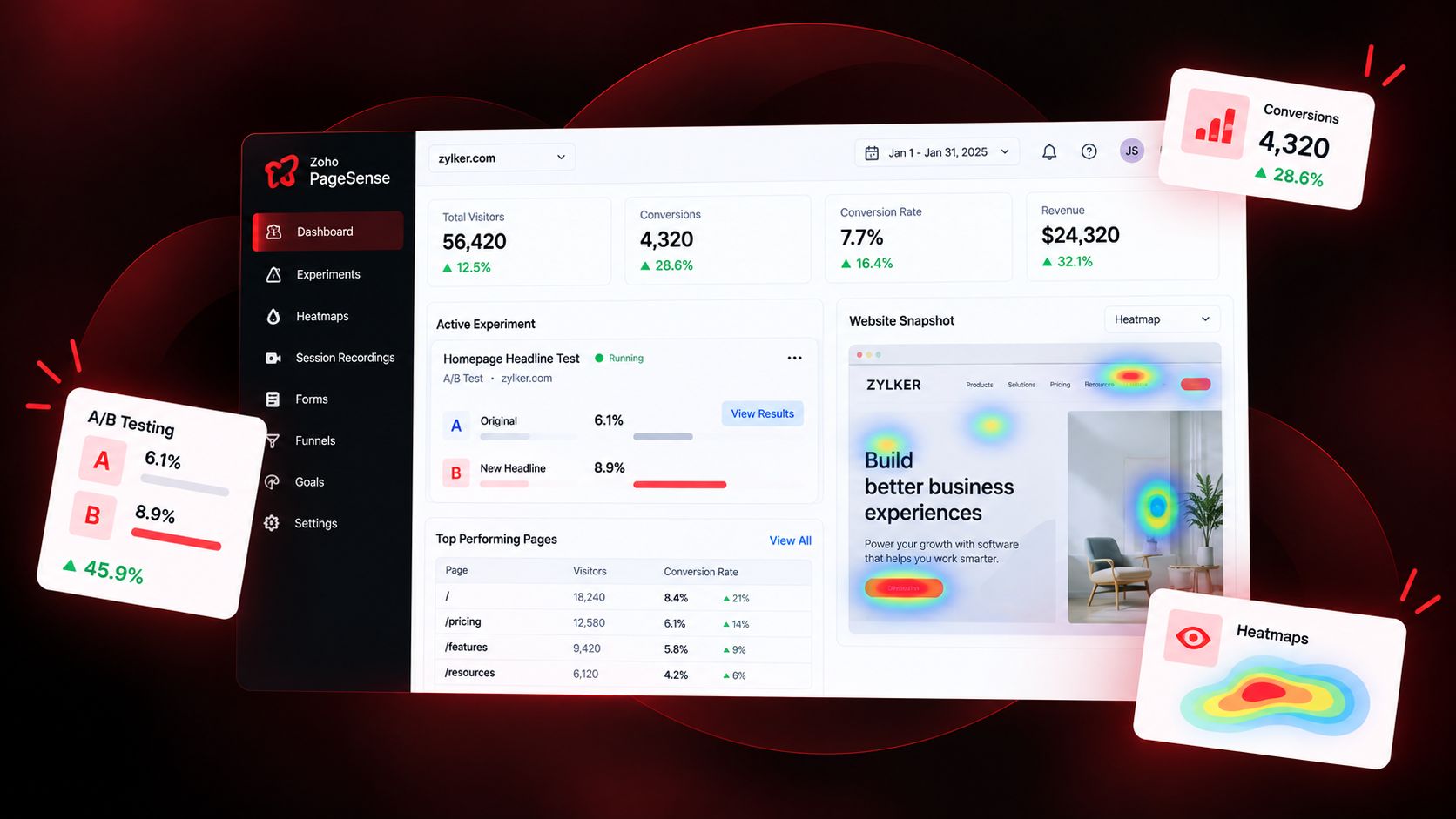
Heatmaps and funnels show exactly where they hesitate, and why.
Every channel looks and behaves a little differently.
Site, store, chat, email and portal feel like one brand and one journey.
Staff work around the CRM with spreadsheets and sticky notes.
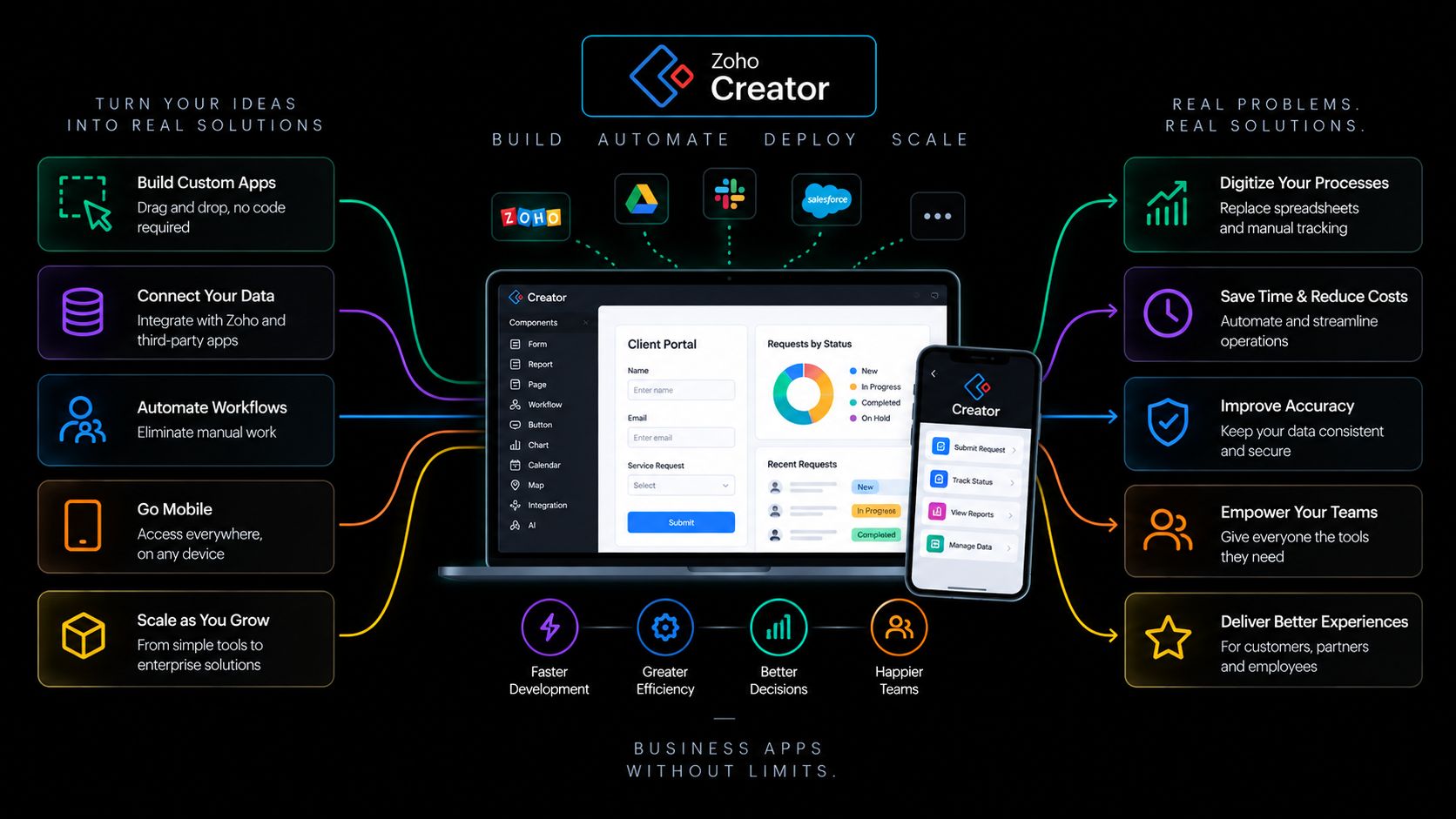
Internal screens are rebuilt around the way people actually work.
New hires need weeks to find their way around the tools.
Clear layouts and fewer steps cut training time and errors.
Nobody can say whether the last change helped.
Every change is tested and measured against sales and production.
Messages, navigation and calls to action that turn more visitors into qualified leads.
Product pages, cart and checkout with fewer steps, so more carts become orders and orders grow.
Mobile apps, portals and booking flows customers can finish on their own, without calling you.
Sign-up, quote and booking forms, chat flows and emails that are short, clear and easy to finish.
Journey maps that connect ads, site, chat, email, booking and service into one clear path.
Layouts, fields and views rebuilt so reps spend less time logging and more time selling.
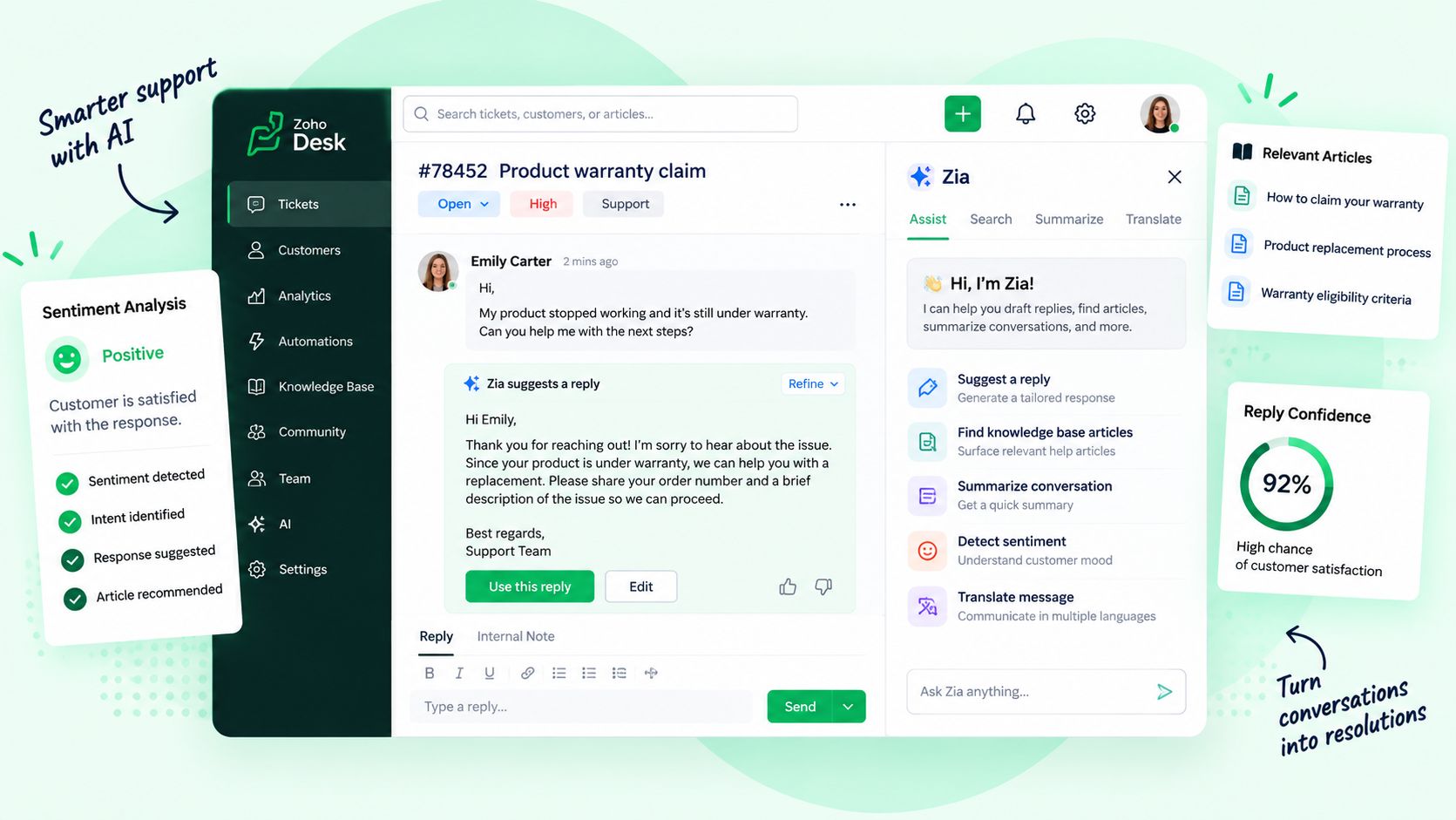
Agent and back-office screens with fewer clicks, fewer errors and faster handling.
Accessibility reviews and a shared component library, so every screen stays consistent and usable by everyone.
Each team depends on two experiences: the one their customers see and the one they work in. Choose a team to see what we evaluate for it.
Each stage hands the next one evidence, and the cycle repeats as your customers, products and teams change.
Heuristic, analytics, accessibility and workflow reviews of every key screen, outside and inside.
Heatmaps, session recordings, interviews and usability tests with real customers and staff.
Findings ranked by their impact on sales and production, and by the effort to fix them.
Journeys, wireframes, prototypes and a design system for the fixes that matter most.
Prototypes tested with users first, then A/B tests on the live site, store or app.
Results tracked against the baseline, and the next round of improvements planned.
Most redesigns disappoint because they start with taste, not evidence. We start by watching how your customers and employees really use your screens, fix what costs you the most, and measure every change after it ships.
to a ranked list of findings
customer-facing and internal
test and results reviews
We agree on goals, map your channels and internal tools, and set the sales and production baseline.
Heuristic, funnel, heatmap, session, accessibility and journey reviews, plus shadowing the teams who use your internal tools.
Prototypes tested with real users before anything is built, and a design system that keeps every screen consistent.
Changes built with your developers or ours, in your site, store or Zoho apps, and A/B tested where traffic allows.
Teams learn the redesigned tools on their real work, with short guides for every new hire.
Monthly reviews of heatmaps, funnels and usage against the baseline, and the next round of tests.
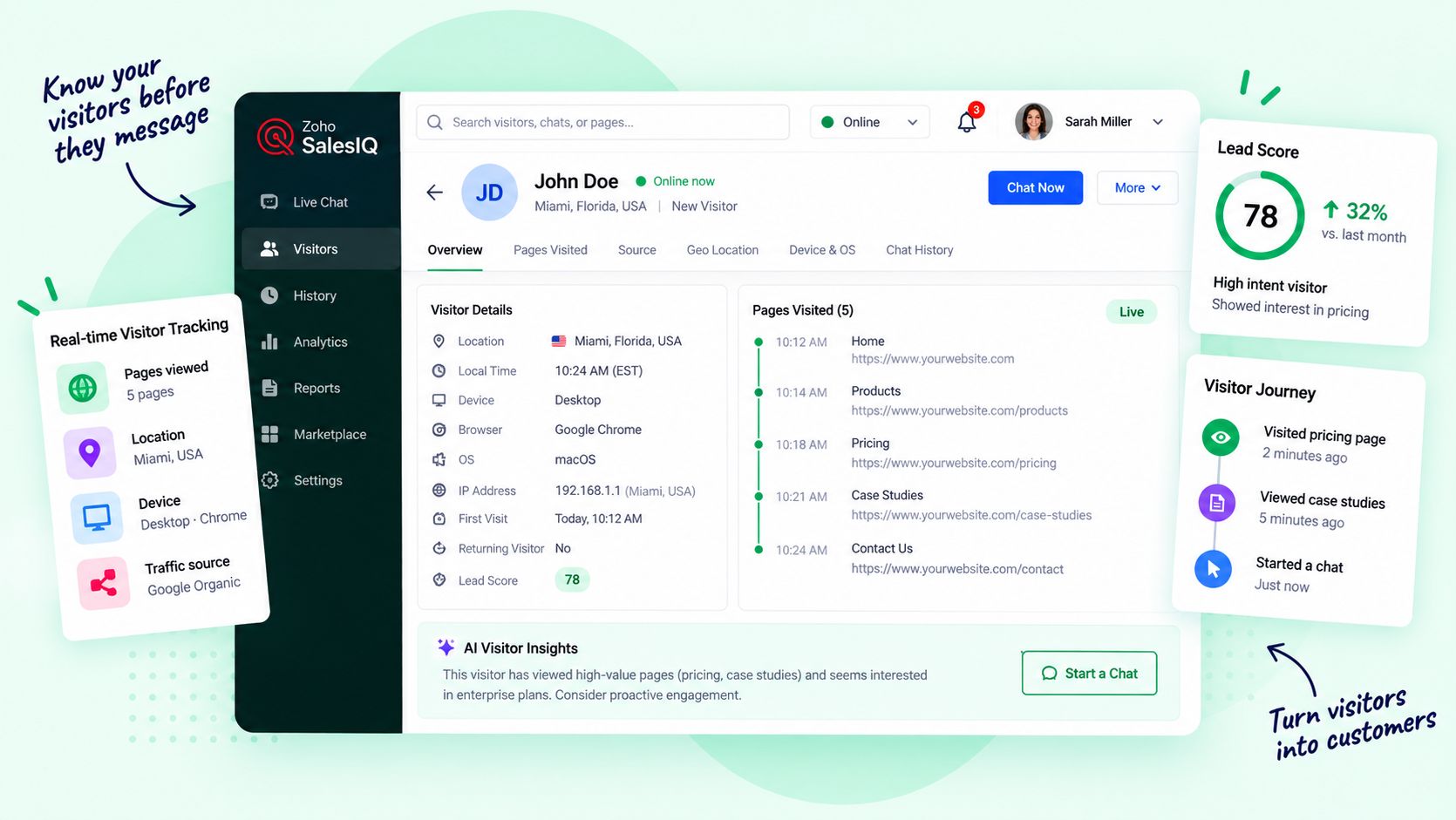
Zoho PageSense records heatmaps, session replays, funnels and A/B tests on your site and store. Zoho Analytics puts that behavior next to your sales and operations data, Zoho SalesIQ shows each visitor’s journey, and Zoho Creator and Zoho CRM let us rebuild internal screens quickly. We also work with the design and research tools your team prefers, such as Figma.







AI helps us work through hours of recordings, feedback and analytics. It summarizes sessions, clusters issues, drafts test variants and copy, and checks for accessibility problems, so our designers spend their time on judgment and craft. Every finding, design and test is reviewed by a person, and every AI action is logged.
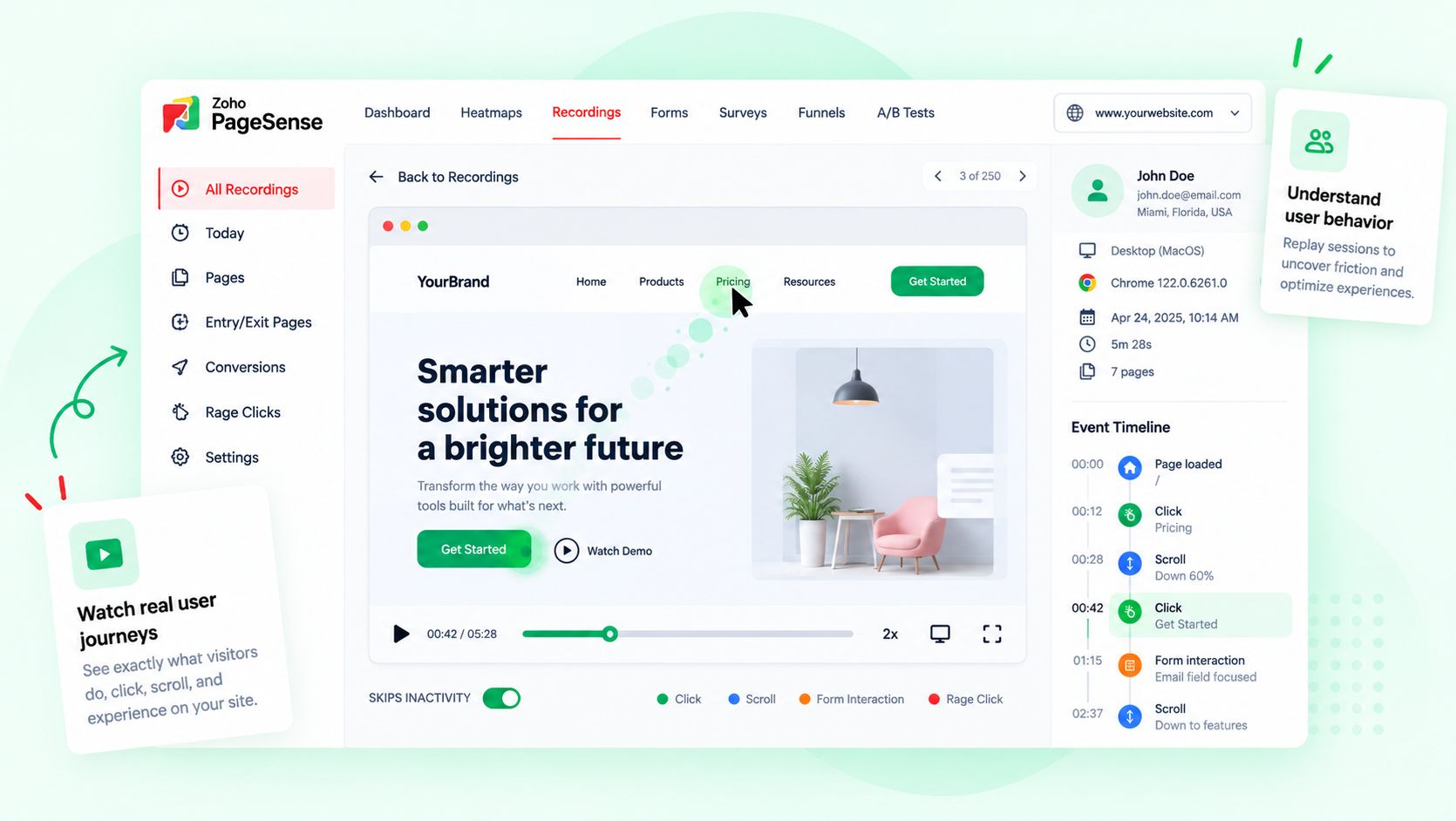
Summarizes session recordings and highlights rage clicks and drop-offs.
Watches the key sessions and decides what is really going on.
Clusters survey answers, tickets and feedback into common issues.
Confirms the issues with real users and ranks them by impact.
Drafts test variants, headlines and microcopy.
Designs the change, chooses what to test and writes the final version.
Checks pages and screens for common accessibility problems.
Reviews every flag and fixes what matters for real users.
Reports test results and spots shifts in behavior.
Decides what ships, what rolls back and what comes next.

Your site analytics, CRM and help desk, plus marketing, finance, HR, projects and custom apps on one connected suite with one login and one set of data. We plan, implement and support it for you.
We review your key journeys and screens against proven usability principles, study your analytics, funnels, heatmaps and session recordings, test with real users where it matters, check accessibility, and shadow the teams who use your internal tools. You get findings ranked by their impact on sales and production, with recommended fixes.
No. We look at the whole ecosystem: website, store, apps, portals, chat, email, forms and booking on the outside, and the CRM, help desk and internal apps your teams use on the inside.
Because your people spend their day in them. Clumsy CRM layouts, slow help desk screens and confusing internal apps cost time, cause errors and stretch out training. Fixing them gives your teams that time back for customers.
Yes. After the review we design the fixes, prototype and test them, build a design system if you need one, and support implementation with your developers, ours, or directly in your Zoho apps.
Zoho PageSense for heatmaps, session replays, funnels and A/B tests, Zoho Analytics for reporting, and Zoho SalesIQ for visitor journeys. We also work with the design and research tools your team prefers, such as Figma.
AI summarizes session recordings and feedback, clusters issues, drafts test variants and copy, and checks for accessibility problems. People decide what to change and design it, and every AI action is logged.
A focused review of one journey or one internal tool can be done in a few weeks. A full review across customer-facing channels and internal tools takes longer, and you get a timeline after the first conversation.
Show us the journeys and tools that matter most. We will show you where people get stuck and what fixing it would change.

Corporate Communications. Emotional Storytelling. AI. Operating Systems.