Custom Operating Systems | GO MVP Agency
GO MVP Agency GO MVP Network GO MVP Labs
Agency
Services+ All Services Internal Communications External Communications Business Development Zoho Implementation Process Automation Dashboards & Analytics Accounting Support Teams & Fractional Roles Training & Certifications Branding Marketing & Advertising Content Creation Web Development & Ecommerce Instore Marketing Social Engagement Custom Strategies Corporate Communication Planner Pipeline & Sales Tools Omnichannel & Email Marketing Technology Assessment Business Development Tools
Solutions+ All Solutions CRM Project Management Customer Service & Support Booking & Scheduling Remote Operations In-house Support Fractional Roles Pipeline Management Sales Tools Email Marketing Management Social Management Ecommerce Support AI Solutions Application Builder Custom Operating Systems Performance Monitoring Advanced Analytics UX / UI
Zoho Solutions+ Zoho Solutions (overview) Zoho One Implementation Zoho CRM Zoho Desk Zoho SalesIQ Zoho PageSense Zoho Campaigns Zoho Books Zoho Billing Zoho Contracts Zoho Creator Apps Zoho Recruit Zoho People Zoho Marketing Automations Zoho Backstage Zoho AI Solutions
Case Studies Service Planner
About Us+ About Us Our Model Team Partner Profiles Better World Initiatives News & Insights
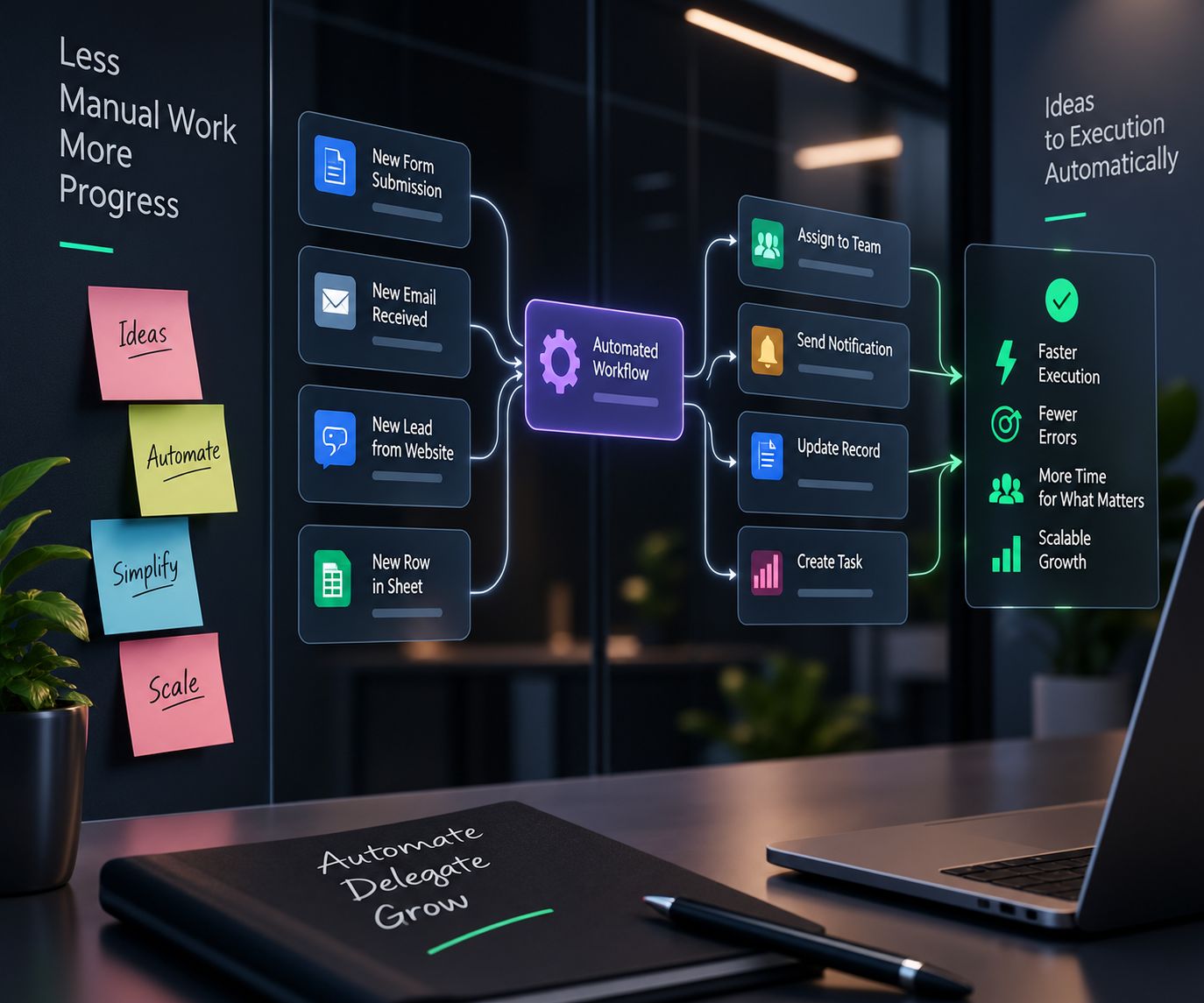
Forms, emails, website leads and spreadsheet rows flowing through one automated workflow to teams, notifications, records and tasks
Solutions / Build & Measure / Custom Operating Systems

One system. Built around how your company runs.

Your company already runs on a system. It is just scattered across apps, spreadsheets and inboxes. We design the connected apps, data, processes and dashboards your business needs, shaped by your budget, your teams, the nature of your business and your timeline.

Design My System → Plan Your Journey
Apps Data Processes Dashboards AI
Human-to-Human

A company is people working together. The system should help them, not slow them down.

Most companies grow one tool at a time. A CRM here, an accounting app there, a spreadsheet for everything in between. Soon people spend their day copying data, chasing approvals and asking where the latest number lives. A custom operating system connects the tools, the data and the processes, so your people can get back to the work only people can do.

Without an operating systemWith one

Data lives in ten tools and a dozen spreadsheets.

One connected system, with one record for every customer, order and employee.

The same information is typed again in every department.

Information entered once flows to every team that needs it.

Processes live in a few people’s heads.

Processes are built into the system and written down for everyone.

Leadership waits for reports someone builds by hand.

Dashboards show the whole company live, from the same data.

Every new tool adds another login and another bill.

One suite and one login, with licensing planned around your budget.

Growth means hiring people to move data around.

Growth means adding users, not adding busywork.

What a custom operating system solves

Four pillars shape every system we design.

No two companies should run on the same setup. Before we choose a single app, we look at four things with you. Together they decide what we build, what we license, who it is for and what goes live first.

Map your four pillars
Pillar 01

Budget

What you can invest now, and what you can invest later.

We design for the budget you have today and the one you plan to have, so nothing is built that you cannot afford to run. Licensing a standard app and building a custom one are weighed side by side.

How it shapes the design

  • License or build, decided app by app
  • User plans sized to who actually needs access
  • Investment spread across phases, not paid up front
  • Running costs shown before anything is switched on
Pillar 02

Teams

Who uses it, in which role, and with which skills.

A system only works if people use it. We design around the roles, skills and habits of the people who will live in it every day, and plan for adoption from the first workshop.

How it shapes the design

  • Roles and permissions mapped to your org chart
  • Simple screens for the people who use them most
  • Training sized to each team’s skills
  • Adoption tracked, with a champion in every team
Pillar 03

The nature of your business

Your industry, your model, your rules, and how you sell and deliver.

A property manager, a bank and a retailer do not run the same way. What you sell, how you deliver it and the regulations you work under decide what the system must hold, track and prove.

How it shapes the design

  • A data model built around what you sell and deliver
  • Sales and delivery processes modeled as they really run
  • Approvals and audit trails where your rules require them
  • Custom apps only where standard apps do not fit
Pillar 04

Implementation time

What goes live first, and what follows in later phases.

Not everything has to launch at once. We phase the system so your most painful problem is solved first, each phase builds on the last, and the business keeps running while it changes.

How it shapes the design

  • A first phase that delivers value in weeks
  • A roadmap of later phases agreed up front
  • Old tools retired only when the new ones are ready
  • Each phase reviewed before the next one begins

What the system brings together

Whatever the four pillars decide, the result is one connected system with these building blocks.

One source of truth

Customers, deals, invoices, people and projects in one connected set of data.

Connected apps

Sales, finance, operations and HR apps that share data instead of copying it.

Custom apps

Zoho Creator apps for the processes no standard app covers.

Automated processes

Approvals, hand-offs and reminders that run themselves between teams.

Company dashboards

Live views for leadership and every team, built from the same data.

Roles and permissions

Everyone sees what they need, and only what they should.

Documented processes

SOPs and playbooks that match how the system really works.

AI under direction

Zia and AI agents working inside the system, with people reviewing what matters.

For every team

One operating system. Five teams running on it.

The same system serves each team differently, from the same data. Choose a team to see what it gets.

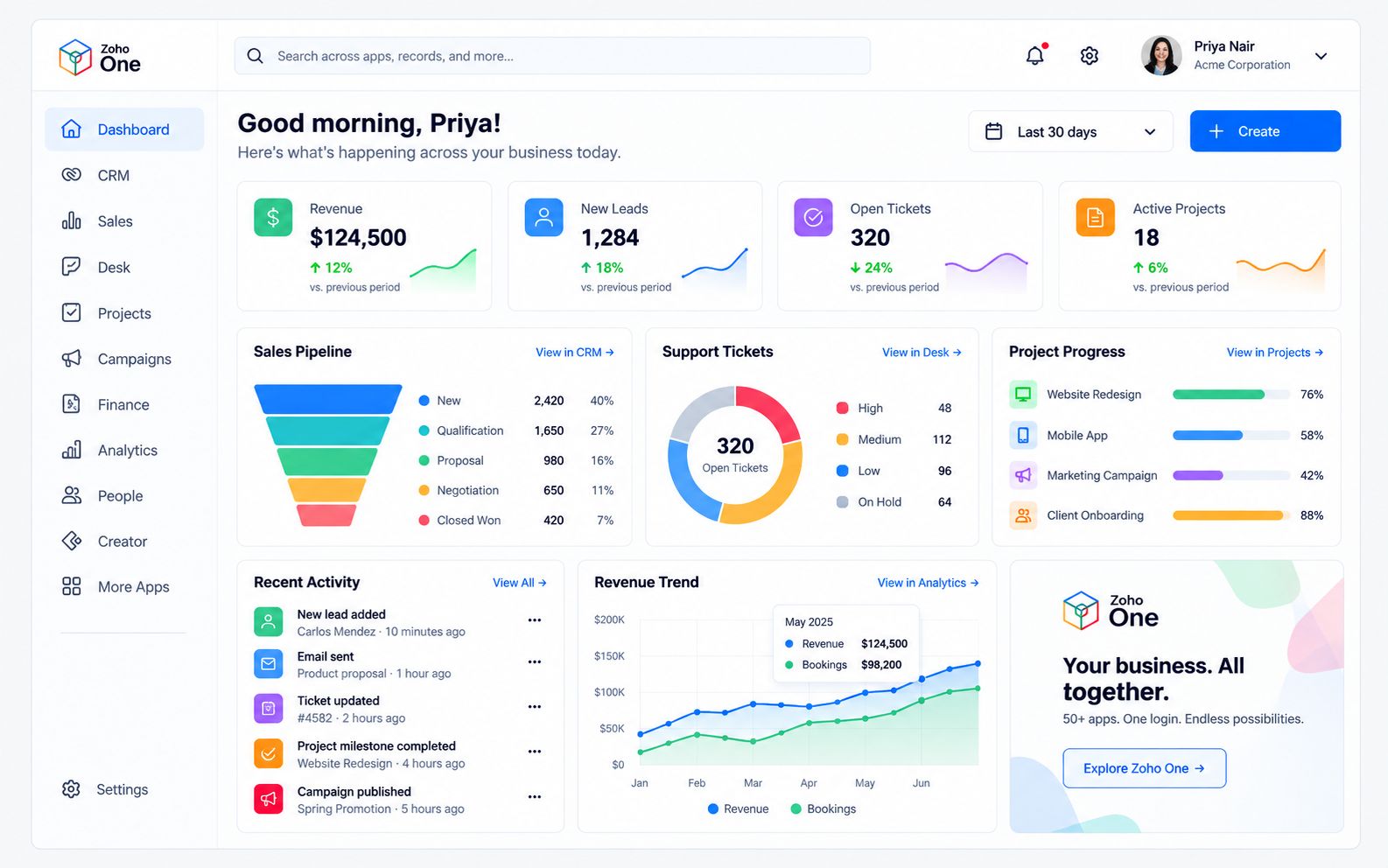
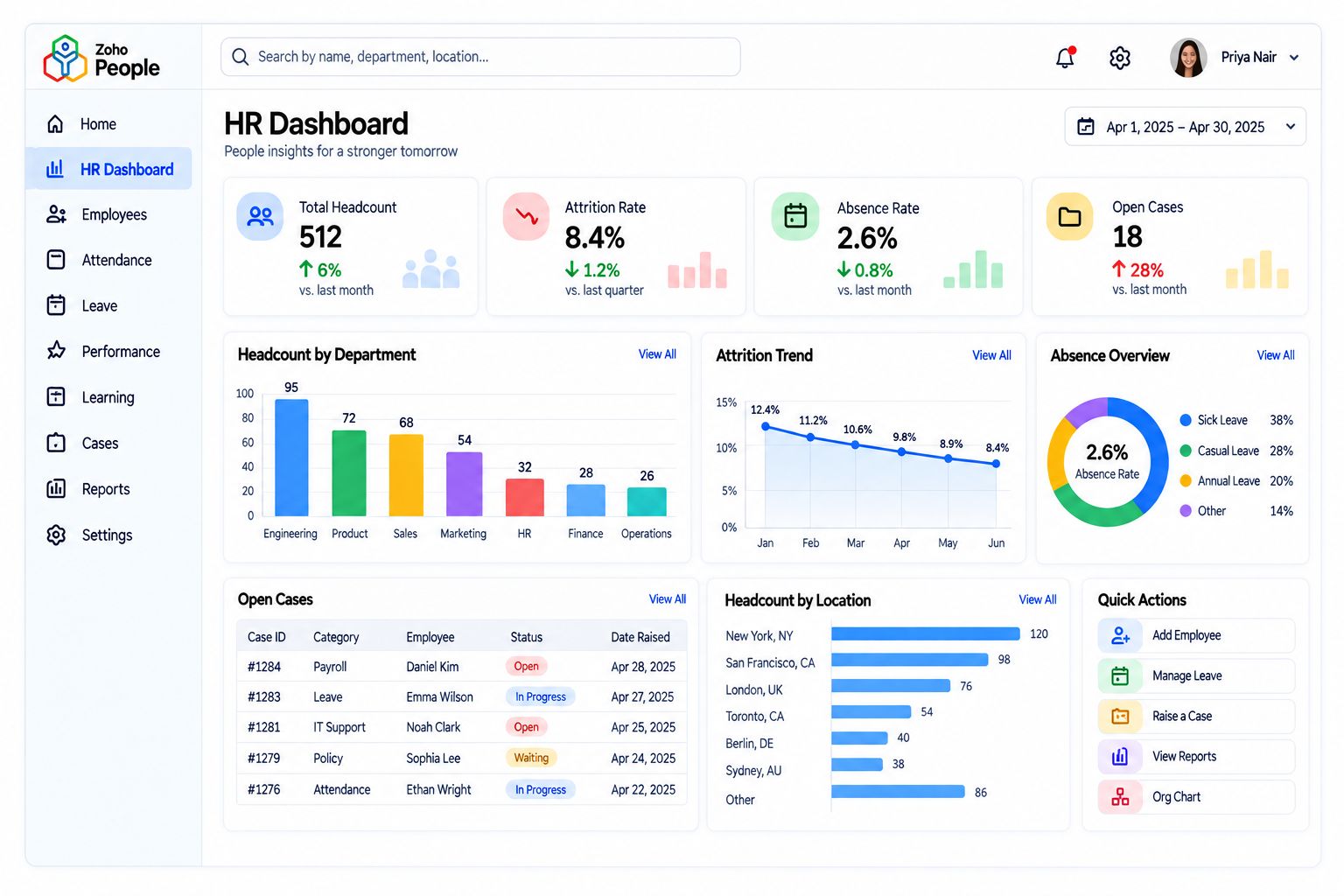
A Zoho One dashboard showing revenue, leads, support tickets, projects and the sales pipeline in one view

Owners and leadership: The whole company on one screen.

Revenue, pipeline, tickets, projects and people in one live view, built from the same data every team works in.

What we set up

  • A company dashboard across every app
  • Goals and KPIs tied to each team
  • Approval rules for spend, pricing and hiring
  • Reports scheduled to your inbox

What they measure

Revenue, margin, growth and cash position

AI in this team

Zia answers questions about the business in plain language and explains what changed.

The operating system lifecycle

From scattered tools to one system that keeps improving.

An operating system is never finished. It grows with the company, one phase at a time, and each phase hands the next one a stronger base.

Zoho Creator
01

Map

Every tool, spreadsheet, process and data source the company runs on today.

02

Prioritize

The four pillars weighed together to decide what matters most and what goes first.

03

Design

Apps, data, roles, automations and dashboards designed as one system.

04

Build

Standard apps configured, custom apps built and data moved across with care.

05

Adopt

Every team trained on its own work, and old tools retired once the new ones are ready.

06

Evolve

New phases, apps and automations added as the business grows.

How we implement

A system built around your business, not around the software.

Most company systems fail because they were assembled one tool at a time, with nobody designing the whole. We start from your budget, your teams, your business and your timeline, build in phases, and keep improving after launch.

Phases

planned around your budget

Every team

trained on its own work

Quarterly

roadmap reviews

Start with an operations review →
  1. 01

    DiscoverBefore launch

    We map your teams, tools, data and processes, and weigh the four pillars with your leadership.

  2. 02

    Design

    The data model, apps, roles, automations and dashboards designed as one system, with a phased roadmap.

  3. 03

    Build

    Zoho One apps configured, custom apps built in Zoho Creator, and data cleaned and migrated.

  4. 04

    ConnectLaunch

    Apps, integrations and the tools you keep connected, and the first phase goes live.

  5. 05

    Train

    Every team learns the system on its own work, with playbooks and SOPs.

  6. 06

    ImproveAfter launch

    Regular reviews of adoption and results, and the next phase of the roadmap.

Running the company on ten disconnected tools? Let’s design the one system behind them.

Book an operations review → Technology Assessment
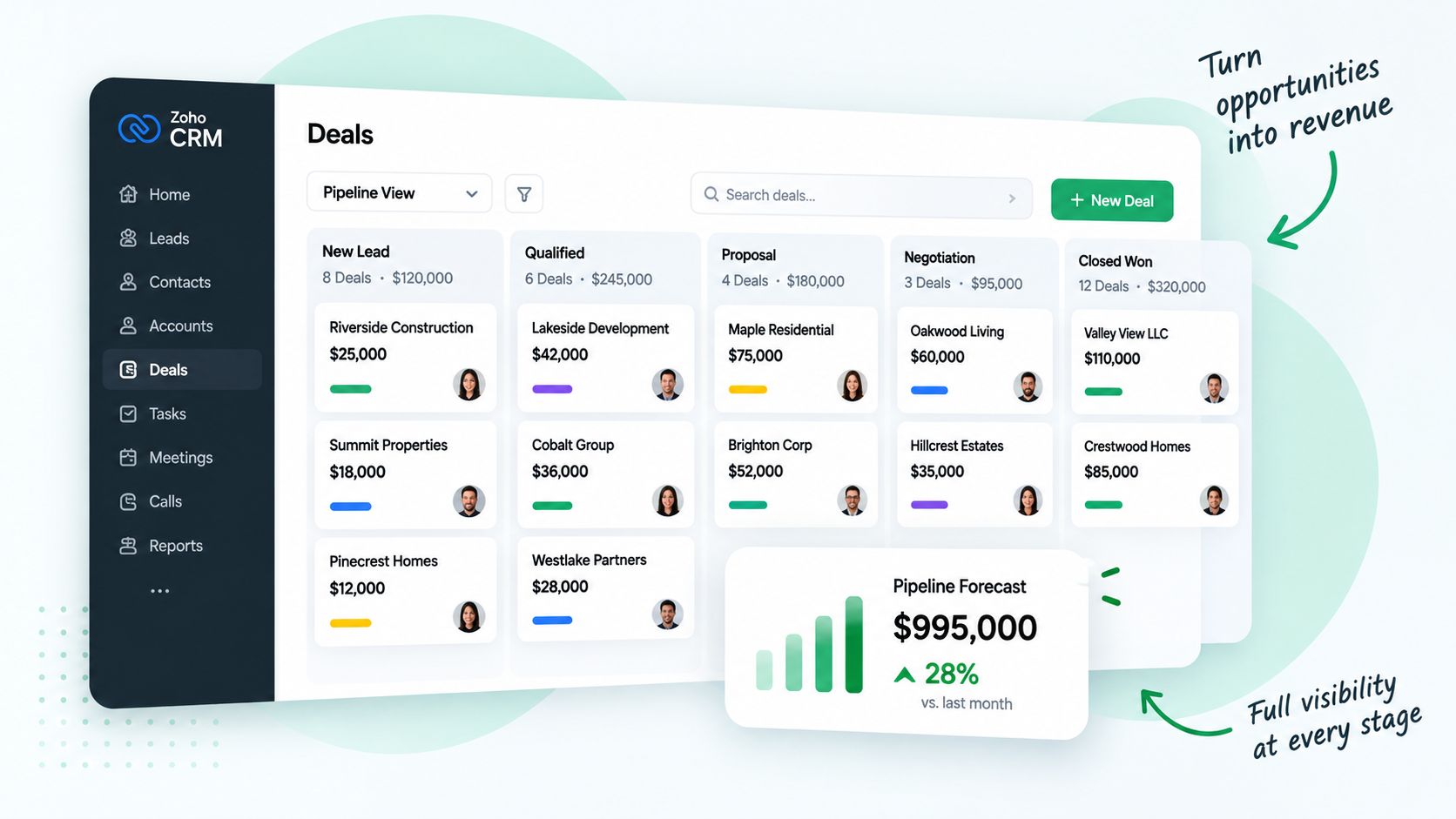
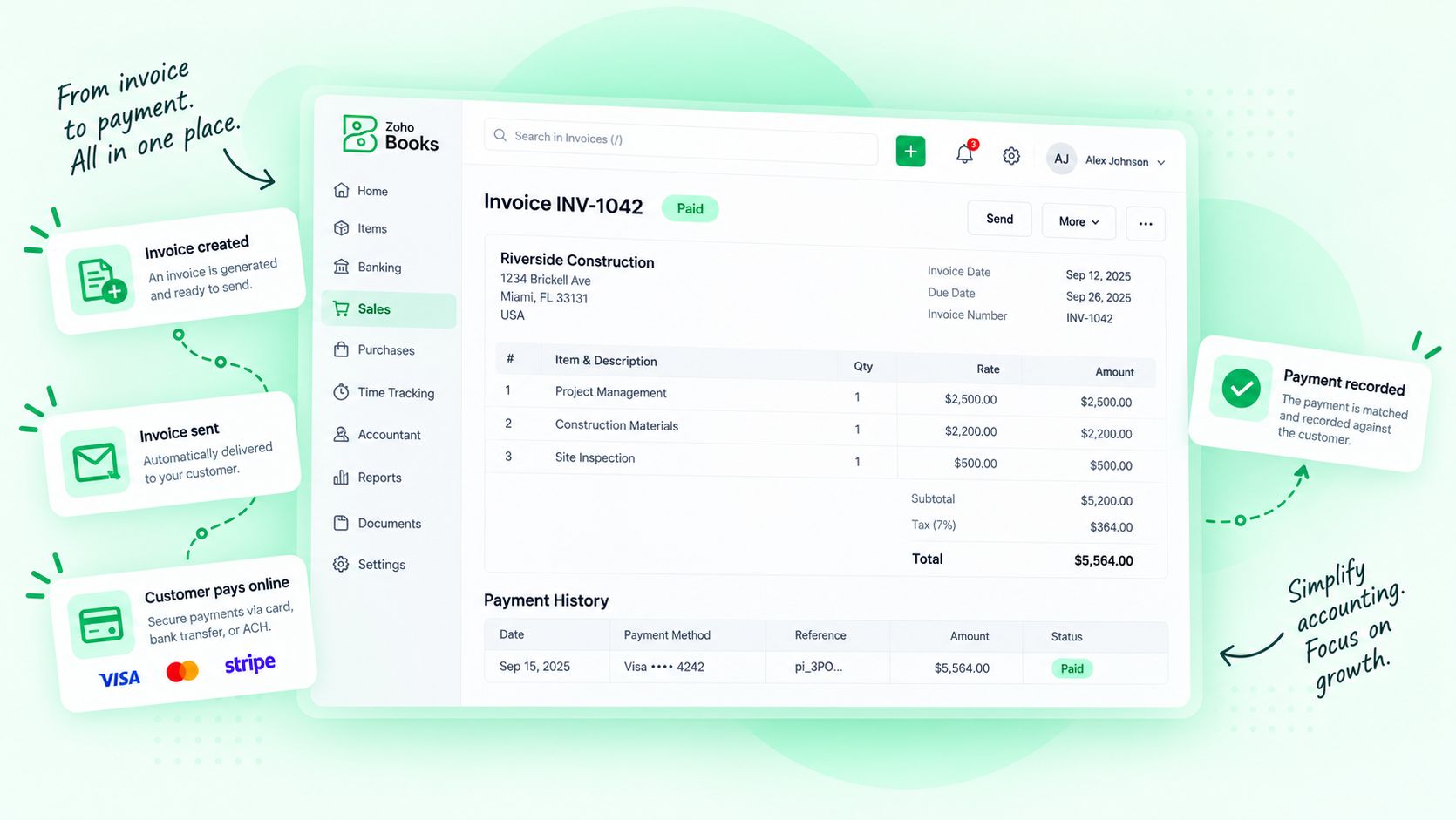
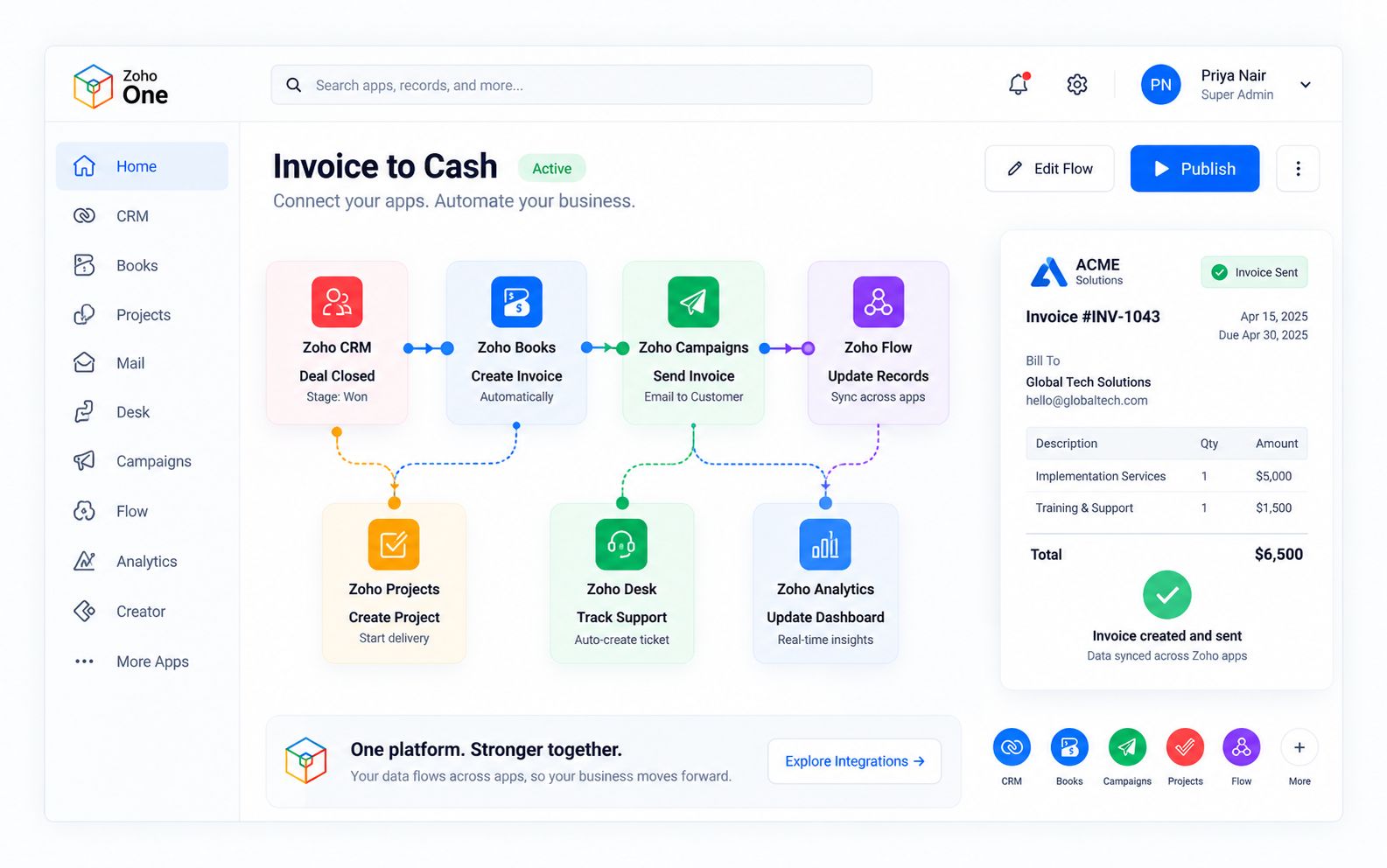
A Zoho One flow where a closed deal in Zoho CRM creates an invoice in Zoho Books, a project, a support ticket and an analytics update
Powered by Zoho One

One suite for the whole company, shaped around yours.

Zoho One brings sales, marketing, finance, HR, operations and analytics into one suite with one login and one set of data. Zoho Creator fills the gaps with custom apps built for the way you work, and Zia adds AI across every app. We choose which apps you turn on, and when, from your four pillars.

  • Implemented, configured and supported by a Zoho Authorized Partner
  • Zoho CRM, Zoho Books and Zoho People working from one set of data
  • Zoho Creator for custom apps, Zoho Analytics for company-wide dashboards
  • We also work with the tools you keep, connected where it makes sense
Zoho OneZoho CreatorZoho CRMZoho BooksZoho PeopleZoho AnalyticsZia
Explore Zoho One → Explore Zoho Creator
AI solutions for your operating system

AI runs the routine. People run the company.

Zia and our AI agents work across the whole system every day. They move data between apps, route approvals, prepare reports and draft documents, so your people spend their time on decisions, customers and each other. Every reply, decision and change is reviewed by a person, and every AI action is logged.

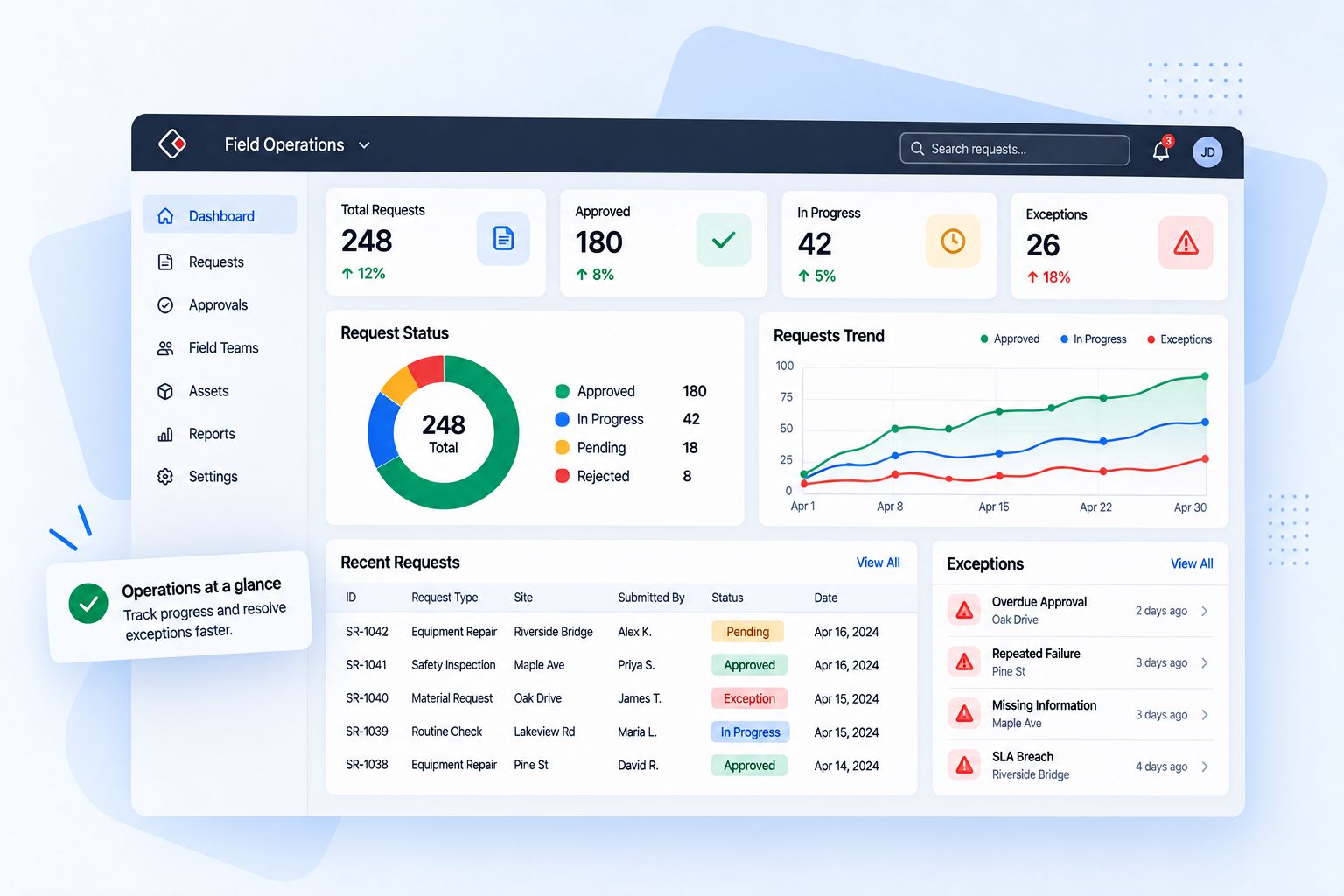
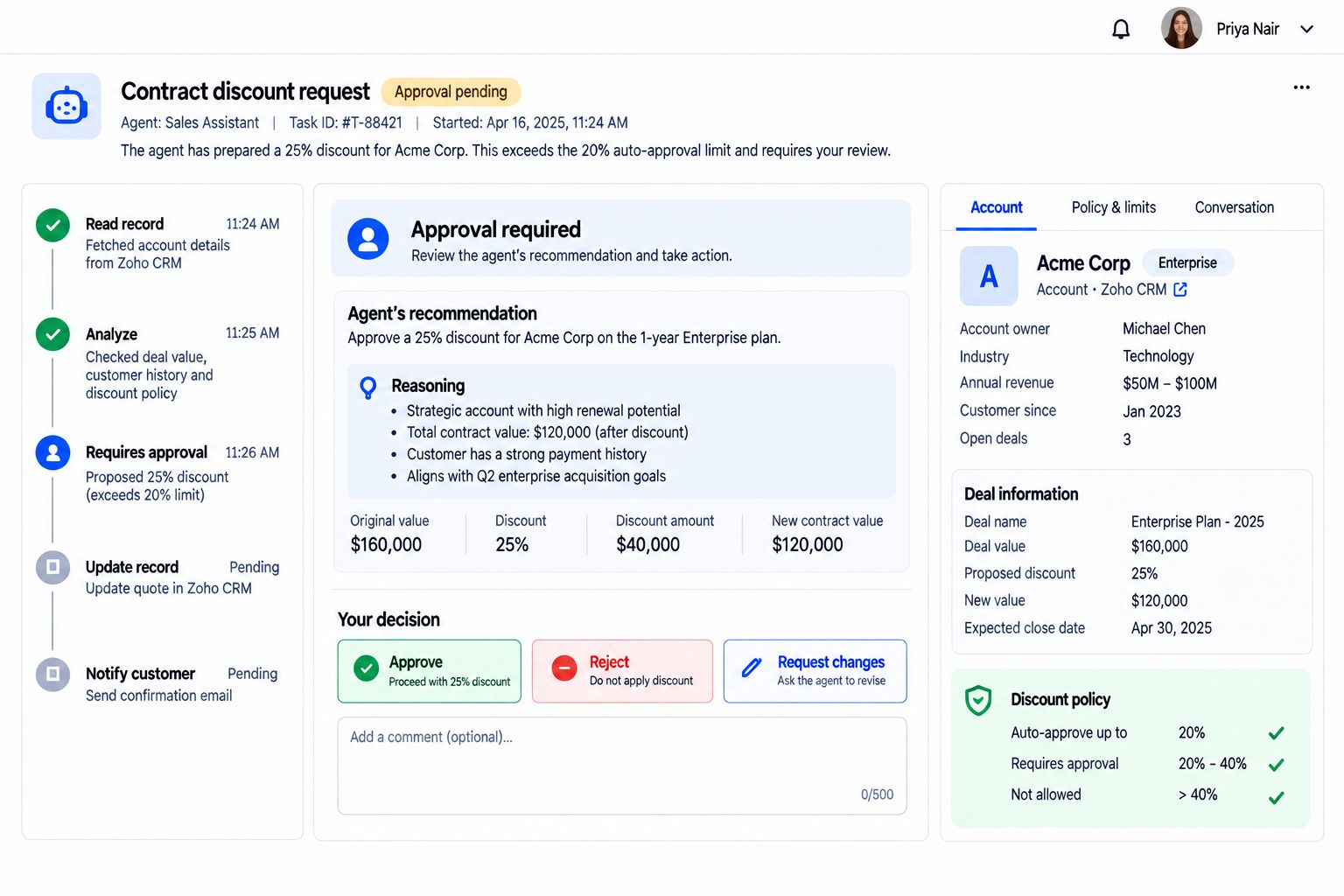
An AI agent’s discount recommendation waiting for a person to approve, reject or request changes
AI agent Your team

Moves data between apps and keeps records in sync.

Decides what the data should say and who owns it.

Routes requests and approvals to the right person.

Approves, rejects and handles the exceptions.

Prepares reports and explains what changed.

Reads them and makes the call.

Spots stuck processes and features nobody is using.

Fixes the process and coaches the team.

Drafts documents, replies and onboarding plans.

Edits, approves and sends them.

Explore AI Solutions → Zia Agents
Zoho One
Not ready for the whole suite?

Start with one department. Grow into all of Zoho One.

Begin where the pain is greatest, then add sales, finance, operations, HR and analytics phase by phase on the same suite. We plan the order with you, so every step builds on the last and nothing has to be rebuilt.

Plan your Zoho One path → Talk to us
Connected solutions

The operating system ties every solution together.

All Solutions
Process AutomationThe workflows that move work between teams.Explore → Dashboards & AnalyticsOne view of the company, built from the system.Explore → Application BuilderCustom apps for the gaps standard apps leave.Explore → CRMThe customer record at the center of the system.Explore → Technology AssessmentA clear look at the tools you run on today.Explore → Custom StrategiesThe plan the system is built to deliver.Explore → Project ManagementDelivery work tracked inside the same system.Explore → Training & CertificationsEvery team confident in the system they run on.Explore →
FAQ

Questions we hear first.

Something else on your mind? Ask us on a call.

What is a custom operating system?+

It is the connected set of apps, data, processes and dashboards your company runs on, designed for your business instead of assembled one tool at a time. Most of it is standard Zoho One apps configured for you, with custom apps only where you need them.

Do we have to replace all our tools at once?+

No. We phase the system around your budget and timeline. The first phase solves the most painful problem, and old tools are retired only when their replacement is ready and your team is trained on it.

How do you decide between licensing an app and building one?+

We start with standard apps because they are usually faster to launch and simpler to maintain. We build in Zoho Creator only where a standard app does not fit your process, and we show you the cost of each option before you decide.

Our industry has specific rules. Can the system handle them?+

We design approvals, permissions and audit trails around the rules you work under, so the system records who did what and when. Your compliance or legal team reviews the design with us before launch.

Can we keep some of the tools we already use?+

Yes. If a tool works well for a team, we connect it to the system instead of replacing it. Our Technology Assessment tells you what to keep, what to connect and what to retire.

How is AI used in a custom operating system?+

AI keeps data in sync, routes approvals, prepares reports, flags stuck processes and drafts documents. People review and approve what matters, and every AI action is logged.

How long does it take to build?+

A first phase focused on one department can be live in a few weeks. A company-wide system is delivered in phases over a longer period, and you get a roadmap and timeline after the review.
Case studies

Operating systems we have built.

All case studies →
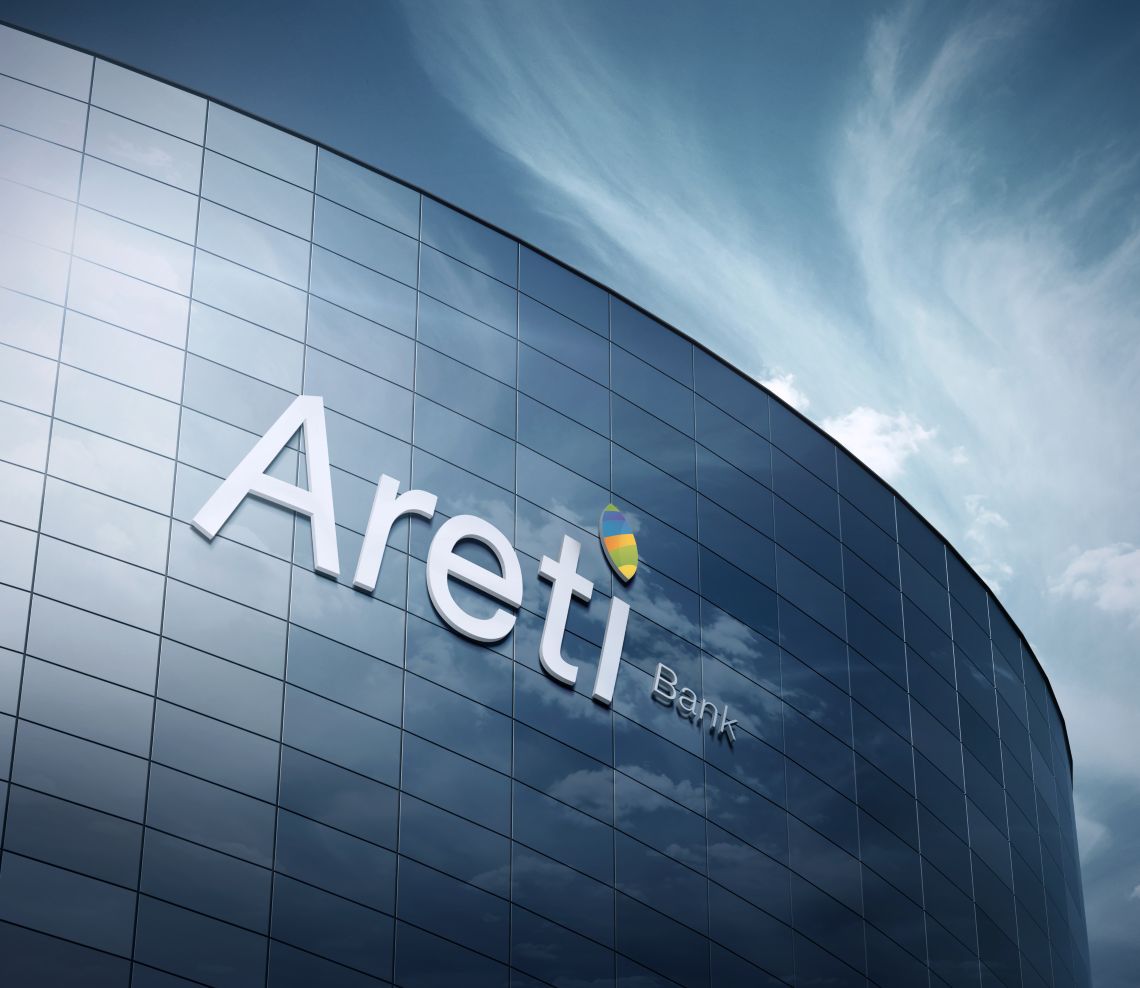
Areti Bank signage on a glass facade

Areti Bank

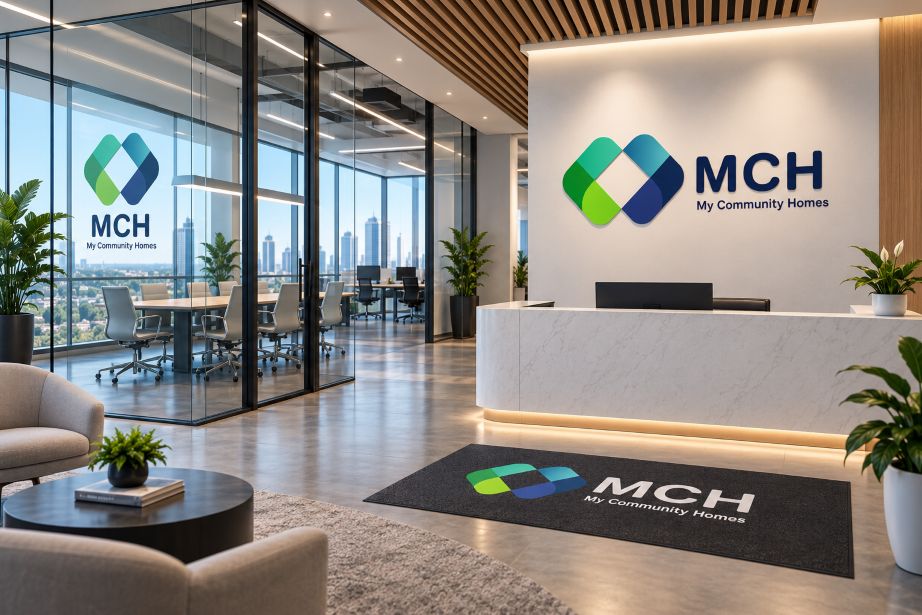
MCH reception with logo wall

My Community Homes

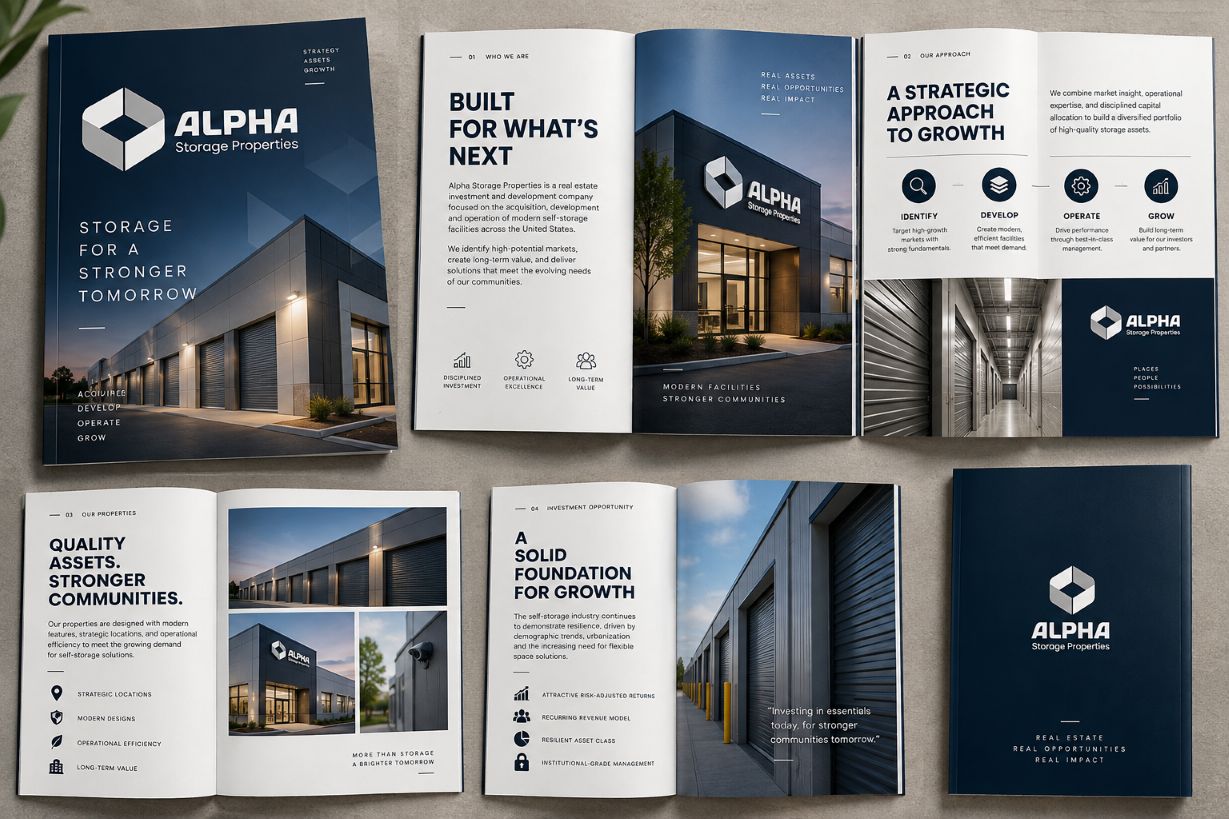
Alpha Storage brochure spreads

Alpha Storage Properties

Let’s talk

Ready to run the company on one system?

Show us the tools, spreadsheets and processes your company runs on today. We will show you the one system that could connect them.

Schedule a Demo → Plan Your Journey
Contact us →
GO MVP

Corporate Communications. Emotional Storytelling. AI. Operating Systems.

Services

Solutions

Zoho

Company