Custom processes
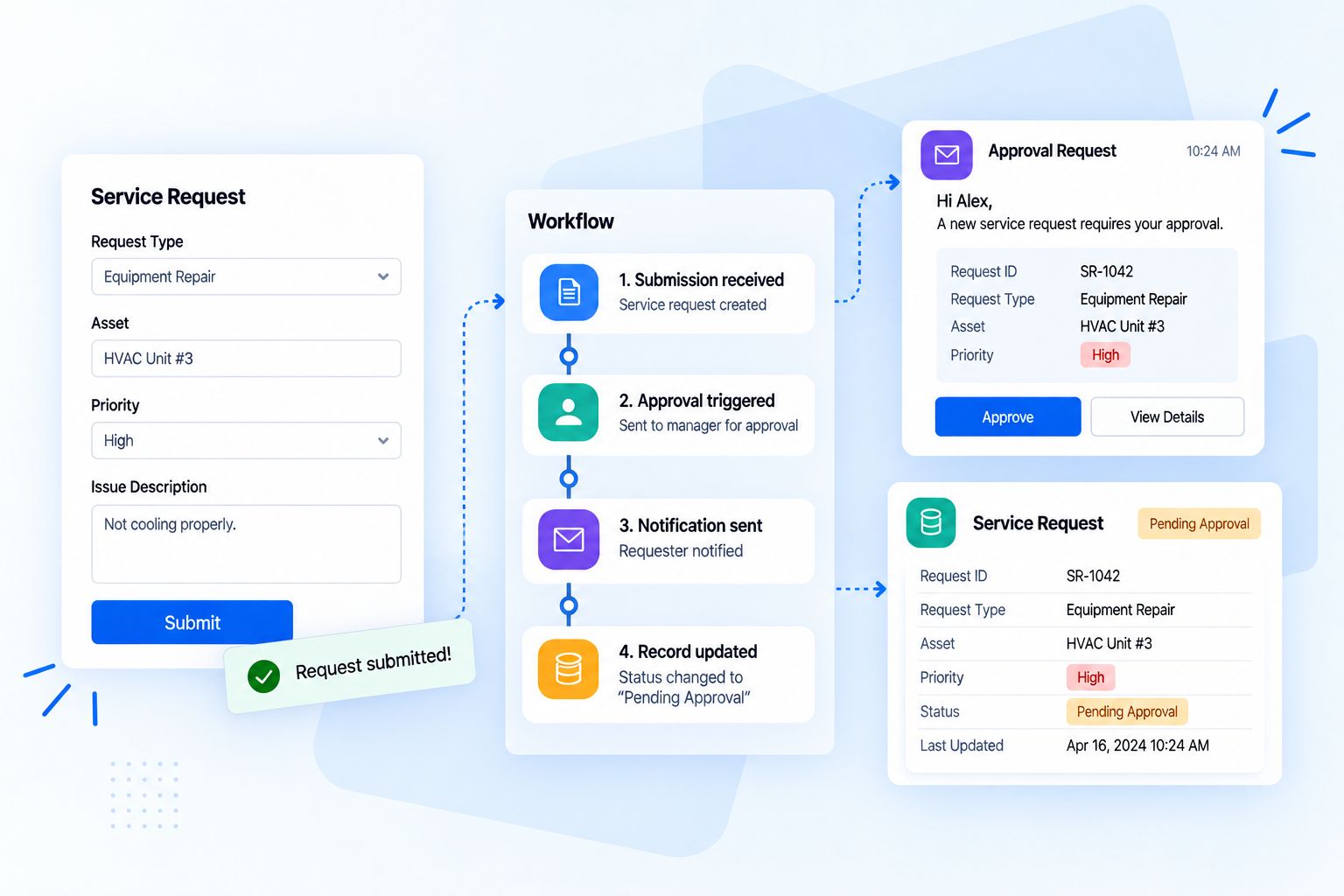
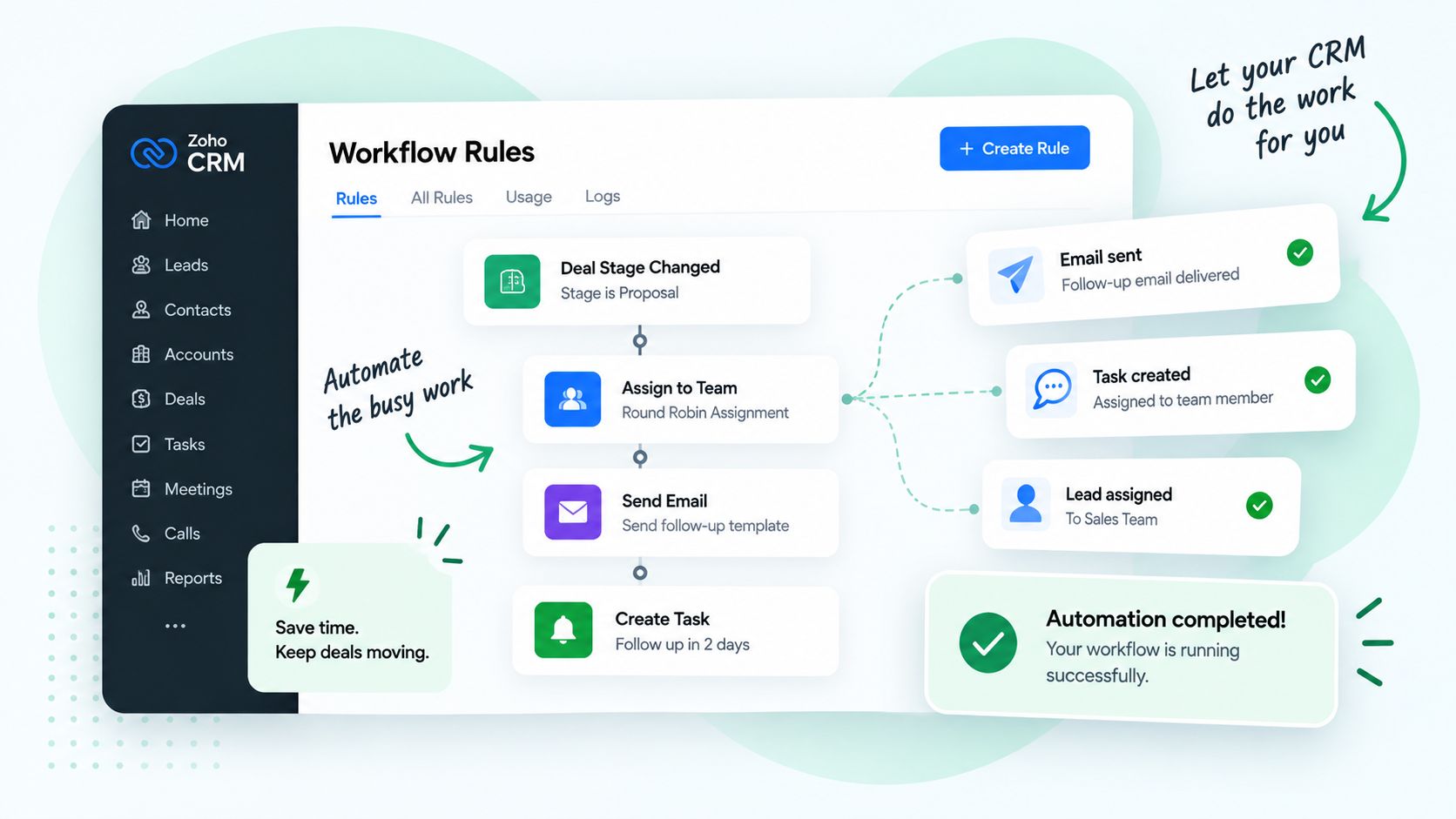
The fit. Where off-the-shelf stops, we build workflows, apps and integrations around how you actually work.
Most automation fails because tools are bought one at a time. We design the full picture first: the custom processes that fit how you work, the AI that runs and speeds them up, and the apps that hold your data.
The fit. Where off-the-shelf stops, we build workflows, apps and integrations around how you actually work.
The accelerator. Zia and our AI agents read, sort, score, draft and predict, so people spend time on decisions.
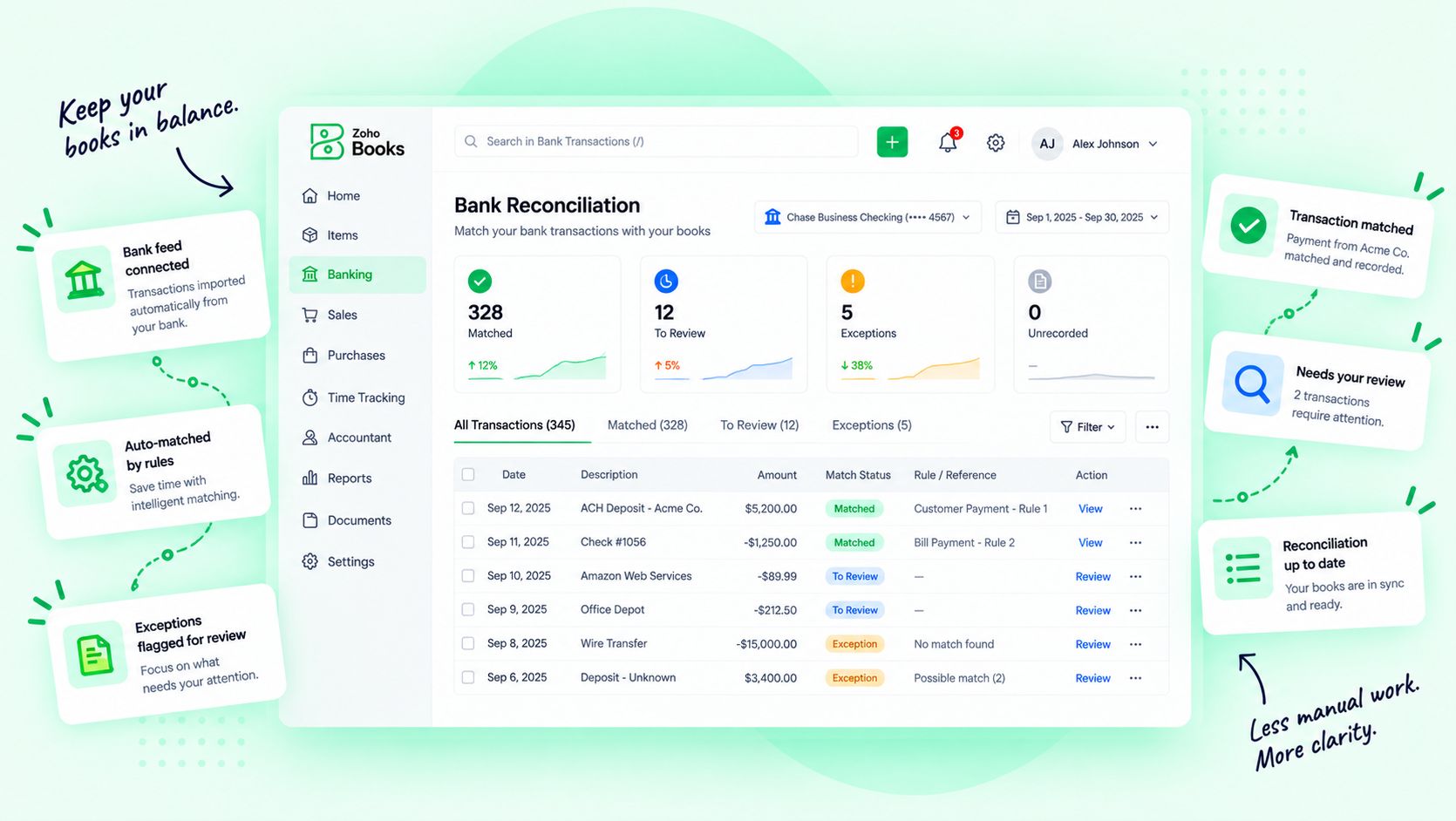
The system of record. 45+ connected apps in Zoho One hold your customers, money, people and projects in one place.


Eight stages, one connected flow. Choose a stage to see the automations, the Zoho apps and the AI behind it.
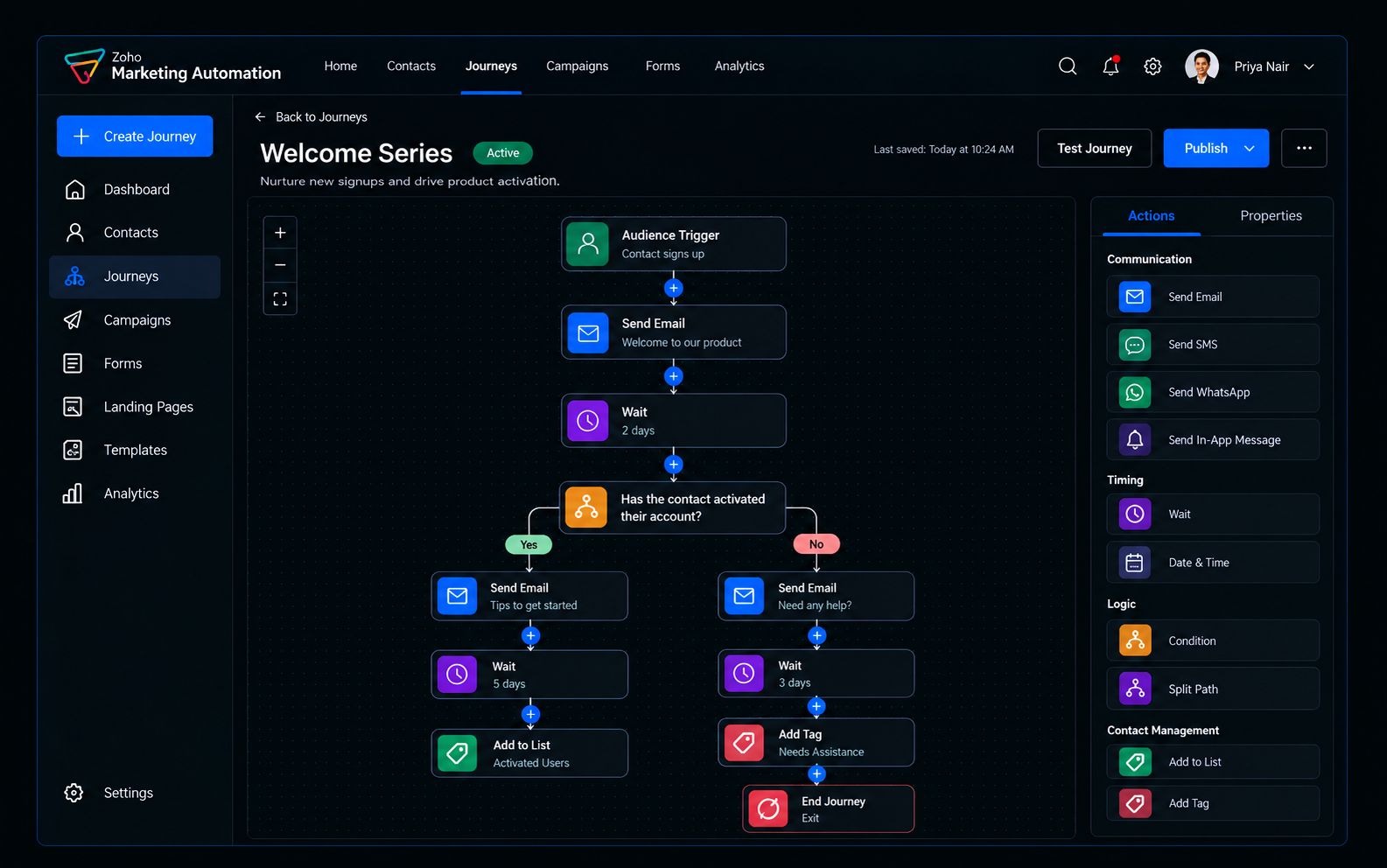
Visitors, ads, events and social become identified prospects without manual entry.



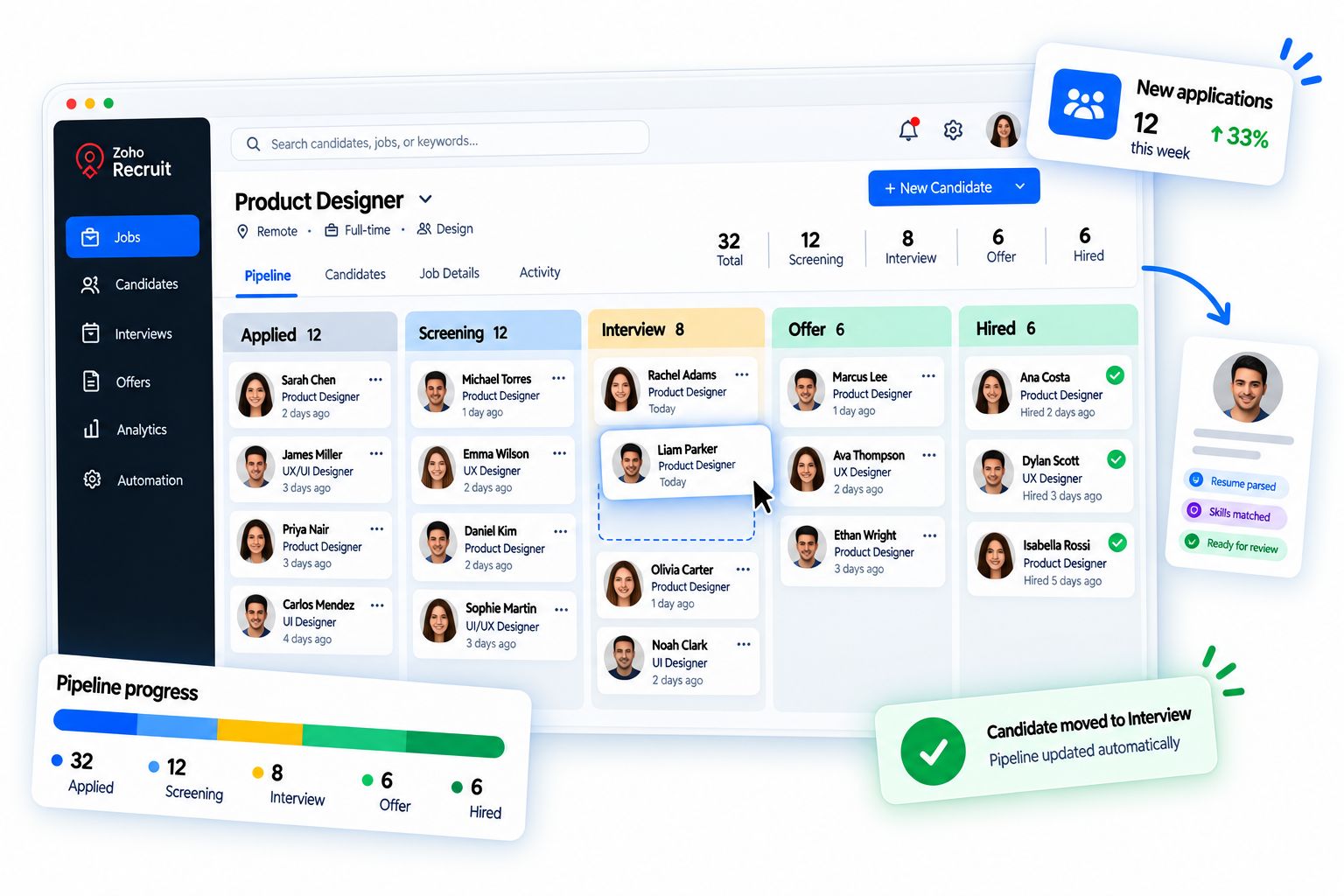
Zia scores new leads and flags the ones that match your best customers.
Every lead gets a score, an owner and a next step within minutes.


AI summarizes each lead’s history so the first call starts informed.
Meetings book themselves and proposals build from approved templates.
AI drafts follow-up emails and proposal sections for review.
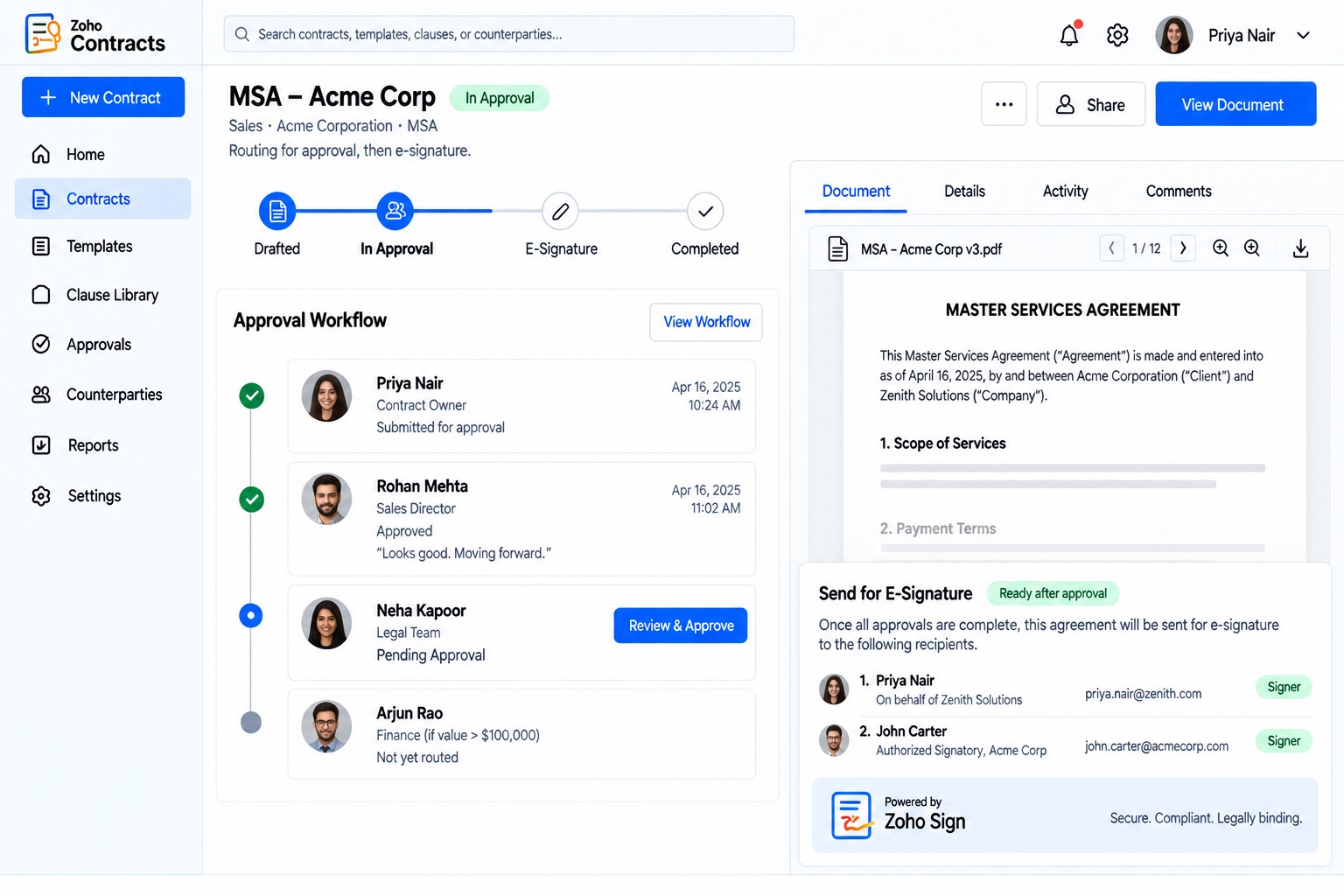
Contracts, signatures and payments run without chasing.
Zia predicts close probability and warns on deals going quiet.
Closing a deal starts the project, the welcome and the setup on its own.
AI builds the onboarding checklist from what was sold.
Usage, tickets and billing feed one view of every account.


AI flags churn risk and suggests the next best action.
Satisfied clients are asked at the right moment, and referrals are tracked to the source.
AI picks the right moment and drafts a personal ask.
Cross-sell and upsell opportunities surface from real data, not guesswork.
Zia recommends the next product or service for each account.
Every stage hands off to the next on its own. Nothing waits on a spreadsheet.
Automate my pipeline →The same platform that runs your pipeline runs the work behind it. Choose an area.
We document how work moves today, who touches it and where it stalls.
The future flow: triggers, rules, approvals, data and the apps involved.
Zoho configured, AI connected and custom pieces built and tested.
Your team learns the new flow, with guides for every role.
We watch what runs, fix what breaks and automate the next step.
Every workflow is documented, logged and owned by a person. AI recommends and drafts. Your team approves where it matters.
With the process that costs the most time or causes the most errors. We usually begin with a process review, then automate one flow end to end before moving to the next.
Not always. Many clients start with a few apps. Zoho One makes sense when several departments need to share data, and we will tell you which option fits.
Yes. We connect other CRMs, accounting, payment, HR and marketing tools through native integrations, Zoho Flow or custom APIs.
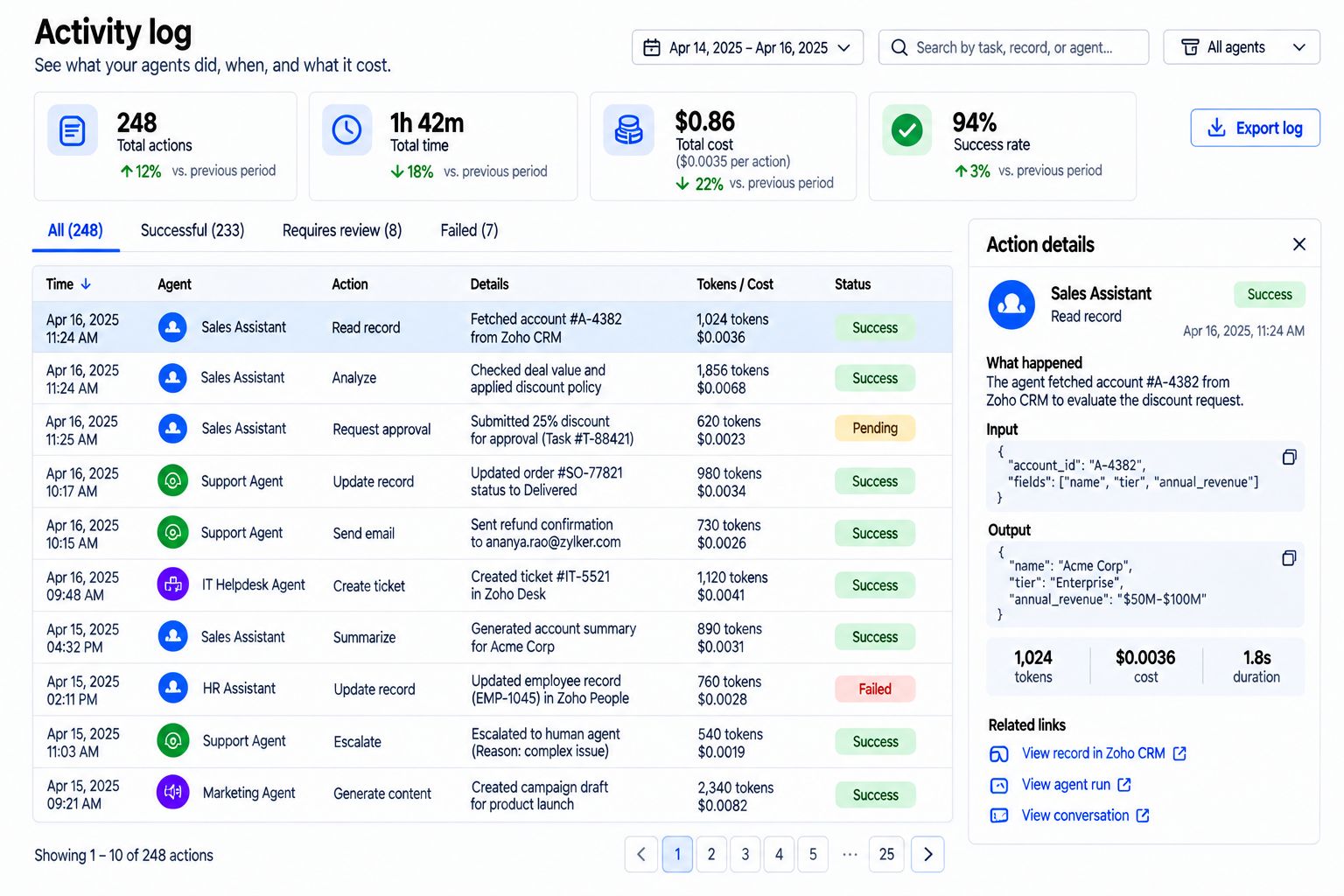
AI reads, sorts, scores, drafts and predicts. People approve where it matters, such as money, contracts and hiring. Every AI action is logged.
That is what custom processes are for. We build apps and workflows in Zoho Creator, or custom code, around how you work.
A single workflow can go live in a few weeks. A full pipeline or a department takes longer, depending on scope and integrations. You get a timeline after the process review.
Yes. Every workflow is documented, and we train each role. We also offer ongoing support and improvement through BLOCKS.
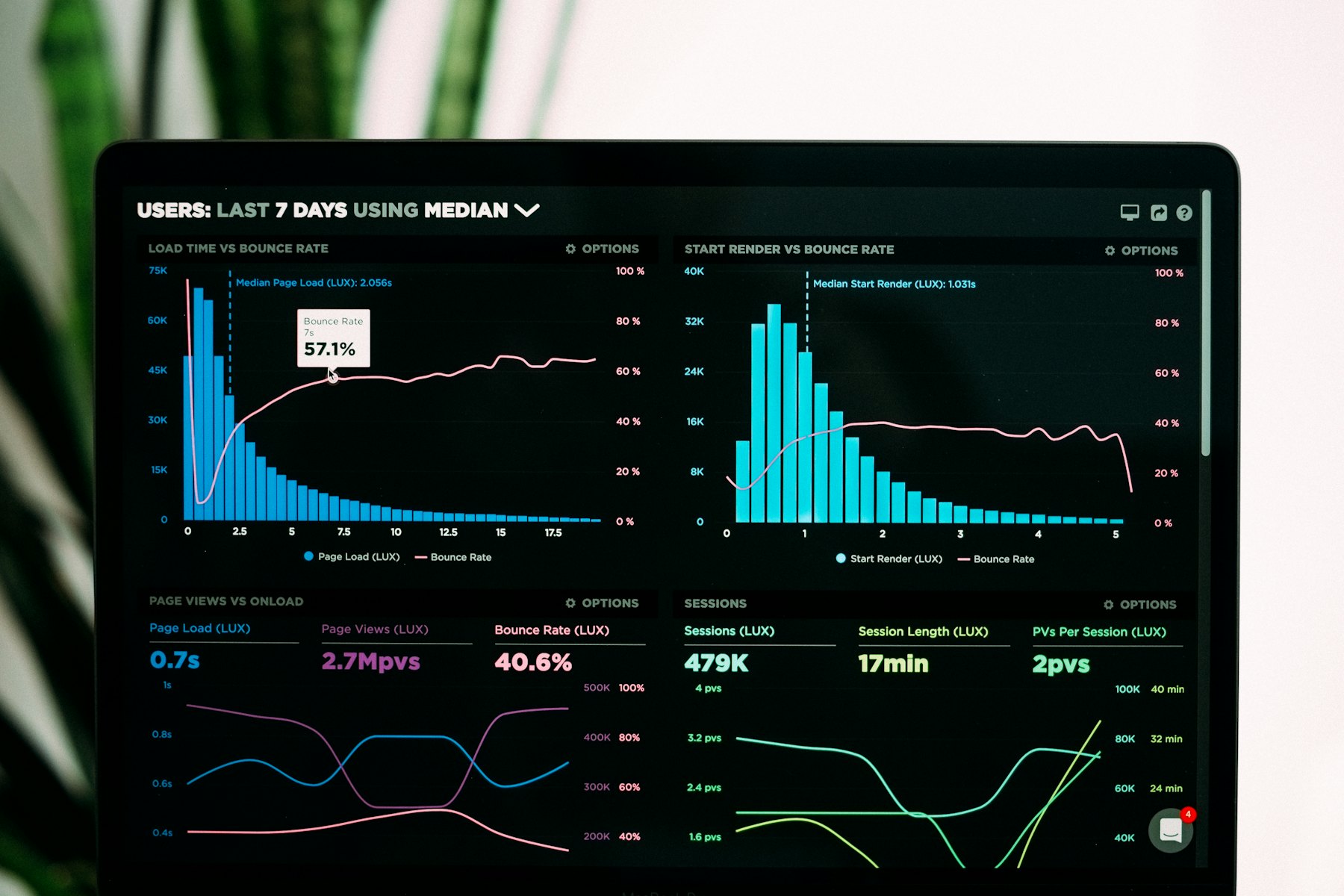
We set a baseline before we start, such as hours spent, response times or days to close, and report against it in Zoho Analytics.
Bring the workflow that costs your team the most time. We’ll map it and show you the automated version.

Corporate Communications. Emotional Storytelling. AI. Operating Systems.