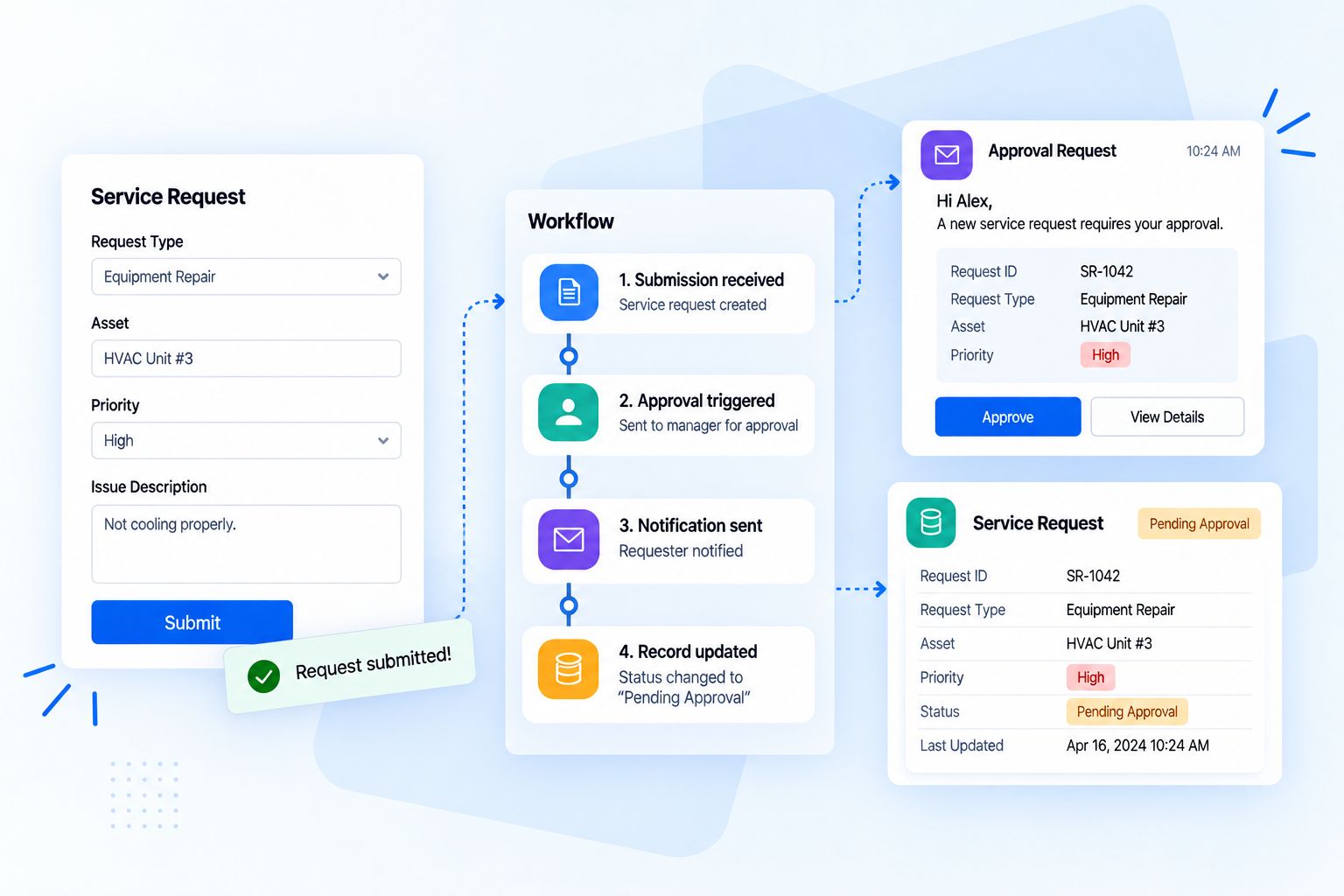

Planning and scheduling
Projects built from templates, with phases, milestones and dates set before work starts.
When projects run on spreadsheets, chat threads and status meetings, deadlines slip quietly, people work on the wrong priority and nobody knows if the project is making money. A good project system shows everyone what matters now, so the team can focus on the work and the client, not on chasing updates.
Tasks live in emails, chats and someone’s notebook.
Every task has an owner, a date and a place everyone can see.
Deadlines slip and nobody notices until the client does.
Dependencies and alerts flag risks before they become delays.
Status meetings exist only to find out where things are.
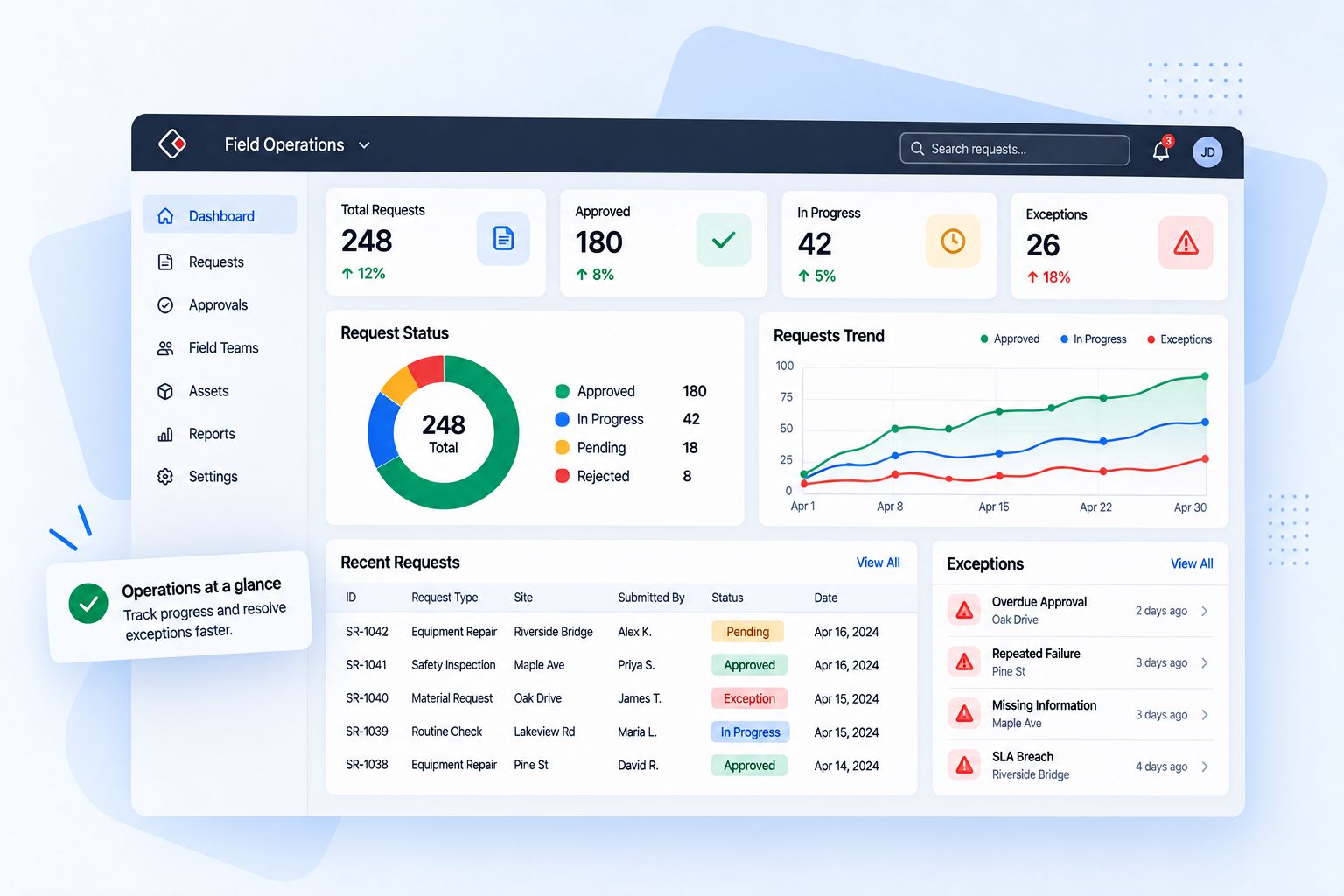
Live boards and dashboards show progress at any time.
Hours are guessed at the end of the month.
Time is logged against tasks as the work happens.
Nobody knows if the project is making money.
Budget, actual cost and margin are tracked per project.
Clients email to ask for updates.
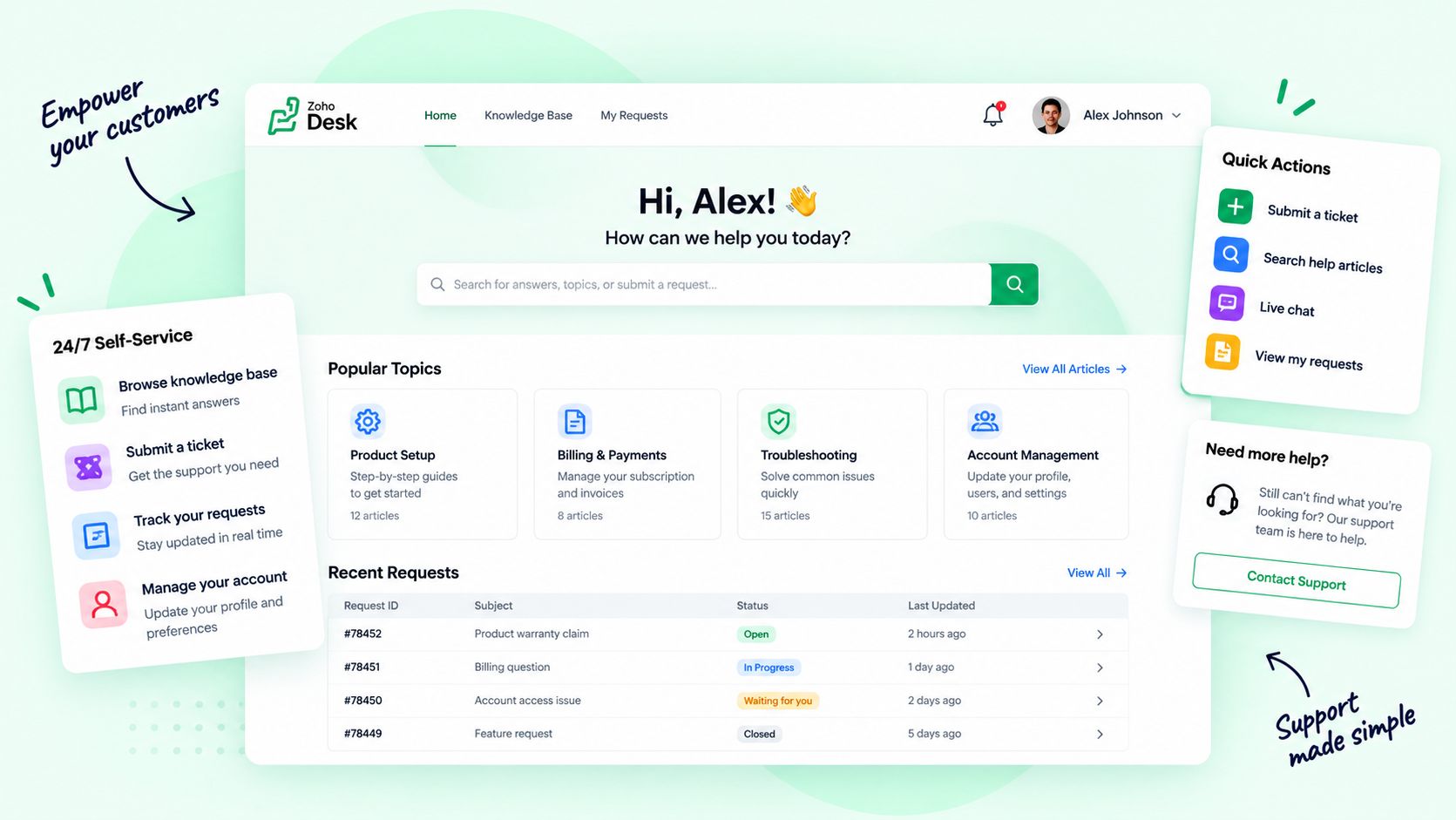
Clients see milestones, files and approvals in their own portal.
Projects built from templates, with phases, milestones and dates set before work starts.
Every task with an owner, a priority and a deadline, visible in lists, boards and calendars.
Timelines that show what depends on what, and what moves when one date changes.
Backlogs, sprints and boards for teams that work in short cycles.
Timesheets logged against tasks, approved by managers and ready for billing.
Budgets by project and phase, with costs and invoices connected to your accounting.
Comments, documents, approvals and client portals in the same place as the work.
Dashboards for every project and the whole portfolio, from progress to profit.
The same system serves each role differently. Choose one to see what it gets.
Each phase leaves the next one everything it needs, and every project makes the next one easier to run.
Scope, goals, budget and team agreed, often straight from the won deal.
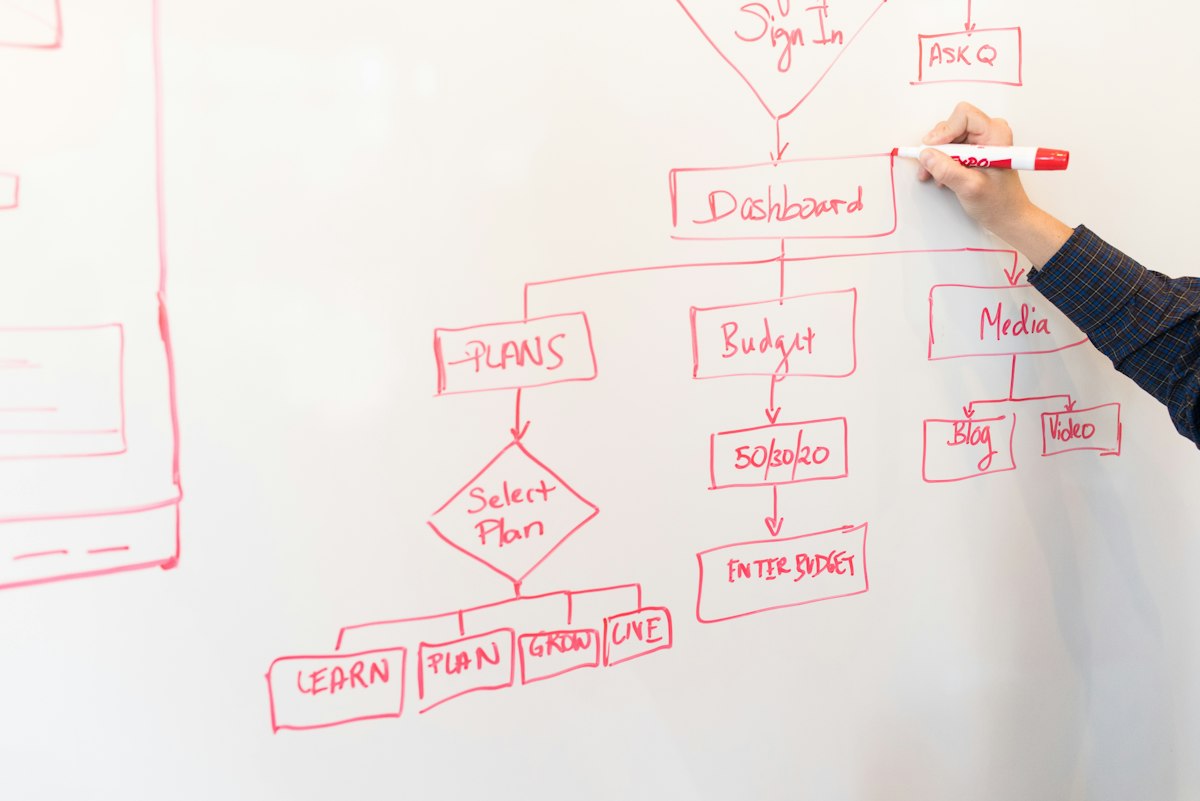
Phases, tasks, dependencies and dates built from a template.
The team works from boards and lists, with files and comments in one place.
Progress, hours and costs tracked live against the baseline.
Deliverables reviewed and approved by the client in the portal.
Final invoice, retrospective and an improved template for next time.
Project tools fail when they add work instead of removing it. We build templates from how your best projects already run, connect the tools around them and keep improving after launch.
for every project type
trained on real projects
delivery and margin reviews
We review how projects are sold, planned, staffed, delivered and billed today.
Project types, templates, stages, roles, fields and dashboards designed around your work.
Active projects, tasks, files and history moved from spreadsheets or your old tool.
CRM, chat, files, calendars, timesheets and accounting integrated.
Managers, team members and clients learn the system on real projects.
Monthly reviews of adoption, on-time delivery and margins, and the next round of changes.
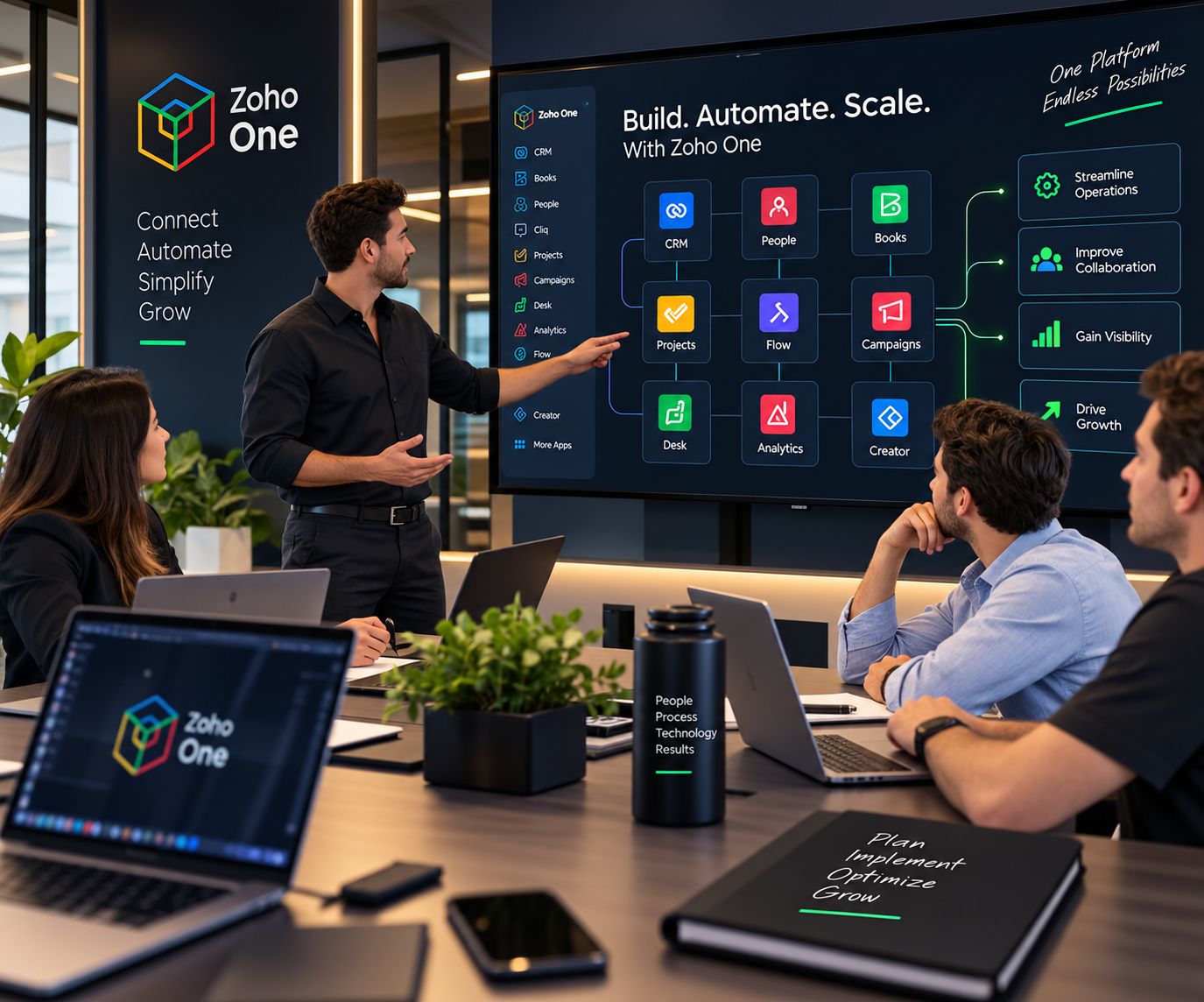
Zoho Projects and Zoho Sprints are our core project tools. Because they connect natively to CRM, chat, files, HR and accounting, a project starts from the sale, staffs from your people and ends in an invoice without re-typing.







Zia and our AI agents work inside your projects every day. They plan, predict, summarize and check, so managers spend their time with the team and the client. Every plan, assignment and message is reviewed by a person, and every AI action is logged.
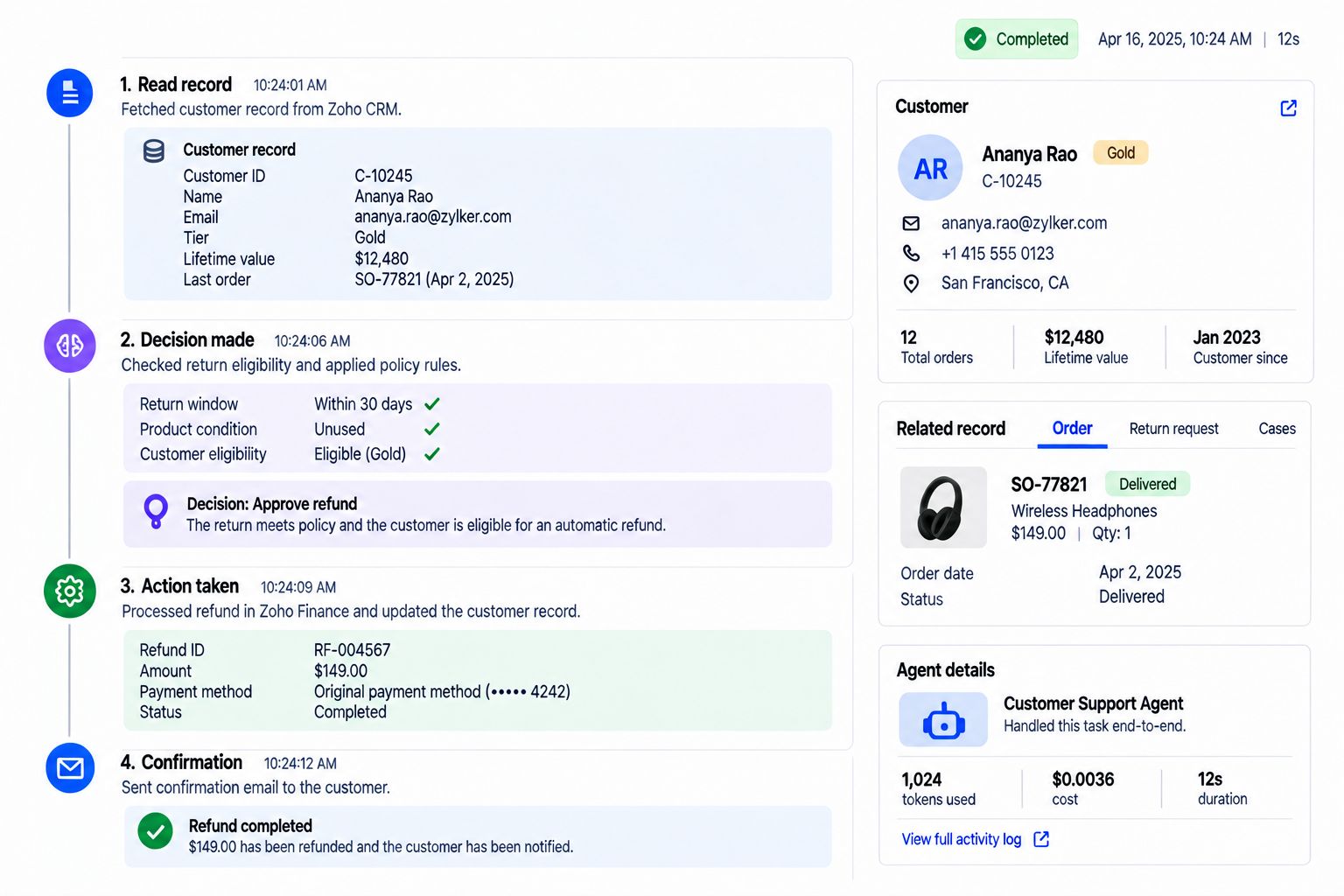
Builds a first project plan from the scope and past projects.
Reviews the plan, sets priorities and commits the dates.
Flags tasks and milestones at risk of slipping.
Decides what to move, cut or staff differently.
Suggests who has capacity for new work.
Assigns the work and balances the team.
Summarizes threads and drafts status reports.
Edits the update and shares it with the client.
Catches unbilled hours and budget overruns.
Approves the invoice and talks to the client about scope.
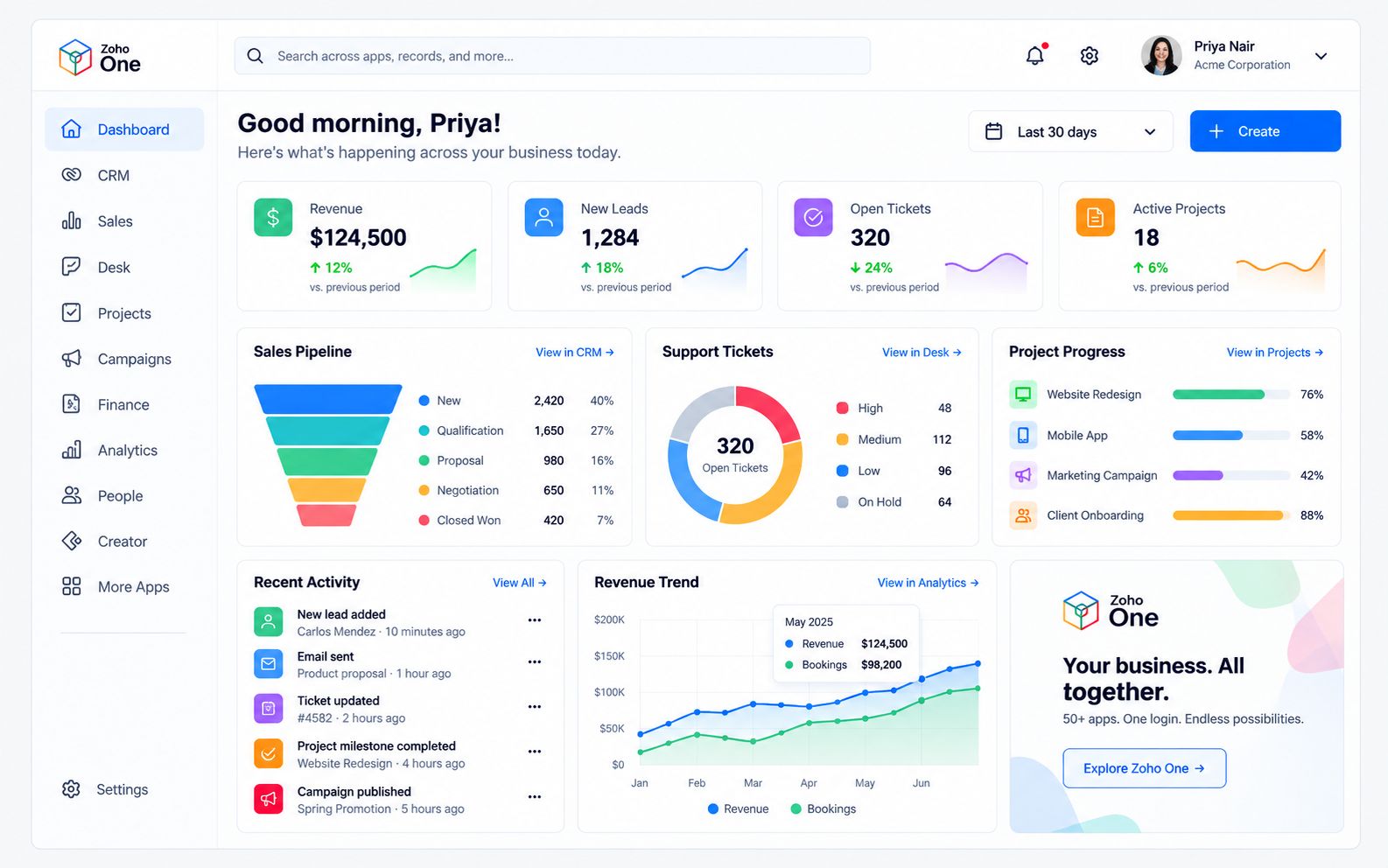
Projects, plus CRM, marketing, service, finance, HR and analytics on one connected suite with one login and one set of data. We plan, implement and support it for you.
Usually yes. Small teams feel missed deadlines and unbilled hours the most. We start with the essentials, tasks, dates and time, and add more as you grow.
Zoho Projects for planned work and Zoho Sprints for agile teams, because they connect natively to CRM, HR and accounting. If another tool fits better, our Technology Assessment will say so.
Yes. We migrate active projects, tasks, files and history, and check the result with you before switching over.
Yes. Client portals show milestones, files and approvals, and you decide exactly what each client can see.
Both. Gantt charts, dependencies and baselines for planned projects, and backlogs, sprints and boards for agile teams, side by side.
AI drafts plans, flags risks, suggests capacity, summarizes threads and catches unbilled hours. People review and approve what matters, and every AI action is logged.
A focused setup with templates and time tracking can be live in a few weeks. Integrations, client portals and migration take longer, and you get a timeline after the review.
Show us how a project moves through your company today. We will show you the connected version.

Corporate Communications. Emotional Storytelling. AI. Operating Systems.