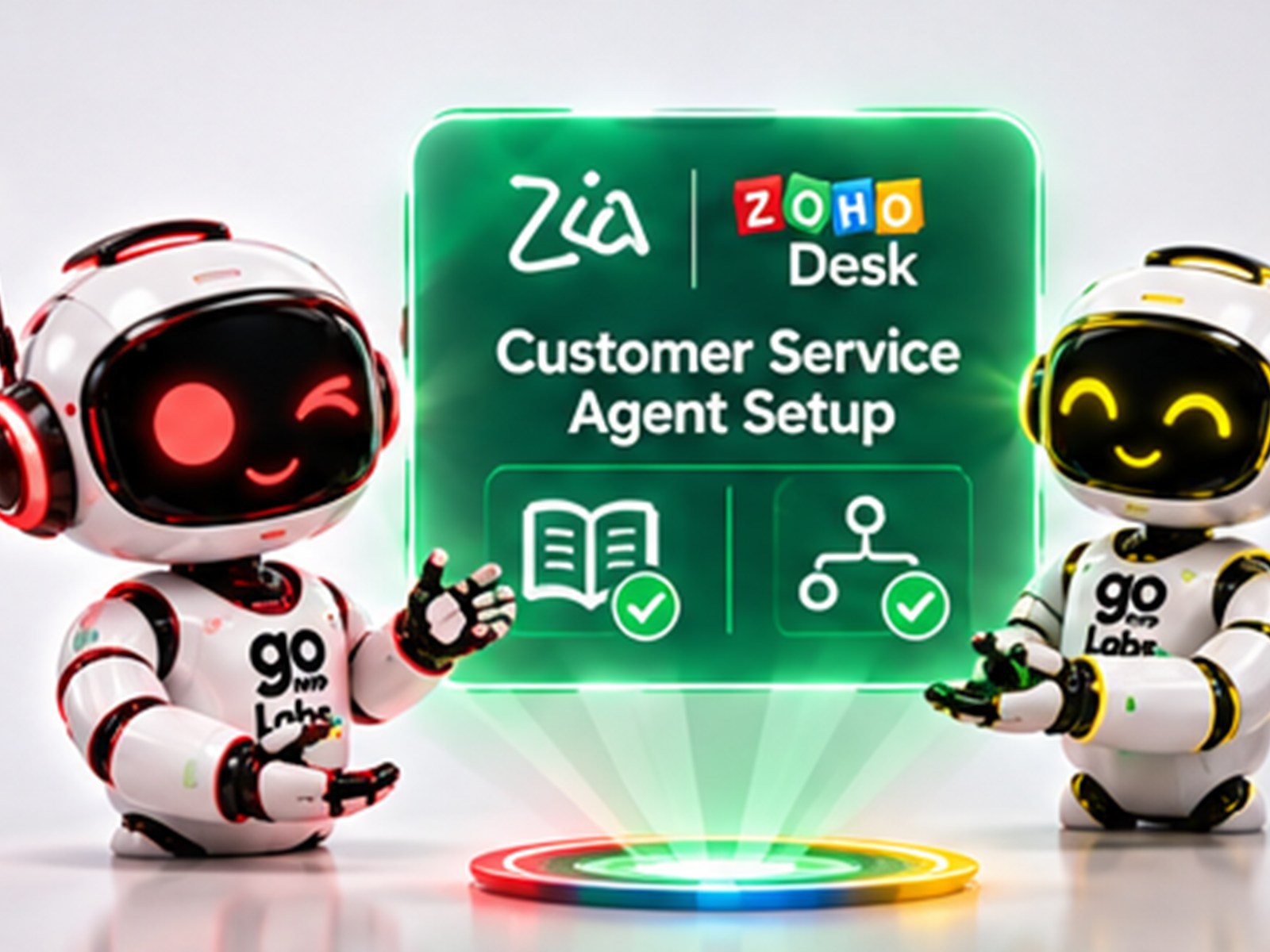
Zia Customer Service Agent Setup
Configure a Zia support agent in Zoho Desk using approved knowledge base content and agreed escalation rules.
Answer routine questions and route exceptions to your team
We configure the agent against approved answers, test common scenarios and identify when your team should take over.
Zoho Exclusive. Requires active Zoho One or eligible standalone or bundle subscriptions, with access to Zoho Desk with access to the required Zia support agent. Availability depends on your edition and region where applicable. Zoho subscriptions and usage charges are separate.
Your team provides approvals and confirms which actions, data and users are in scope.
What we need from you
Share your knowledge base, support policies, sample tickets, escalation owners and authorized Desk access.
What is included
How it works
Confirm access and scope
We review your objectives and confirm access to Zoho Desk with access to the required Zia support agent.
Configure and test
We complete the agreed configuration and test representative scenarios with your team.
Review and hand off
Review the results and receive handoff notes for the agreed configuration.
Need more than the shelf version? The agency builds it.
This product comes from work our agency does for clients. If you need it shaped around your own process, start with the service behind it.
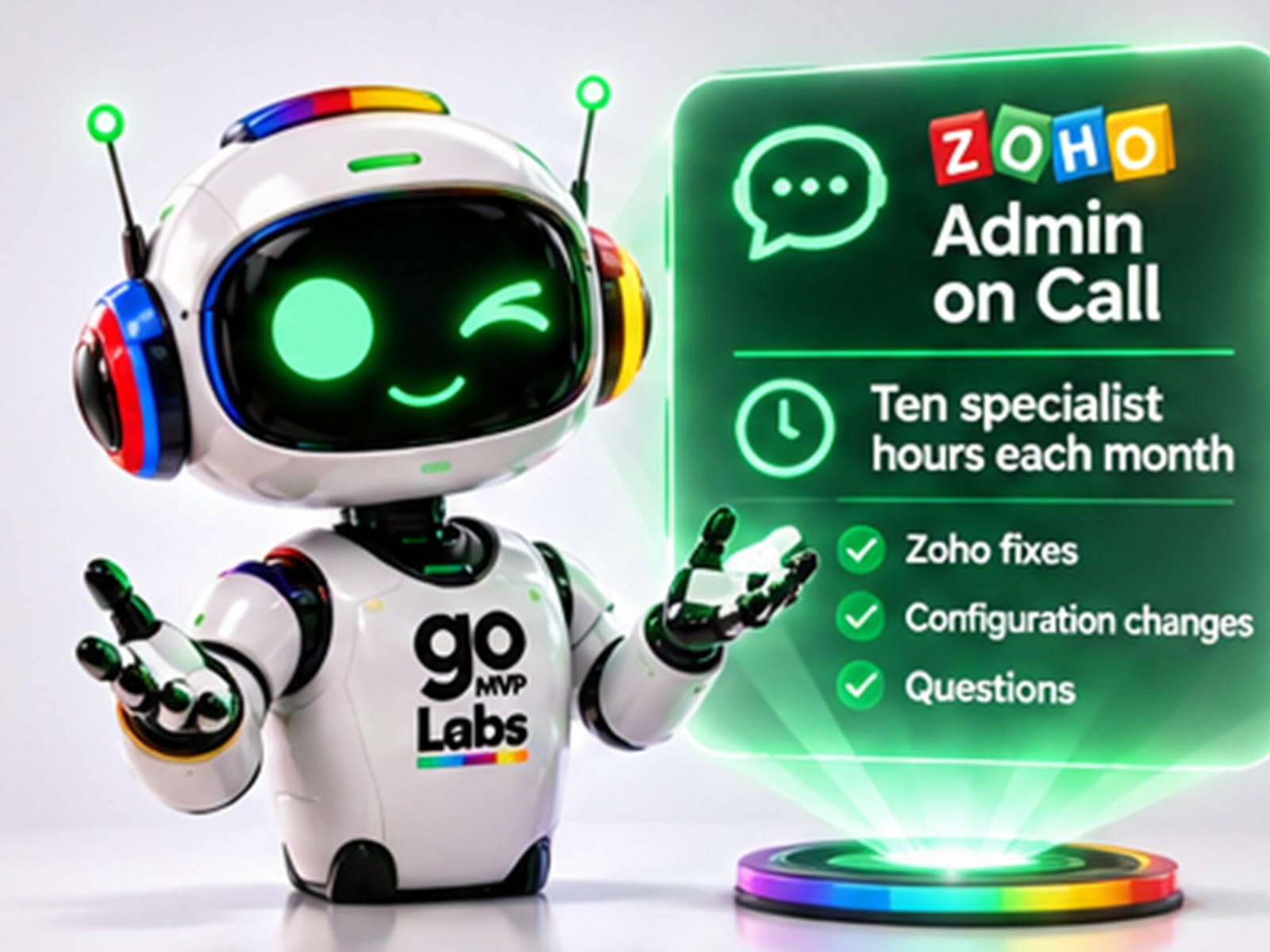 Zoho Admin on CallTen specialist hours each month for Zoho fixes, configuration changes and questions.$1,200/monthMonthly
 Initial Zoho Ecosystem SetupConfigure your initial Zoho users, roles, core apps, modules, agreed data import and first automations.from $799 one-timeOne-time
 Zia SDR Agent SetupConfigure the Zoho CRM Zia SDR Agent for lead qualification, outreach and meeting scheduling within your approved workflow.$249 one-timeOne-time
 Zoho One BlueprintAn implementation blueprint for mapping your service business into Zoho, from CRM pipelines and Desk support to roles, automation and reporting.$1,200 one-timeDownload
Extend your Zoho setup
Explore related GO MVP Labs products for Zoho planning, administration and implementation.
Questions about this product
What does Zoho Exclusive mean?
Zoho Exclusive. Requires active Zoho One or eligible standalone or bundle subscriptions, with access to Zoho Desk with access to the required Zia support agent. Availability depends on your edition and region where applicable. Zoho subscriptions and usage charges are separate.
What if our knowledge base is incomplete?
We identify content gaps during setup and use the sources your team approves. Knowledge base development can be scoped separately.
Are Zoho subscriptions and usage included?
You purchase any required Zoho subscriptions, add-ons and usage separately from the GO MVP service.
What access do you need?
Share your knowledge base, support policies, sample tickets, escalation owners and authorized Desk access.
When can we start?
We confirm timing after verifying access, availability and scope.
Get in touch
Reach us directly, or send the form and we’ll route your message to the right person.
Prefer to pick a time? Schedule a demo →
Not sure what you need yet? Open the Service Planner →
Send us a message
Fill in the form and we’ll be in touch.