
Zoho One Blueprint
An implementation blueprint for mapping your service business into Zoho, from CRM pipelines and Desk support to roles, automation and reporting.
Know how your Zoho apps should work together
Map the customer journey from lead capture and qualification through deals, onboarding and support. The blueprint documents recommended modules, fields, record ownership, handoffs and access roles, so your team can configure the environment around a common plan.
Use the workflow maps and configuration checklist to plan pipeline stages, ticket routing, automations and operational reports. The blueprint specifies what to configure, what to test and who should own each step.
To implement the blueprint, you must have an active Zoho One subscription or appropriate subscriptions to Zoho CRM, Zoho Desk and any other Zoho apps required for your chosen scope. Eligible standalone plans or bundles can be used. Verify that your edition covers the features you intend to use. Zoho subscriptions are purchased separately.
What we need from you
Identify your current Zoho apps and editions, business workflows, user roles and integrations before configuration.
What is included
From download to rollout
Check your subscriptions
Confirm which Zoho apps and editions cover the workflows you want to implement.
Map the blueprint to your business
Review the recommended modules, handoffs, workflows and roles with your team.
Configure, test and roll out
Use the blueprint to guide your implementation or ask GO MVP to scope hands-on setup and training.
Need more than the shelf version? The agency builds it.
This product comes from work our agency does for clients. If you need it shaped around your own process, start with the service behind it.
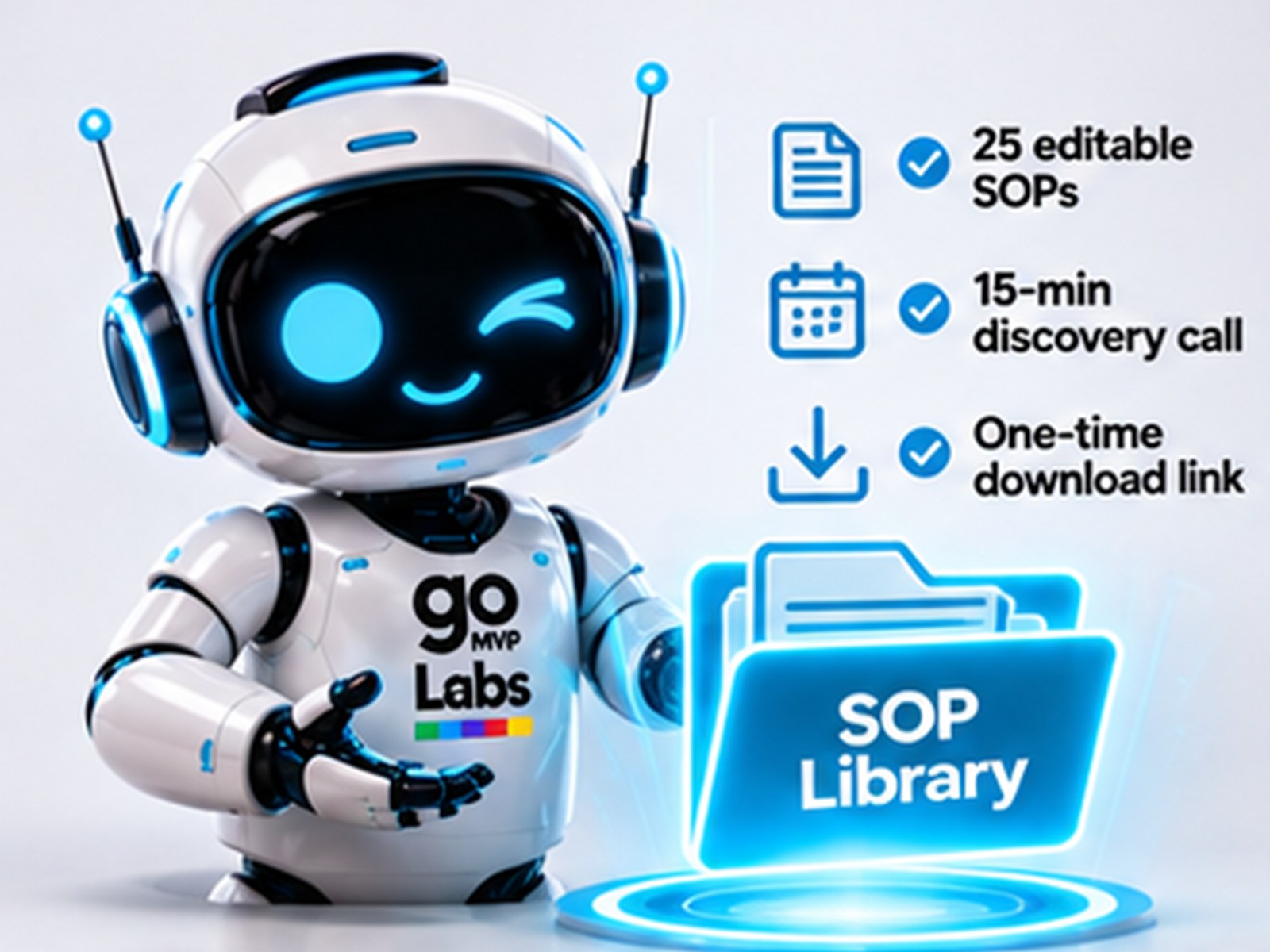 SOP LibraryGet 25 editable SOPs updated and customized for your team, plus a 15-minute discovery call and a dedicated one-time download link.$79/monthMonthly
 Business Architecture BlueprintGet a lead generation and sales blueprint tailored to your industry, with a discovery call, offer and pricing structure, and clear team roles.$590 one-timeDownload
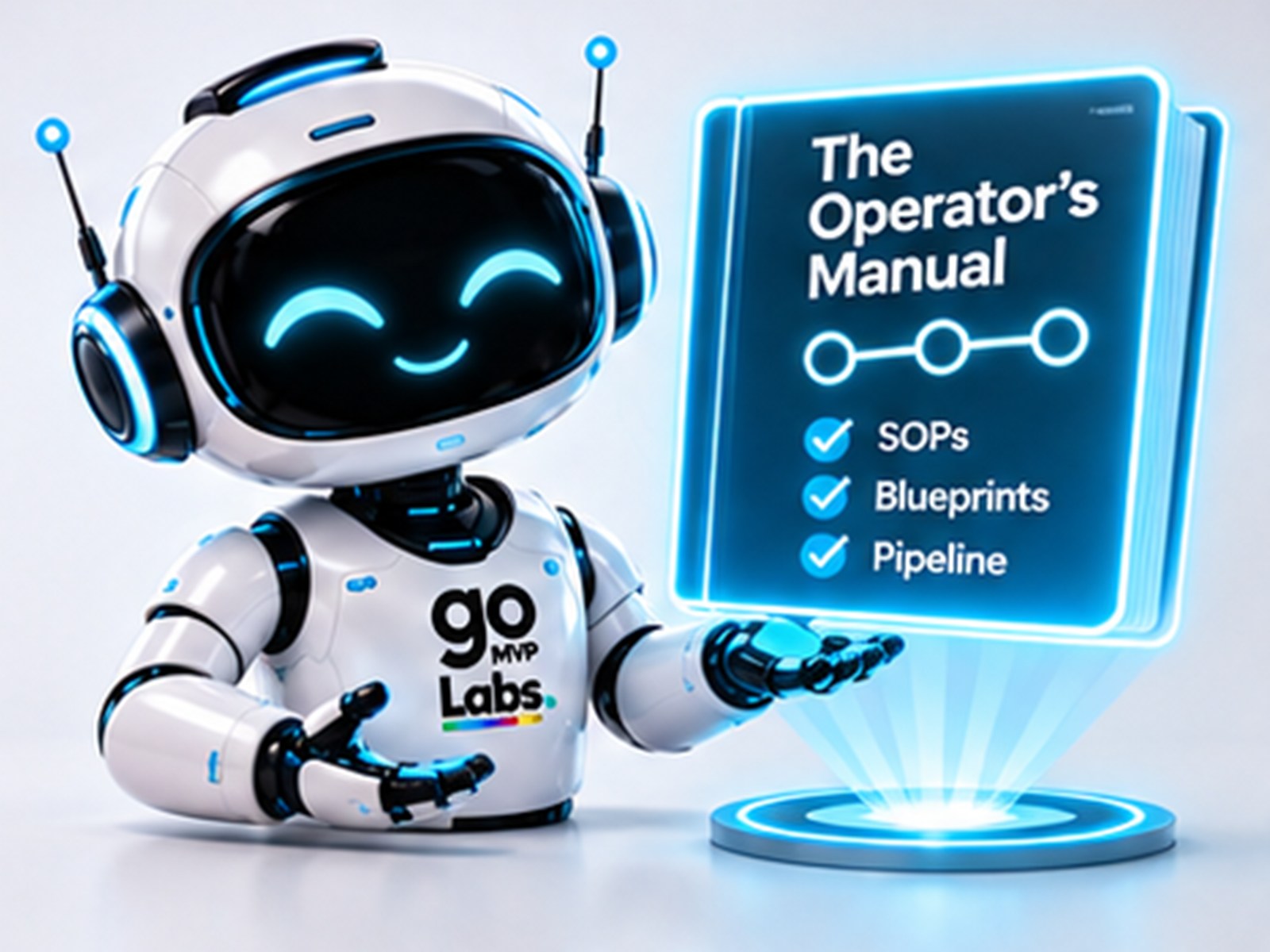 The Operator’s ManualBuild and run a sales pipeline with an industry-neutral manual, editable SOPs and blueprints for stage design, daily execution and performance monitoring.$99 one-timeDownload
 Initial Zoho Ecosystem SetupConfigure your initial Zoho users, roles, core apps, modules, agreed data import and first automations.from $799 one-timeOne-time
Put your plan to work
Explore the related manuals and blueprints or contact GO MVP to scope implementation support.
Questions about this product
Do I need Zoho One?
You need active Zoho One or the appropriate standalone or bundle subscriptions for the apps you implement, such as Zoho CRM and Zoho Desk.
Are the Zoho licenses included?
Zoho licenses and third-party subscriptions are purchased separately.
How do I know which edition I need?
Compare the features and limits required by your chosen workflows with the editions you have or plan to buy.
Does GO MVP configure my account?
The purchase delivers the blueprint. Implementation, migration and training can be scoped separately.
What if I only use CRM or Desk?
Apply the relevant sections for the apps you license. Cross-app workflows require access to the apps involved.
Get in touch
Reach us directly, or send the form and we’ll route your message to the right person.
Prefer to pick a time? Schedule a demo →
Not sure what you need yet? Open the Service Planner →
Send us a message
Fill in the form and we’ll be in touch.