

Zoho Deluge Function Pack
Zoho Exclusive. Documented Deluge functions for CRM, Desk and Books. Requires active Zoho One or eligible Zoho app subscriptions that support the selected functions.
Automate recurring work inside your licensed Zoho apps.
Use documented Deluge functions for common Zoho CRM, Desk and Books workflows. Adapt inputs, field mappings and connections to your organization before testing.
Zoho Exclusive products require an active Zoho subscription to operate. Use Zoho One or the eligible standalone or bundle subscription for each app in your workflow. Your edition must support the needed functions, permissions and integrations. Zoho subscriptions are purchased separately.
What we need from you
Provide the target Zoho app and edition, field mappings, authorized connections and representative test records.
What is included
How it works
Get started
Check your active Zoho subscriptions and the features and permissions each function requires.
Configure for your Zoho apps
Select functions for apps you license and map fields, connections and permissions.
Test before deployment
Run representative records in a suitable test environment and review results before enabling production workflows.
Need more than the shelf version? The agency builds it.
This product comes from work our agency does for clients. If you need it shaped around your own process, start with the service behind it.
 Proposal BuilderA branded, client-facing HTML proposal system with reusable pricing blocks and one-link sharing.$79/monthMonthly
 Interactive Calculator BlocksEmbeddable ROI, pricing and quote calculators for your website, ready to restyle.$249 one-timeDownload
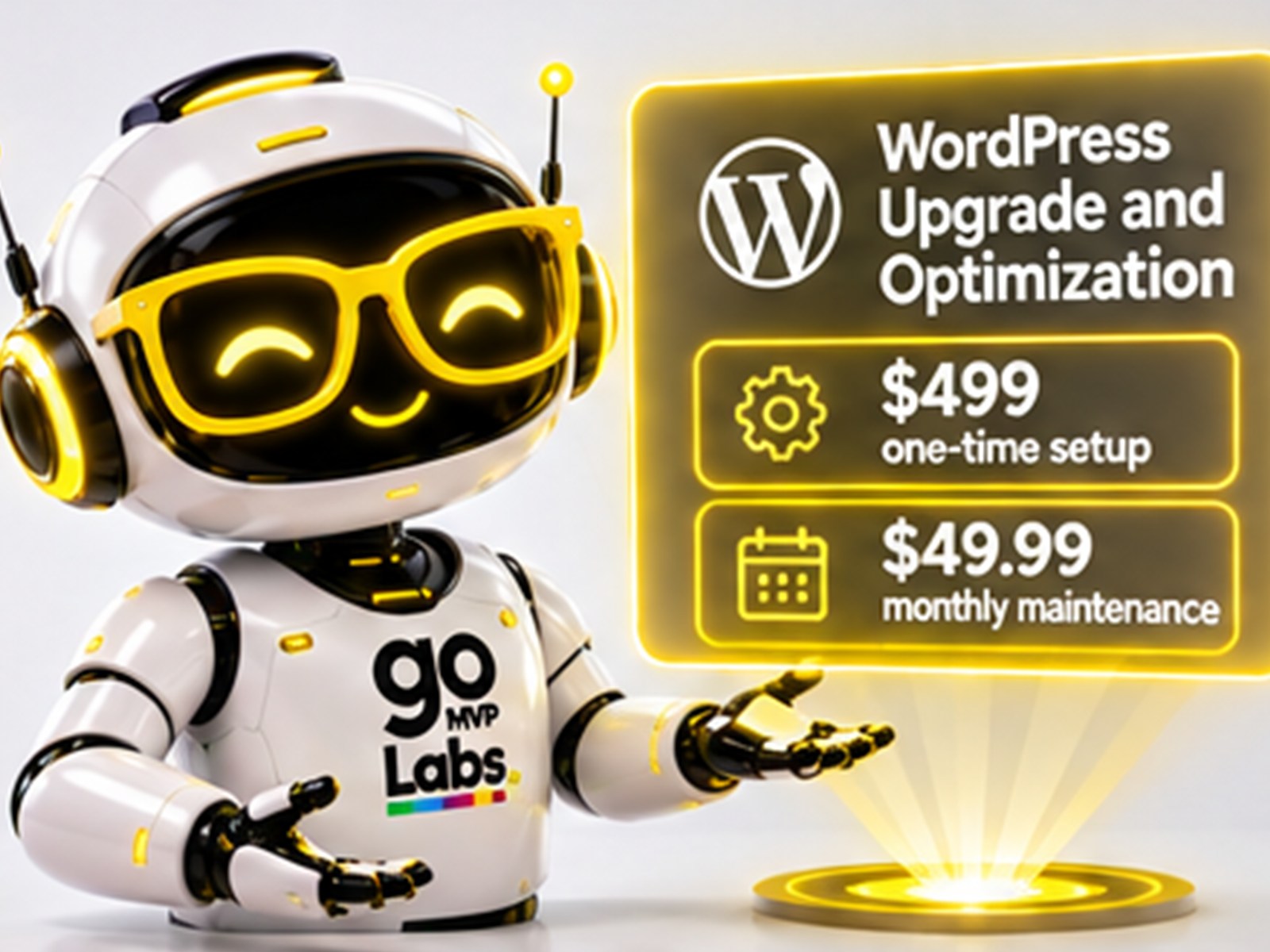 WordPress Upgrade and OptimizationUpgrade and streamline your WordPress site with a $499 one-time setup, then keep essential components current with $49.99 monthly maintenance.$499 setup + $50/monthMonthly
 Build Me a Static HTML WebsiteLaunch a custom static HTML website for $999, with up to eight pages, clear calls to action and room to add lead and sales tools.from $999 one-timeOne-time
Extend your setup
Explore related tools and services for your website or operations.
Questions about this product
What does Zoho Exclusive mean?
You must have active Zoho One or eligible Zoho standalone or bundle subscriptions for the relevant apps and features. The pack runs inside Zoho.
Are Zoho licenses and installation included?
Purchase Zoho subscriptions separately. The download includes documentation. Hands-on implementation can be scoped separately.
What should I prepare?
Provide the target Zoho app and edition, field mappings, authorized connections and representative test records.
Get in touch
Reach us directly, or send the form and we’ll route your message to the right person.
Prefer to pick a time? Schedule a demo →
Not sure what you need yet? Open the Service Planner →
Send us a message
Fill in the form and we’ll be in touch.